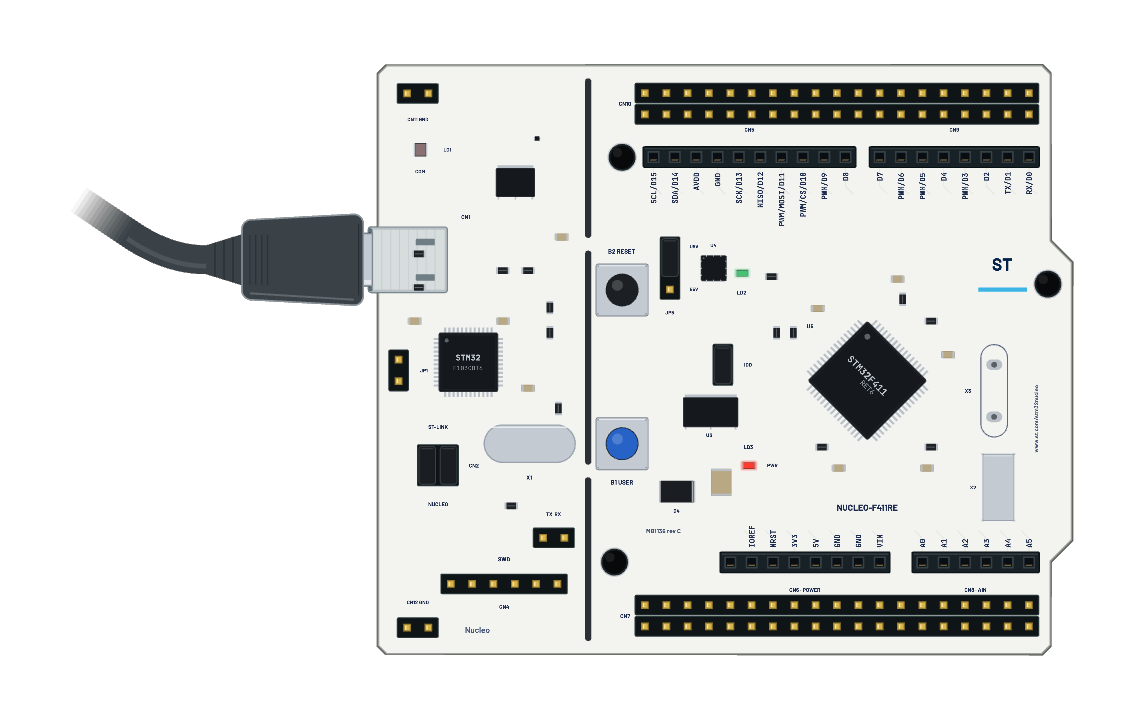
What's on the bench
- ST Nucleo-F411RE
The code
This MicroPython script runs on the emulated board every boot; edit it in Code.
from machine import Pin
from time import sleep_ms
led = Pin('D13', Pin.OUT)
button = Pin('SW', Pin.IN)
for state in (1, 0, 1):
    led.value(state)
    print('NUCLEO LED', state, 'BUTTON', button.value())
    sleep_ms(250)
print('Press B1 now')
while button.value():
    sleep_ms(20)
print('BUTTON_PRESSED', button.value())
while not button.value():
    sleep_ms(20)
print('BUTTON_RELEASED', button.value())