Free
$0forever
Wire, simulate and explore, in your browser.
- Build and simulate circuits yourself
- Every part, MCU, radio, and instrument
- All examples and tutorials
- Free account, once sign-up opens: 10 cloud projects, 20 share links, 15 build min/day
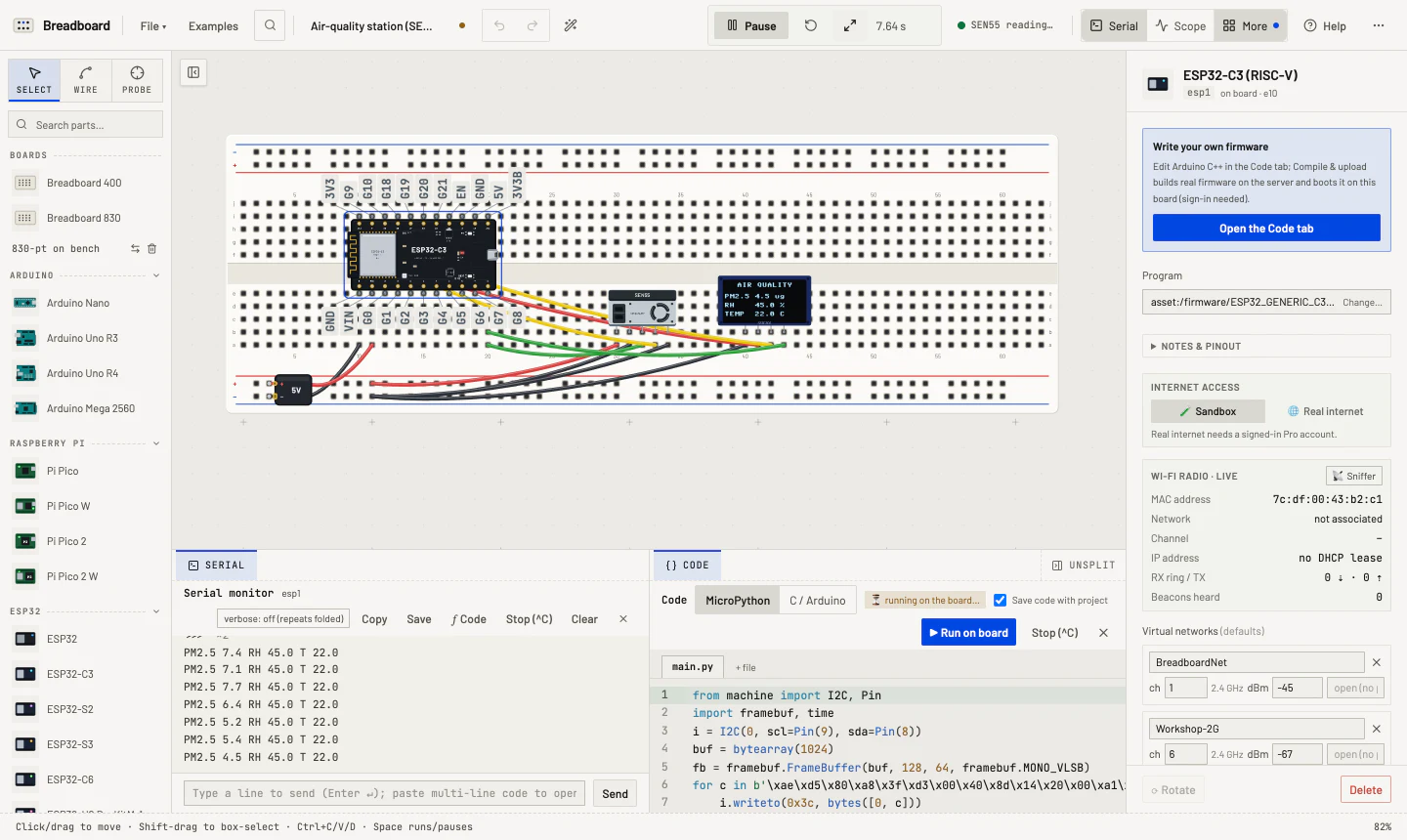
Tell Breadboard what you want to make. It picks the parts, wires the circuit and writes the firmware, then runs it all in your browser. When it works, flash it to a real board on your desk.
Free simulator Nothing to install
Or open the workbench and wire it yourself.
The copilot picks the parts, wires them, writes the MicroPython and boot-tests the result on the real engine before it reaches your bench. Then it is yours: change a wire, edit the code, or ask for more.


i.writeto(0x69, b'\x00\x21')time.sleep_ms(50)while True: w = read_words(b'\x03\xc4', 8) pm, rh, temp = w[1]/10, signed(w[4])/100, signed(w[5])/200 fb.text('PM2.5 %.1f ug' % pm, 0, 20) fb.text('RH %.1f %%' % rh, 0, 34) fb.text('TEMP %.1f C' % temp, 0, 48) show()Your code will open here.
Generated with the circuit. Yours to edit.Serial output appears when the demo runs.
Real firmware boots on emulated Arduino, Pico and ESP32 boards while an analog engine solves every net. Wi-Fi, Bluetooth, Thread and Zigbee share one air. Try these, live:
Clip the scope onto a net, hang the logic analyzer on a bus, or let the packet sniffer listen to the air. These scenes replay readings recorded from running circuits.
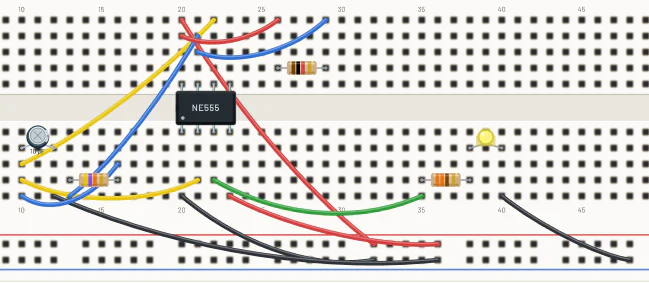
Every project comes with its parts list and the wiring, drawn to the breadboard's own pitch. Plug your board in over USB and flash the firmware you already tested. Minutes, not an afternoon.
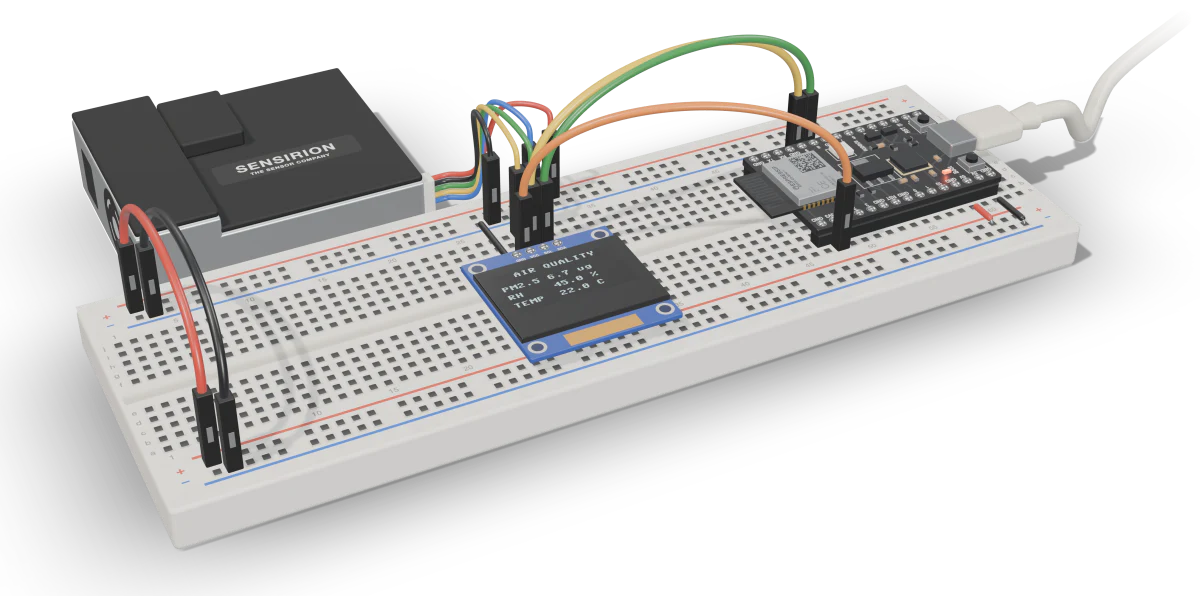
Parts list6 items
Plug the board in over USB and write the firmware you tested, straight from Chrome or Edge. No toolchain to install.
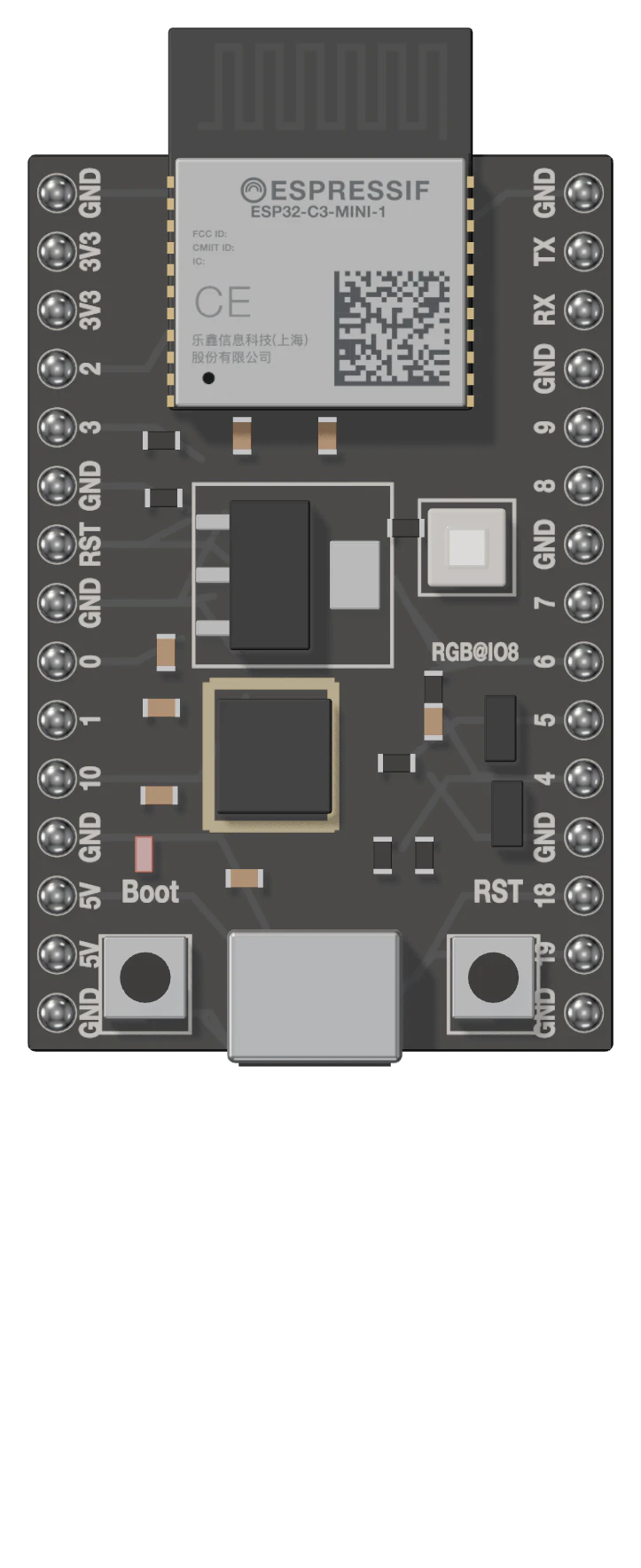
Ready to flash
Flashes over Web SerialUno R3ESP32ESP32-S3ESP32-C3ESP32-C5ESP32-C6ESP32-H2ESP32-P4
Breadboard CI runs your project and its checks on the same engine for every commit. A failure comes back as a GitHub annotation and a recording you can replay on the bench.
Read the CI guide$ breadboard-ci run --doc air-station.json tests/
▶ air station reads the SEN55 (tests/air.bbtest.json)
✓ pass
1/1 passed
04Boards
Each chip is emulated down to its instruction set: AVR, Arm, Xtensa and RISC-V. Arduino sketches, MicroPython and ESP-IDF apps run unmodified, and the Pico 2 runs whichever core its image selects.
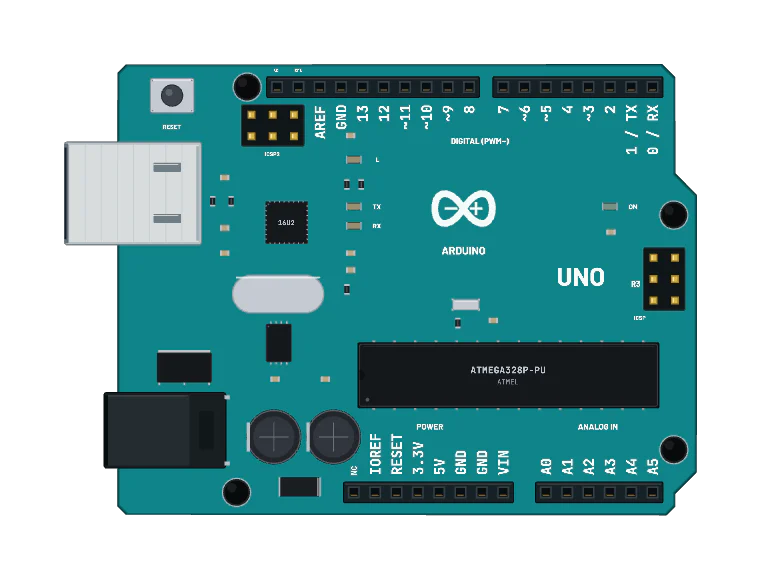
01Uno R3ATmega328P · AVR
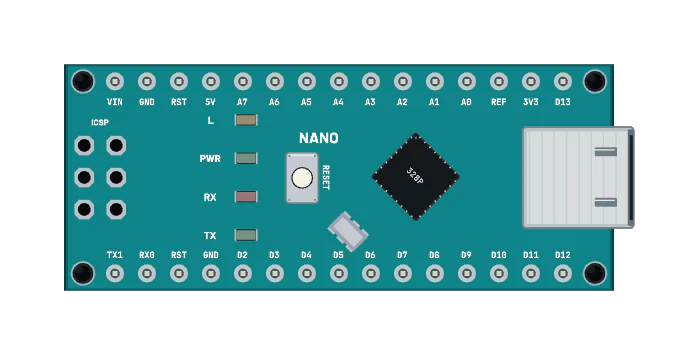
02NanoATmega328P · AVR
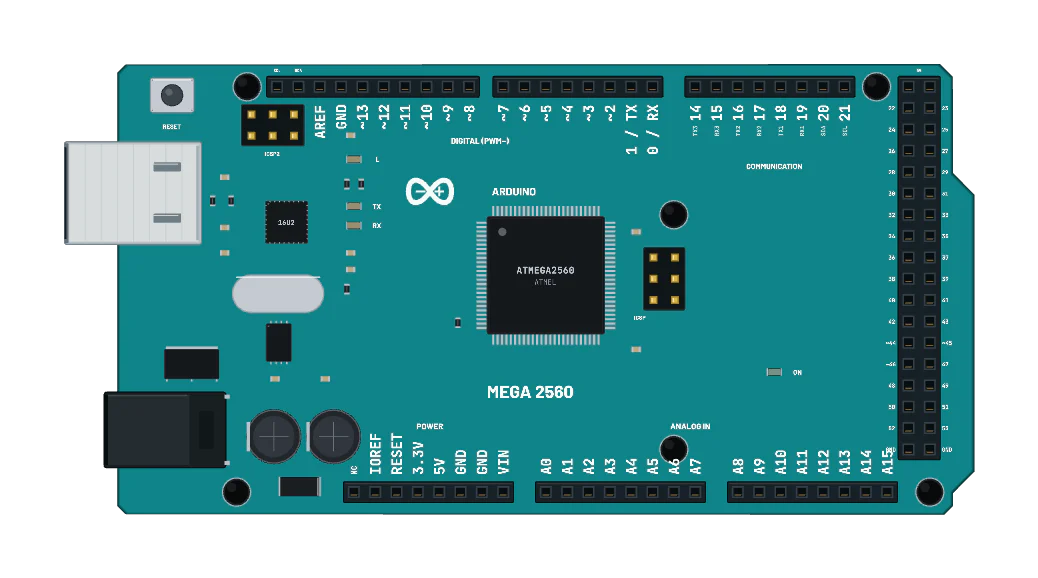
03Mega 2560ATmega2560 · AVR
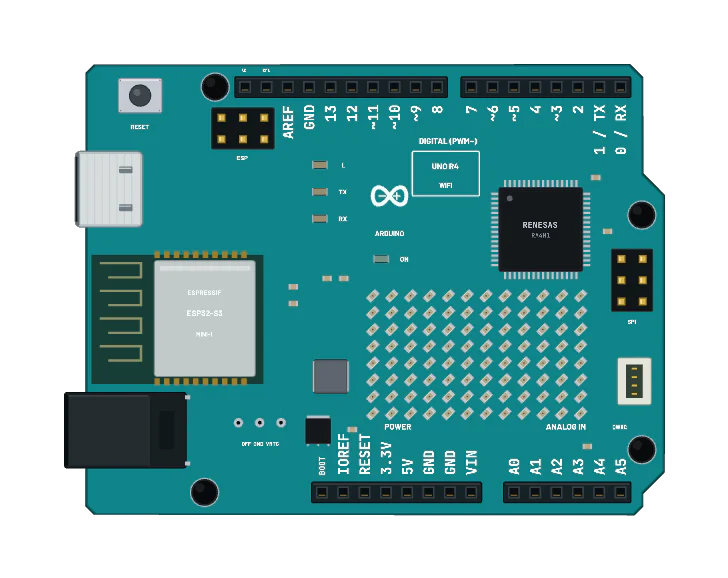
04Uno R4 WiFiRA4M1 · Cortex-M4 · Wi-Fi
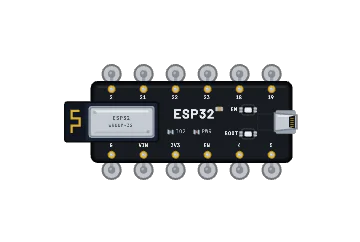
05ESP32Xtensa LX6 · Wi-Fi, BLE
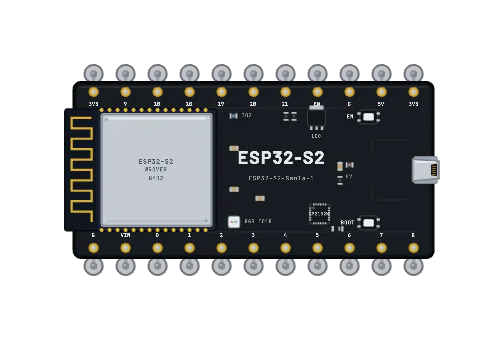
06ESP32-S2Xtensa LX7 · Wi-Fi
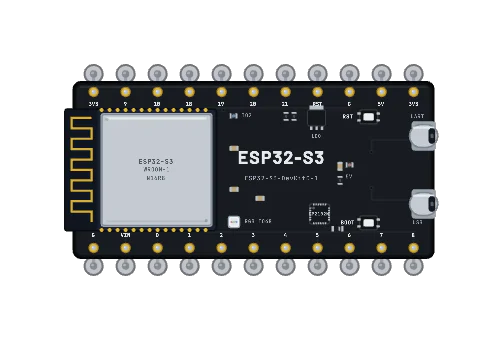
07ESP32-S32 × Xtensa LX7 · Wi-Fi, BLE
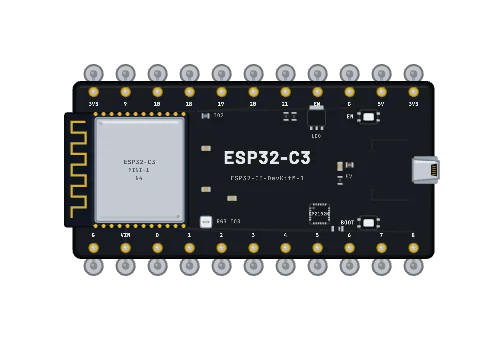
08ESP32-C3RISC-V · Wi-Fi, BLE
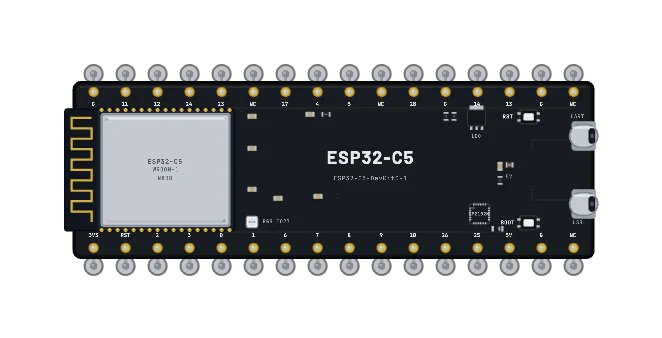
09ESP32-C5RISC-V · 5 GHz Wi-Fi 6
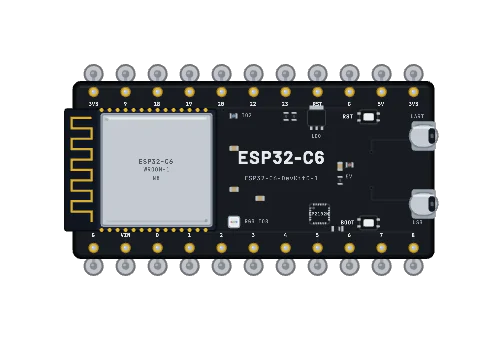
10ESP32-C6RISC-V · Wi-Fi 6, BLE, 802.15.4
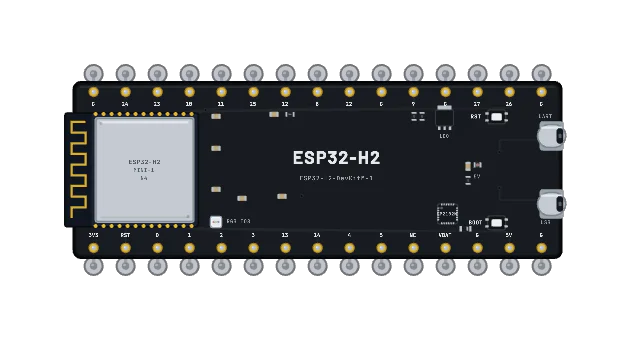
11ESP32-H2RISC-V · BLE, 802.15.4
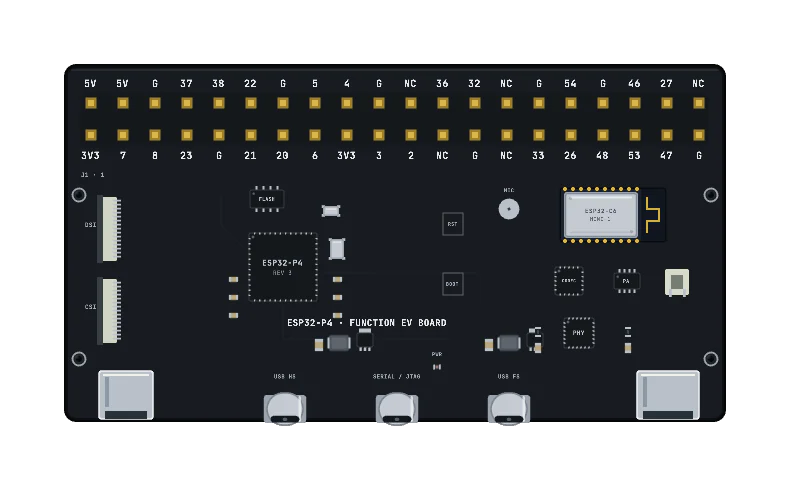
12ESP32-P42 × RISC-V · 400 MHz
13ESP32-S312 × RISC-V · a logical development profile with no radios
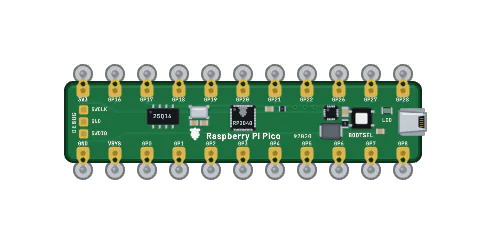
14PicoRP2040 · 2 × Cortex-M0+
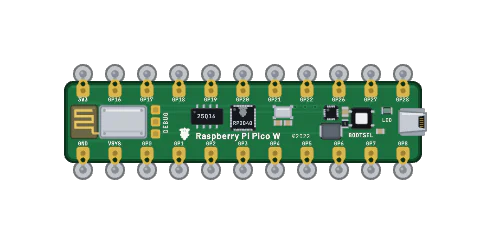
15Pico WRP2040 · Wi-Fi, BLE
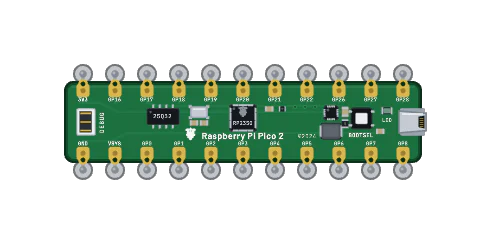
16Pico 2RP2350 · Cortex-M33 or RISC-V
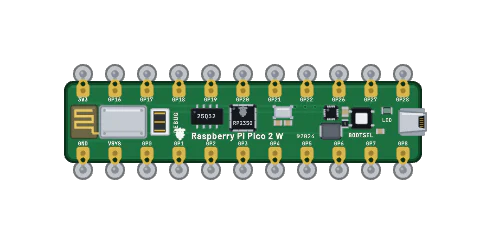
17Pico 2 WRP2350 · Wi-Fi, BLE
05Projects
97 projects ship with the app, from a first LED to a language model in flash. Each one opens on the bench ready to run, and every one boots in CI.
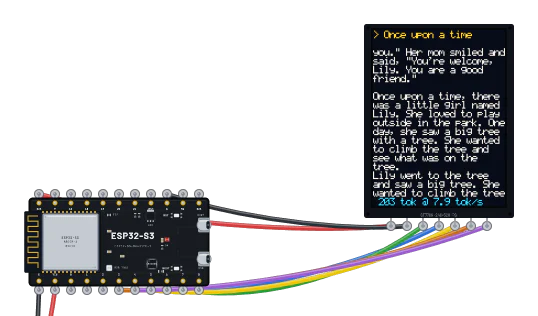
A 28.9-million-parameter language model runs on the emulated ESP32-S3 and streams a story to the TFT.
ESP32-S3 · ESP-IDF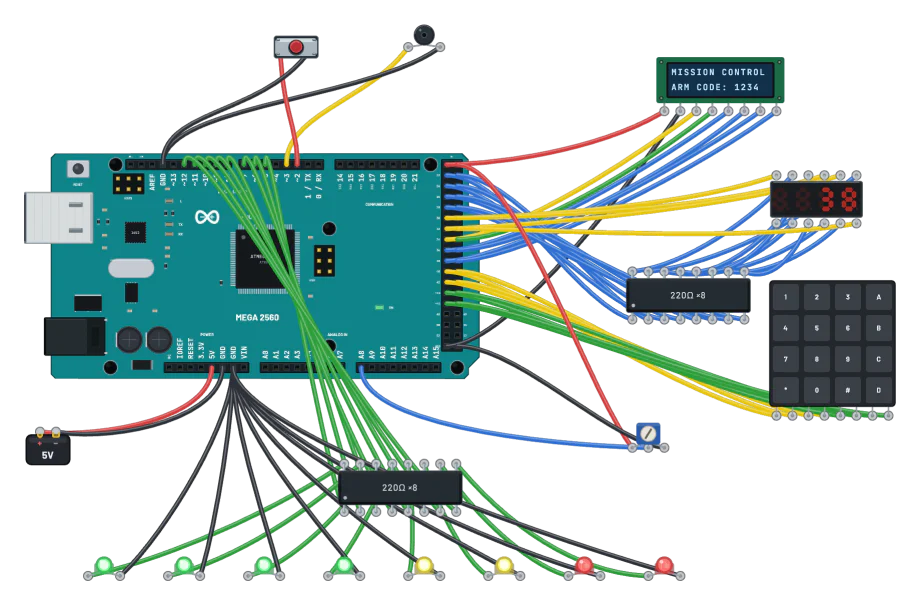
A mission-control panel on the Mega 2560. Type 1234 on the keypad and it counts down to launch.
Mega 2560 · Arduino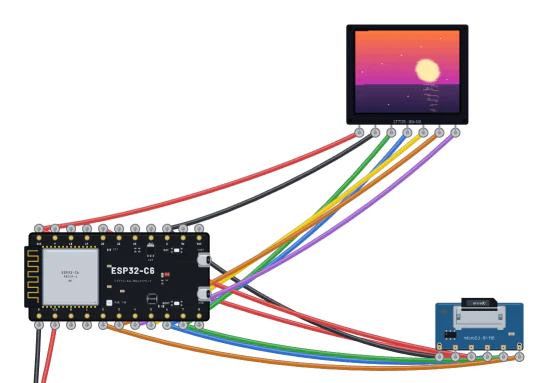
Photos stream off a microSD card to a colour TFT, both on one SPI bus.
ESP32-C6 · MicroPython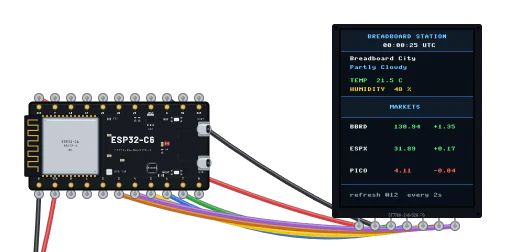
Weather, a UTC clock and three stock prices on a 2.8″ screen, fetched over DNS and TCP.
ESP32-C6 · MicroPython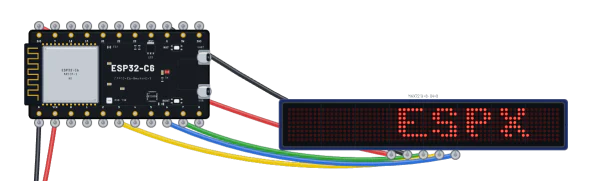
Quotes from the sandbox internet scroll across 64 × 8 LEDs.
ESP32-C6 · MicroPython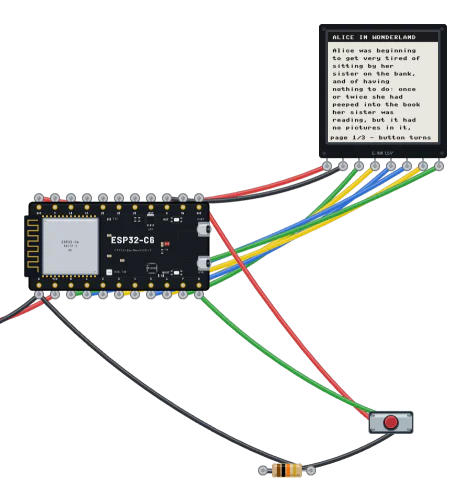
Three pages of Alice on a 1.54″ e-paper panel. Every page turn is a full refresh.
ESP32-C6 · MicroPython06Pricing
The simulator is free, with no account. Pro adds AI-generated projects, more cloud storage and real internet access for your boards. CI tests your circuits on every commit.
$0forever
Wire, simulate and explore, in your browser.
ProOpens soon
$6/moor $48 billed yearly
Turn a description into a working circuit.
CIOpens soon
$12/moor $96 billed yearly
Your circuits tested on every commit.
Or start another way:Light your first LEDOpen a working projectRead the guide