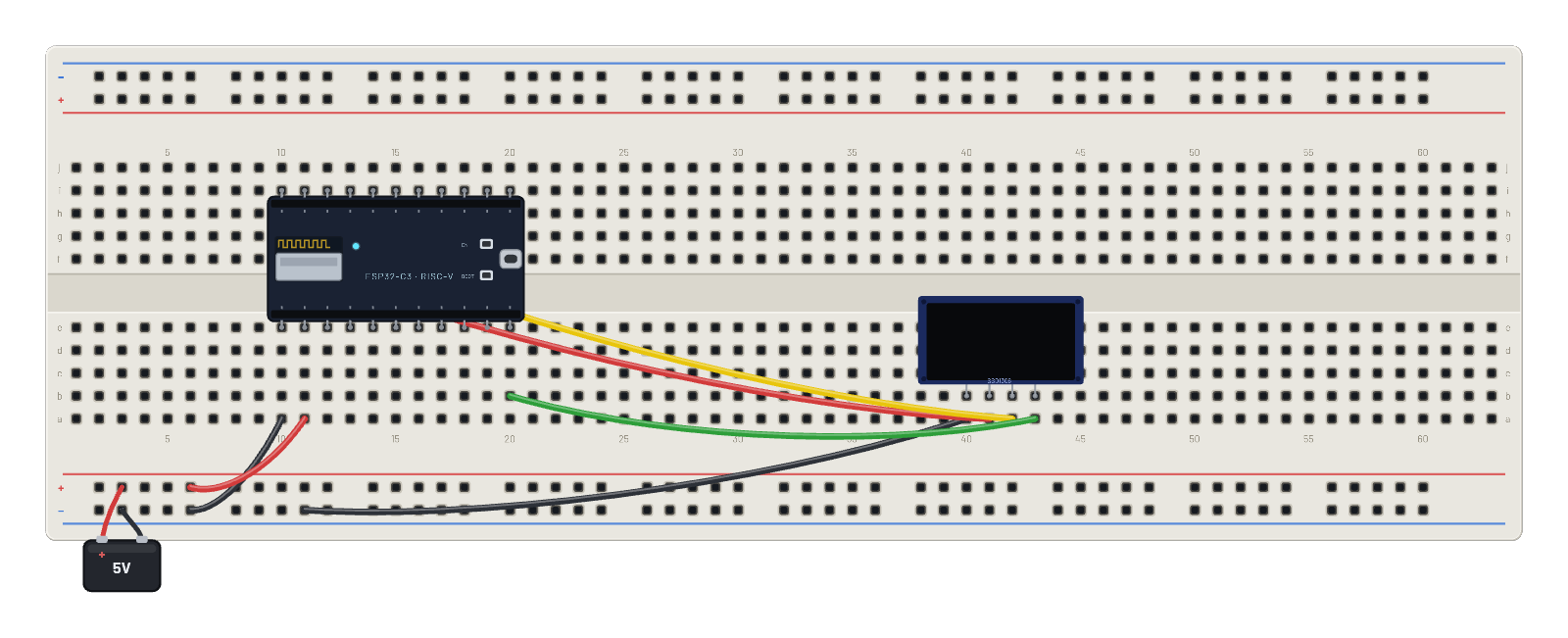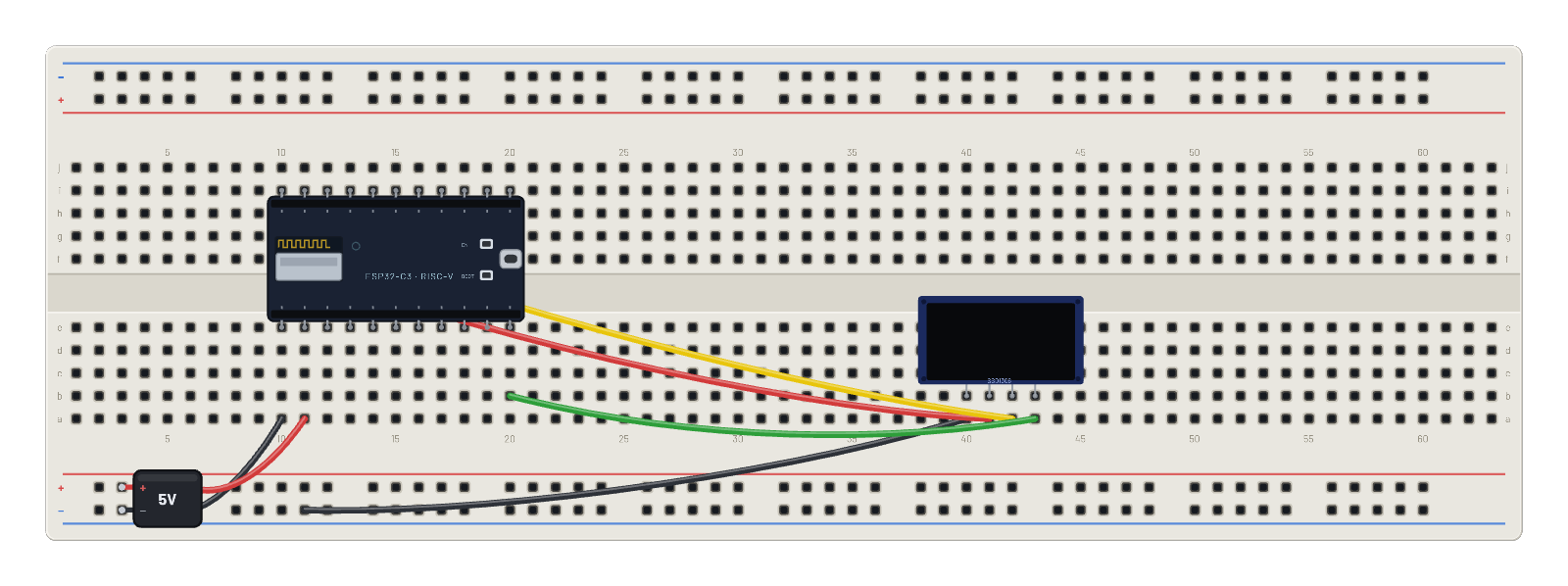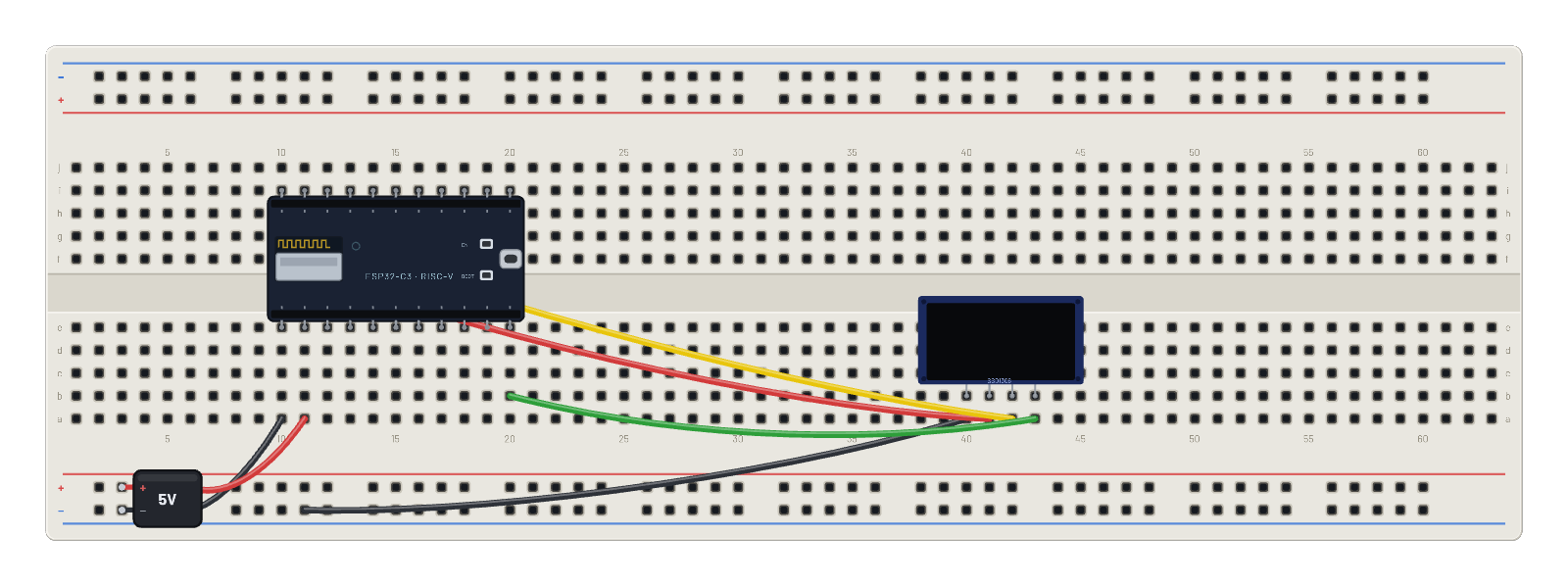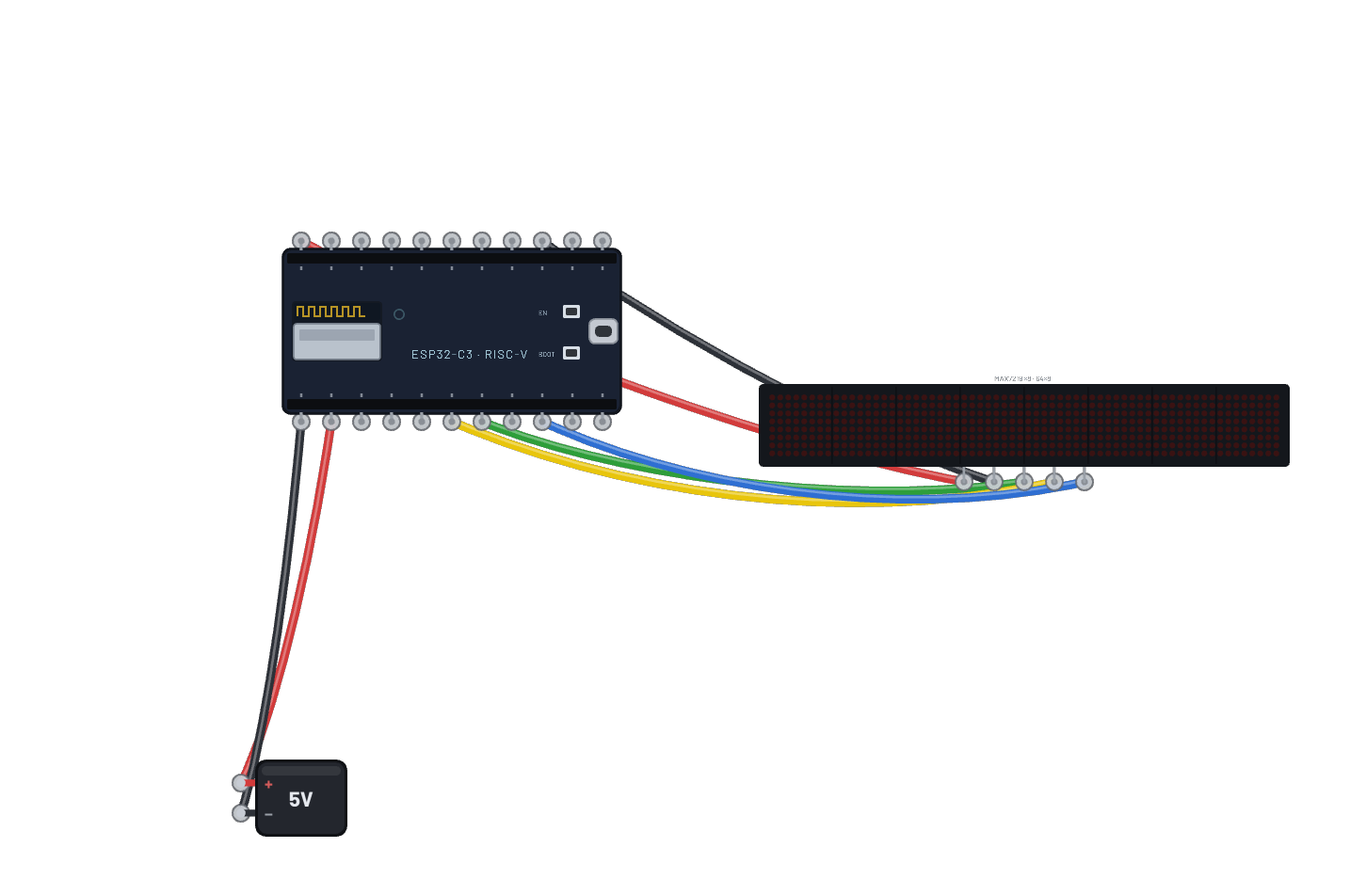
How it works
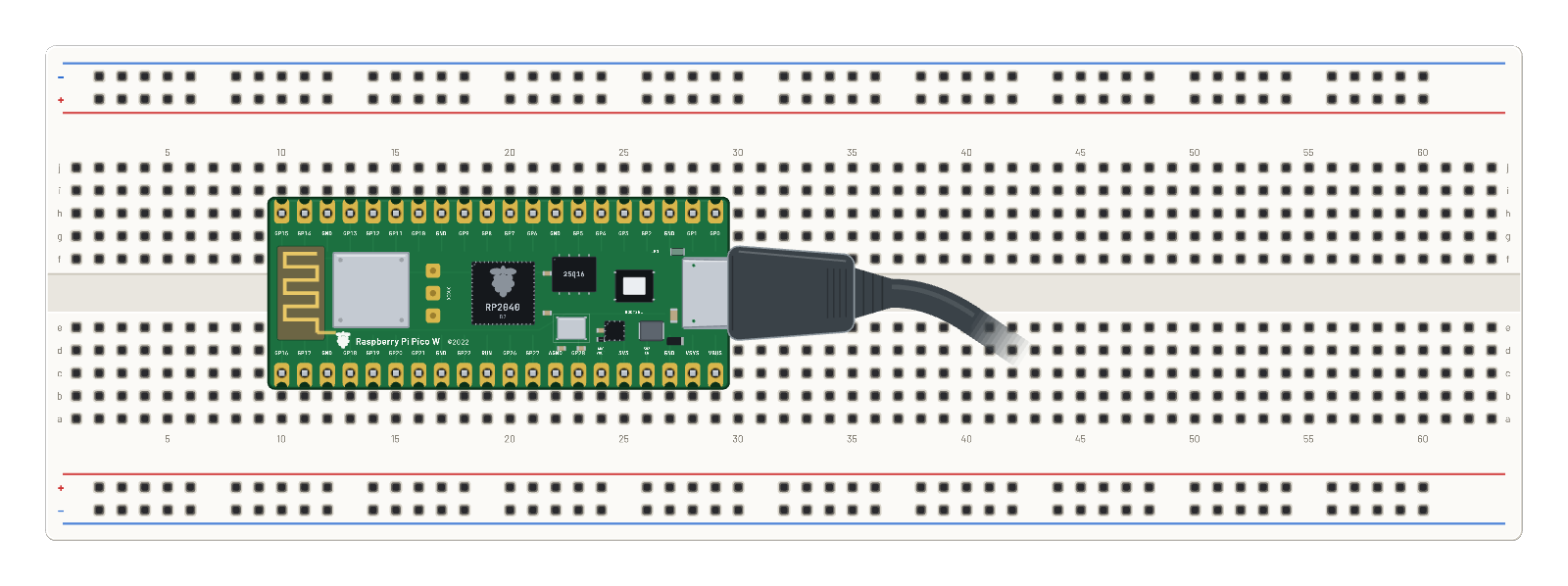
The USB cable powers a Raspberry Pi Pico W running the unmodified official RPI_PICO_W MicroPython v1.25.0 image. Once its USB serial console wakes, the bench automatically runs main.py from Code. The real CYW43439 driver joins the virtual PicoNet network with the password coppertrace, completes WPA2 and DHCP, and prints IP-192.168.4.2. Every five simulated seconds the script opens a TCP socket to 192.168.4.1, fetches /weather, reads the complete HTTP response and prints the JSON report to Serial. The weather service is virtual and deterministic, so this works offline without an account; the readings come through the emulated radio and socket stack.
What's on the bench
- Pi Pico W
The code
This MicroPython script runs on the emulated board every boot; edit it in Code.
import network, socket, time

w = network.WLAN(network.STA_IF)
w.active(True)
w.connect('PicoNet', 'coppertrace')
while not w.isconnected():
    time.sleep(0.2)
print('IP-' + w.ifconfig()[0])

while True:
    c = socket.socket()
    try:
        c.connect(('192.168.4.1', 80))
        c.send(b'GET /weather HTTP/1.0\r\n\r\n')
        response = b''
        while True:
            chunk = c.recv(300)
            if not chunk:
                break
            response += chunk
        print('WEATHER ' + str(response.split(b'\r\n\r\n', 1)[1], 'ascii'))
    finally:
        c.close()
    time.sleep(5)
Try this
- Open the example and wait for the MicroPython banner, IP lease and repeated WEATHER lines in Serial. No firmware upload or Run on board click is needed.
- Open Code, change time.sleep(5) to 2 and press Run on board to refresh more often.
- Select the Pico W and inspect Wi-Fi: PicoNet, its channel and the leased IP come from the live radio state.
- Open the Wi-Fi sniffer to follow the WPA2 handshake, DHCP lease and HTTP requests.