Wi-Fi: scan & join a network (OLED)
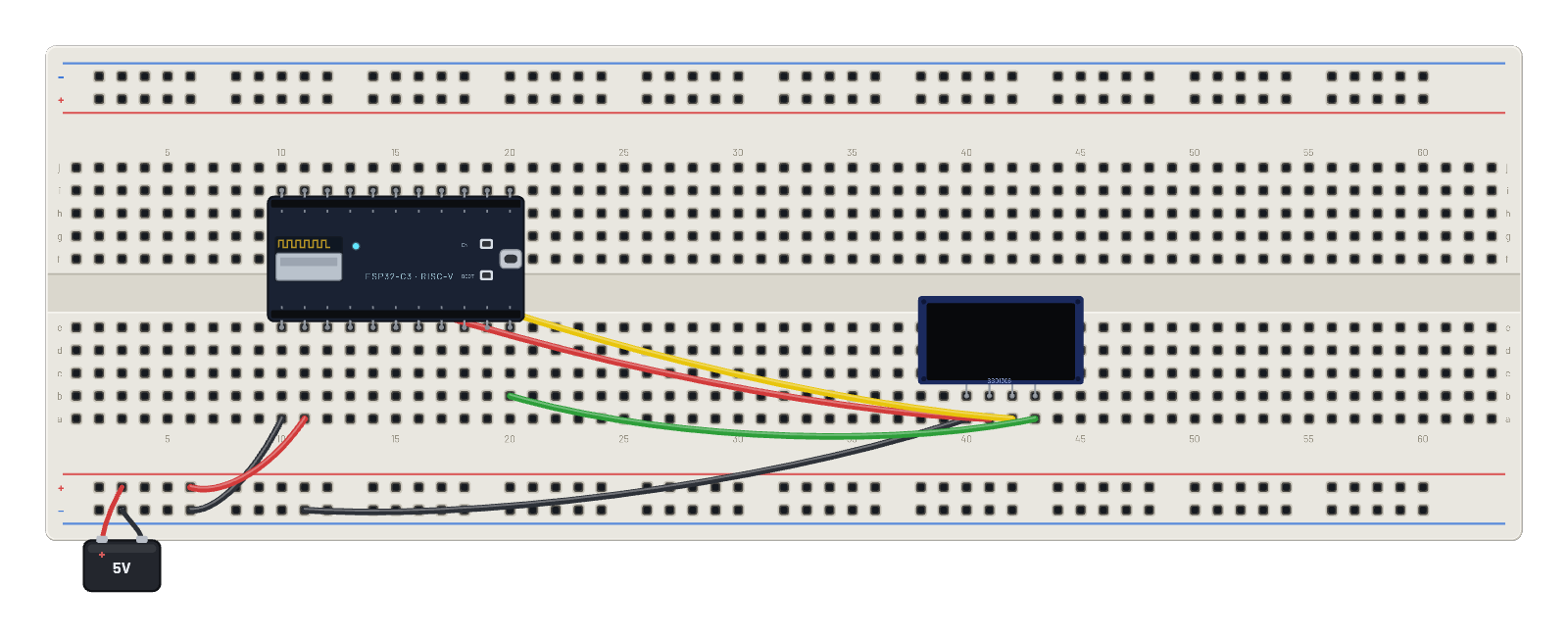
Boot the actual Espressif Wi-Fi stack, scan the virtual ether, associate with BreadboardNet and get a DHCP lease, then render the live link (SSID, IP, channel, RSSI) to an OLED. Open the 📡 Sniffer to watch every frame, and click the board for its radio state.
How it works
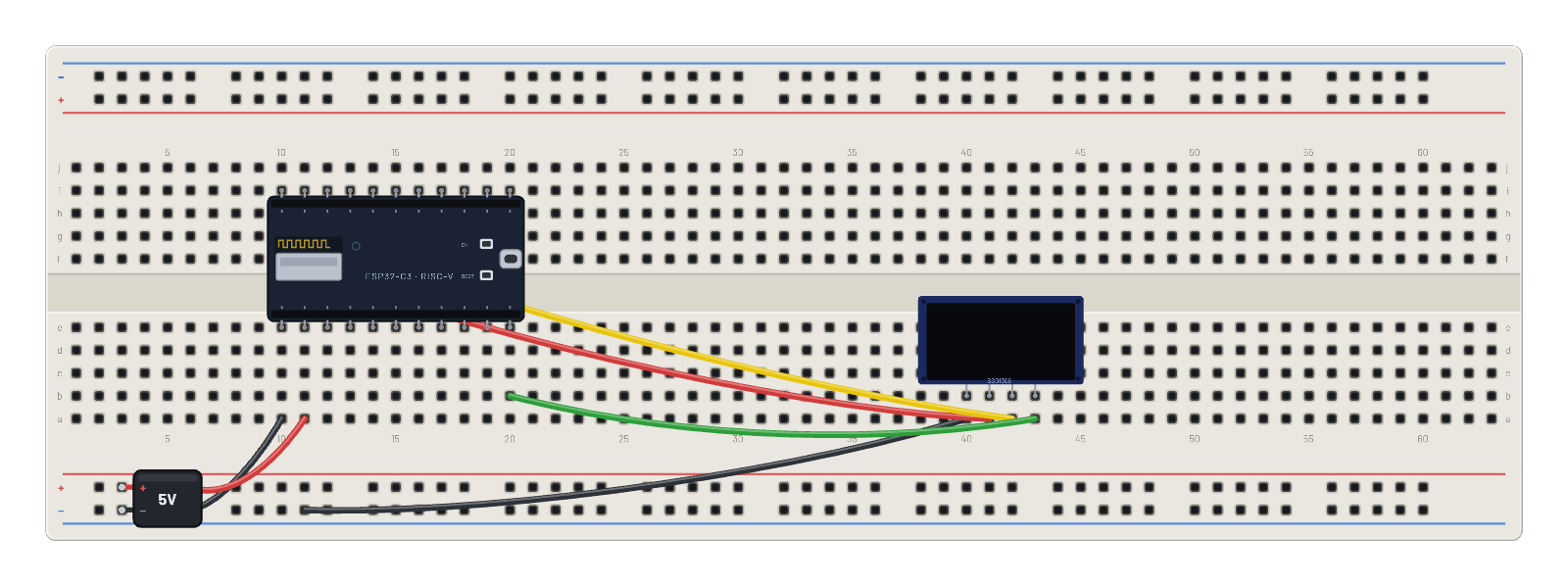
The reference Wi-Fi bench: the C3 boots stock MicroPython, activates the station interface (real RF calibration and all), scans the virtual ether, and finds BreadboardNet on channel 1 at -45 dBm. connect() runs the genuine association dance, DHCP hands out a 192.168.4.x lease, and the script paints a dashboard to the OLED: SSID, IP, channel, RSSI, refreshed every half second. Everything the more ambitious internet examples do starts from this exact sequence.
What's on the bench
- Battery
- ESP32-C3
- OLED 128×64
How it's wired
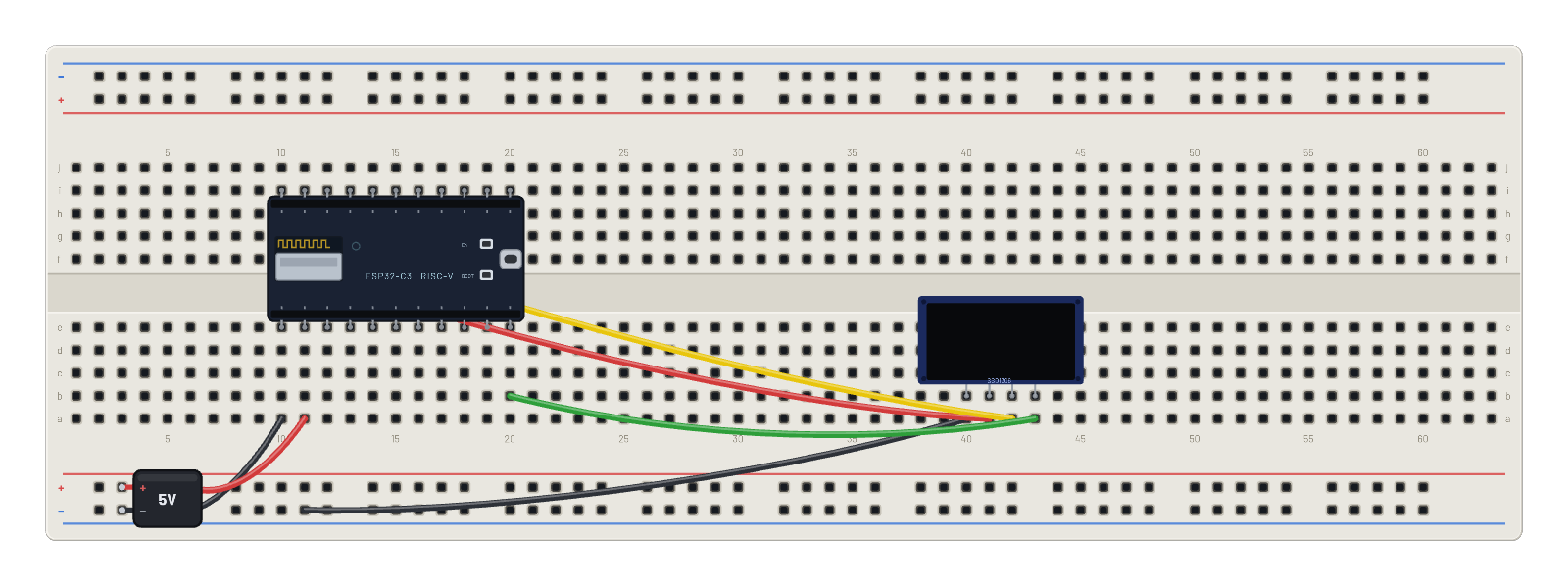
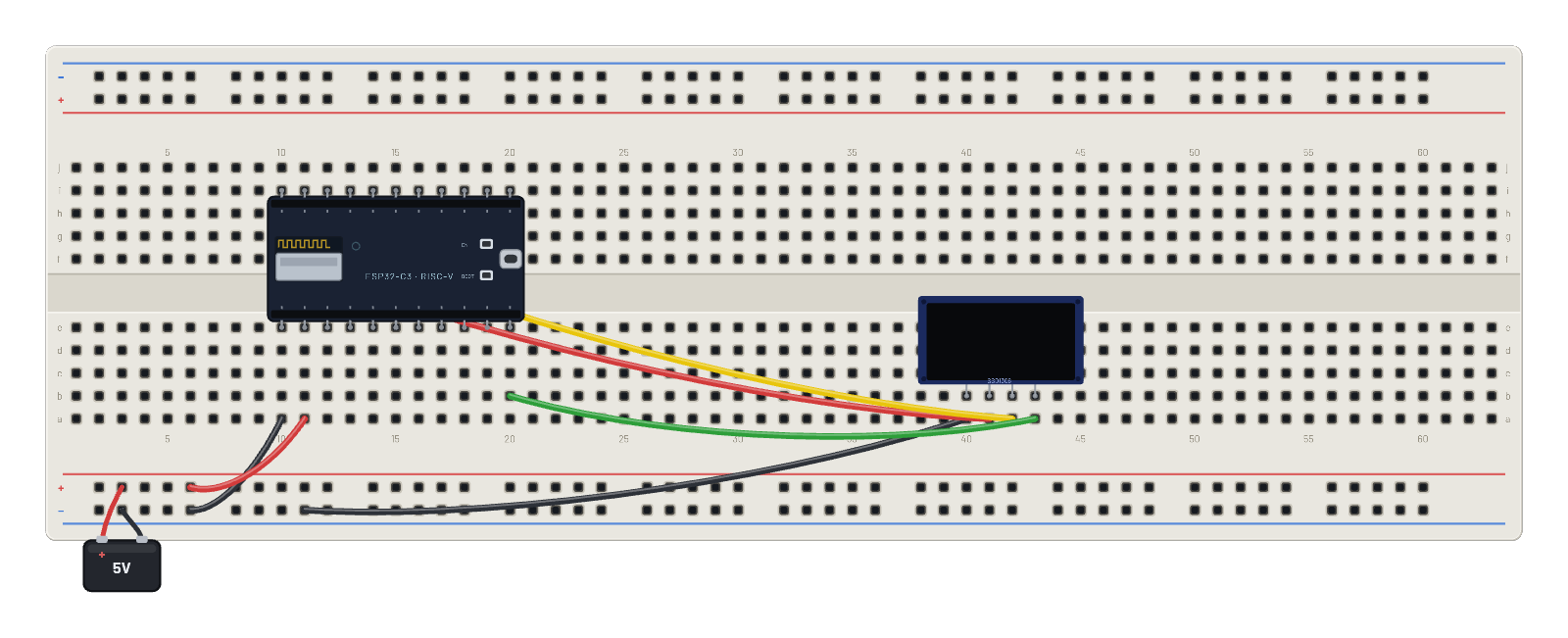
- hole a10→hole B-5
- hole a11→hole B+5
- hole a40→hole B-9
- hole a41→hole f10
- hole a42→hole g11
- hole a43→hole b20
The code
This MicroPython script runs on the emulated board every boot; edit it in the Code tab.
from machine import I2C, Pin
import framebuf, time
i = I2C(0, scl=Pin(9), sda=Pin(8))
buf = bytearray(1024)
fb = framebuf.FrameBuffer(buf, 128, 64, framebuf.MONO_VLSB)
for c in b'\xae\xd5\x80\xa8\x3f\xd3\x00\x40\x8d\x14\x20\x00\xa1\xc8\xda\x12\x81\xcf\xd9\xf1\xdb\x40\xa4\xa6\xaf':
    i.writeto(0x3c, bytes([0, c]))
def show():
    i.writeto(0x3c, b'\x00\x21\x00\x7f\x22\x00\x07')
    i.writeto(0x3c, b'\x40' + buf)

import network
w = network.WLAN(network.STA_IF)
w.active(True)
fb.fill(0); fb.text('WiFi scanning...', 0, 28); show()
rssi = 0; ch = 1
for ss, bssid, c, r, sec, hid in w.scan():
    if ss == b'BreadboardNet':
        rssi = r; ch = c
w.connect('BreadboardNet')
while not w.isconnected():
    time.sleep_ms(100)
ip = w.ifconfig()[0]
print('connected', ip, 'ch', ch, 'rssi', rssi)
while True:
    fb.fill(0)
    fb.text('WiFi CONNECTED', 0, 0)
    fb.hline(0, 10, 128, 1)
    fb.text('BreadboardNet', 0, 16)
    fb.text('IP ' + ip, 0, 30)
    fb.text('ch %d   %d dBm' % (ch, rssi), 0, 44)
    show()
    time.sleep_ms(500)
Try this
- Open the 📡 Sniffer before the join and watch probe requests, association, then DHCP.
- Watch the canvas during the scan: broadcast frames draw expanding ripples.
- Click the board: the Inspector shows MAC, SSID, channel, IP, and live RX/TX counters.
- Edit the script to join 'Workshop-2G' (channel 6) instead and re-run.