Weather over the sandbox internet (OLED)
The board is really online, inside the sandbox internet. The ESP32 joins Wi-Fi, resolves api.weather.test with a real DNS lookup, and GETs a weather JSON over a genuine TCP socket — then fills a 128×128 OLED like a proper station: location, sky, temperature, humidity, wind, a live temperature-trend sparkline, and a UTC clock from a second REST call. Everything is deterministic and offline (the sandbox mocks the services), so this bench needs no account and stays on the sandbox internet — its api.weather.test host exists only in the emulator. For the same demo against a live API, open “Weather over the real internet (Pro)”. Follow every lookup and HTTP exchange in the 📡 Sniffer.
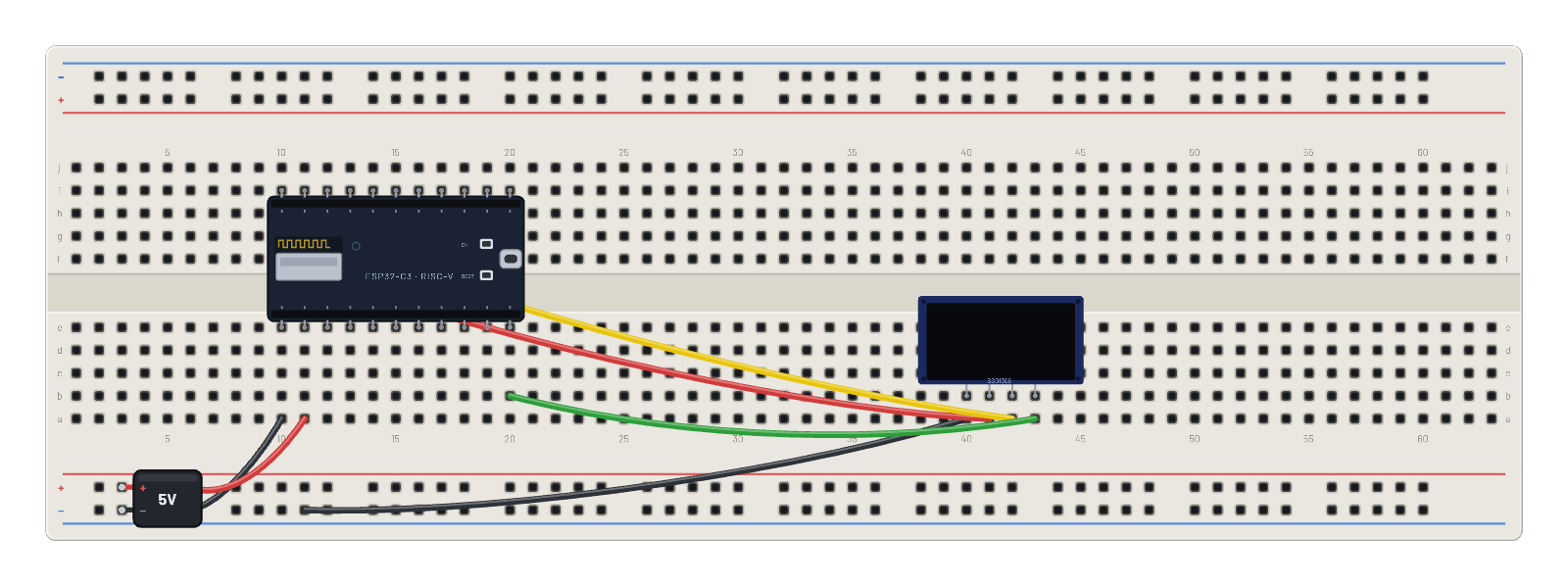
How it works
The ESP32 joins BreadboardNet and talks to the simulator's sandbox internet: a deterministic, fully offline mock of the real thing built into the emulated network core. The script does a real DNS lookup for api.weather.test (the sandbox resolver answers for any name), opens a genuine TCP socket, and sends a plain HTTP GET; the mock weather service replies with a JSON report, and a second request to /time reads the sandbox's virtual clock. MicroPython parses both with the json module and fills the 1.5″ 128×128 SH1107 like a proper station readout — location, sky, temperature, humidity, wind, a live temperature-trend sparkline drawn bar by bar with framebuf, and the UTC clock. Because the services are mocked in-core, the demo runs signed-out, offline, and reproducibly. Note that api.weather.test is a sandbox-only name — it cannot resolve on the real internet, so this bench stays in the sandbox; the sibling example "Weather over the real internet (Pro)" runs the same socket code against a live API through the secure gateway.
What's on the bench
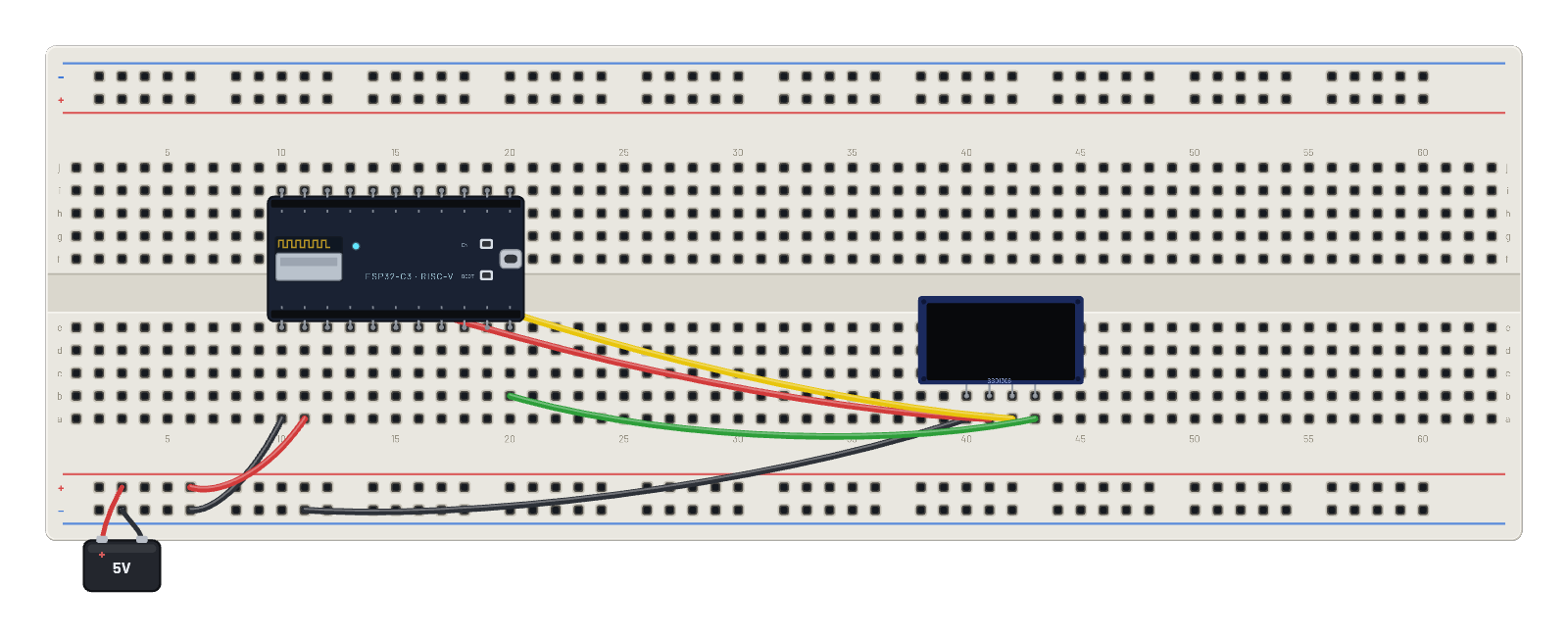
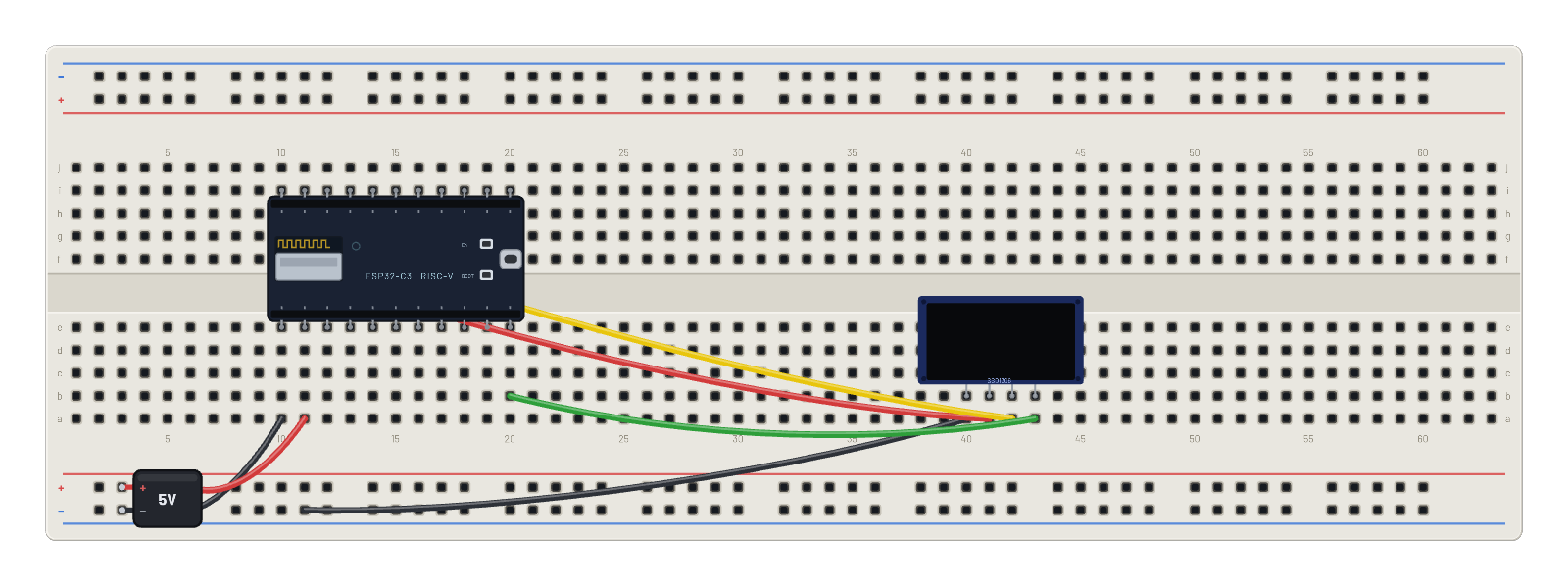
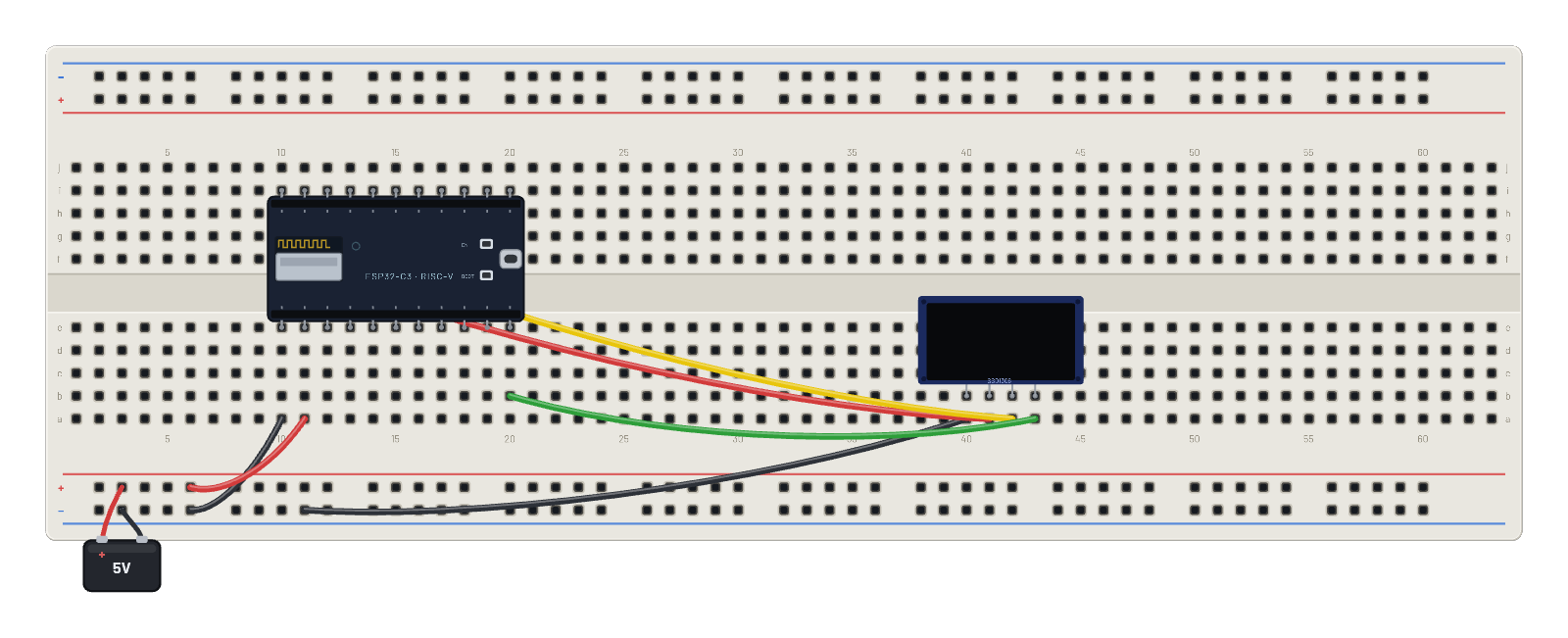
- Battery
- ESP32-C3
- OLED 1.5″ 128×128
How it's wired
- hole a10→hole B-5
- hole a11→hole B+5
- hole a40→hole B-9
- hole a41→hole f10
- hole a42→hole g11
- hole a43→hole b20
The code
This MicroPython script runs on the emulated board every boot; edit it in the Code tab.
from machine import I2C, Pin
import framebuf, time
i = I2C(0, scl=Pin(9), sda=Pin(8))
buf = bytearray(2048)
fb = framebuf.FrameBuffer(buf, 128, 128, framebuf.MONO_VLSB)
for c in b'\xae\x20\xa8\x7f\xd3\x00\xdc\x00\x81\x4f\xad\x8a\xa4\xa6\xaf':
    i.writeto(0x3d, bytes([0, c]))
def show():
    for p in range(16):
        i.writeto(0x3d, bytes([0x00, 0xb0 + p, 0x00, 0x10]))
        i.writeto(0x3d, b'\x40' + buf[p*128:(p+1)*128])

import network, socket, json
w = network.WLAN(network.STA_IF)
w.active(True)
fb.fill(0); fb.text('joining WiFi...', 0, 60); show()
w.connect('BreadboardNet')
while not w.isconnected():
    time.sleep_ms(100)
def fetch(host, path):
    # Real DNS against the sandbox resolver, then a genuine TCP socket.
    addr = socket.getaddrinfo(host, 80)[0][-1]
    s = socket.socket()
    s.connect(addr)
    s.send(('GET ' + path + ' HTTP/1.0\r\nHost: ' + host + '\r\n\r\n').encode())
    r = b''
    while True:
        c = s.recv(256)
        if not c:
            break
        r += c
    s.close()
    return json.loads(r.split(b'\r\n\r\n', 1)[1])
hist = []
n = 0
while True:
    wx = fetch('api.weather.test', '/weather')
    t = fetch('worldtimeapi.test', '/time')
    n += 1
    hist.append(wx['temperature_c'])
    if len(hist) > 21:
        hist.pop(0)
    fb.fill(0)
    fb.text('INTERNET WEATHER', 0, 0)
    fb.hline(0, 10, 128, 1)
    fb.text(wx['location'][:16], 0, 16)
    fb.text(wx['conditions'][:16], 0, 26)
    fb.text('TEMP %s C' % wx['temperature_c'], 0, 40)
    fb.text('HUM  %d %%' % wx['humidity'], 0, 50)
    fb.text('WIND %s kph' % wx['wind_kph'], 0, 60)
    fb.hline(0, 72, 128, 1)
    fb.text('temp trend', 0, 76)
    # Sparkline: one bar per refresh, scaled to the window seen so far.
    # (bi, not i: the display driver owns the global i = I2C bus.)
    if len(hist) > 1:
        lo = min(hist); span = (max(hist) - lo) or 1
        for bi, v in enumerate(hist):
            h = 2 + int(20 * (v - lo) / span)
            fb.fill_rect(bi * 6, 110 - h, 4, h, 1)
    fb.hline(0, 114, 128, 1)
    fb.text(t['utc_datetime'][11:19] + ' #%d' % n, 0, 119)
    show()
    print('wx', n, wx['temperature_c'], 'C,', wx['conditions'])
    time.sleep_ms(2000)
Try this
- Watch the last line of the OLED: the UTC clock and request counter advance on every 2-second refresh.
- Open the 📡 Sniffer and follow a full round trip — DNS query and answer, TCP SYN/ACK, the GET, the JSON reply.
- Edit the script in the Code tab to fetch '/api' (the mock cloud dashboard) or POST to '/echo' instead.
- Click the ESP32 and look at the top of its Wi-Fi inspector: that's where a Pro bench switches from the sandbox to real internet access — on a bench whose script targets a real host, like the live-weather example.