Weather over the real internet (Pro)
The same socket code as the sandbox examples, pointed at the REAL internet: the ESP32 GETs live weather from api.open-meteo.com (a curated, allowlisted host, no API key). NOTE: real access needs a signed-in Pro account: click the ESP32 and flip its Wi-Fi inspector from 🧪 Sandbox to 🌐 Real internet; requests then travel through the secure egress gateway (TLS added at the edge, deny-by-default allowlist, daily quota). Until then the bench stays in the sandbox and the screen shows exactly how to go live. Change the city in the Code tab.
How it works
This bench can leave the simulator. The script is ordinary MicroPython — DNS lookup, TCP socket, HTTP GET to api.open-meteo.com — and where that request goes is decided by the board's egress setting. In 🧪 Sandbox (the default, and the only mode for signed-out or free benches) the request never leaves the deterministic in-core mock internet, so the reply isn't live weather and the screen shows how to enable it. Flip the ESP32's Wi-Fi inspector to 🌐 Real internet (signed-in Pro, per-circuit consent) and the very same bytes are captured at the virtual gateway and relayed through the secure egress service: TLS is added at the edge, the destination must be on the curated allowlist, and every request is quota'd and audited. Open-Meteo needs no API key, so the live JSON comes straight back to the firmware, which parses out current_weather and paints the real temperature and wind for your chosen city. In live mode the loop refetches once a minute to stay polite with the daily egress quota.
What's on the bench
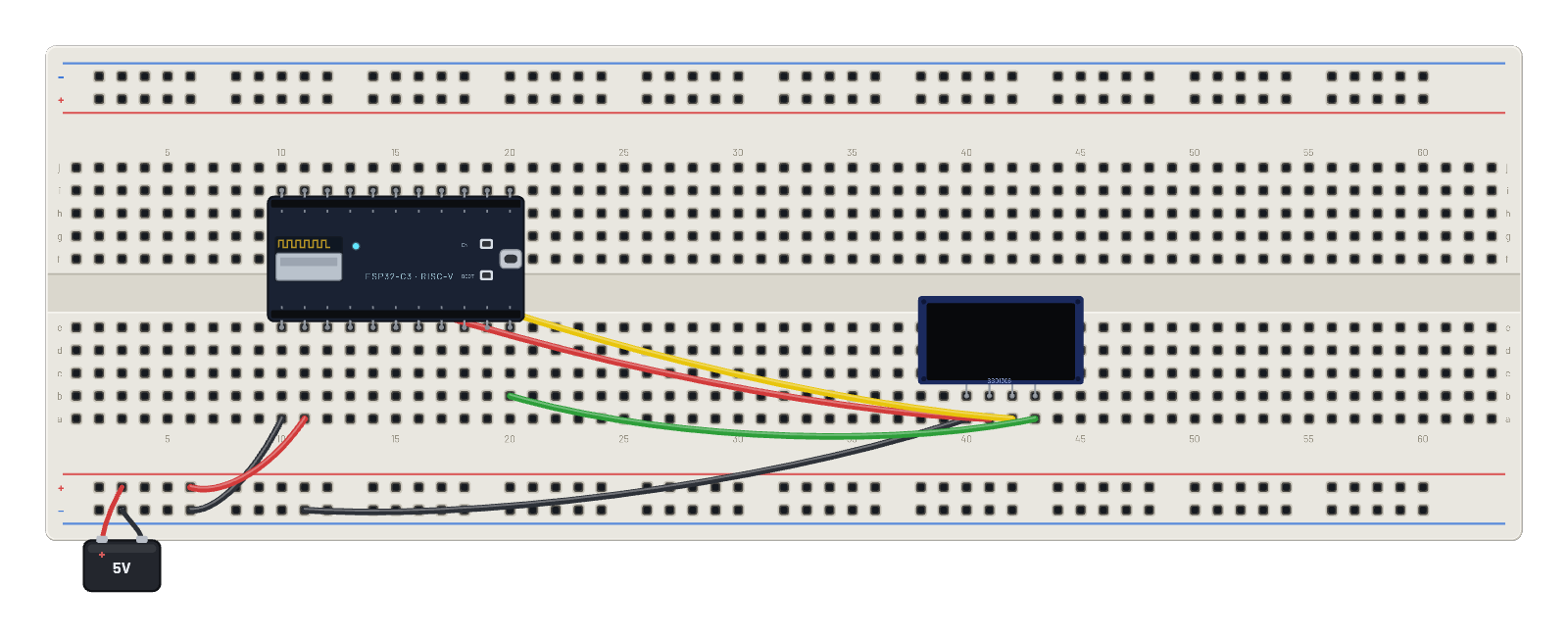
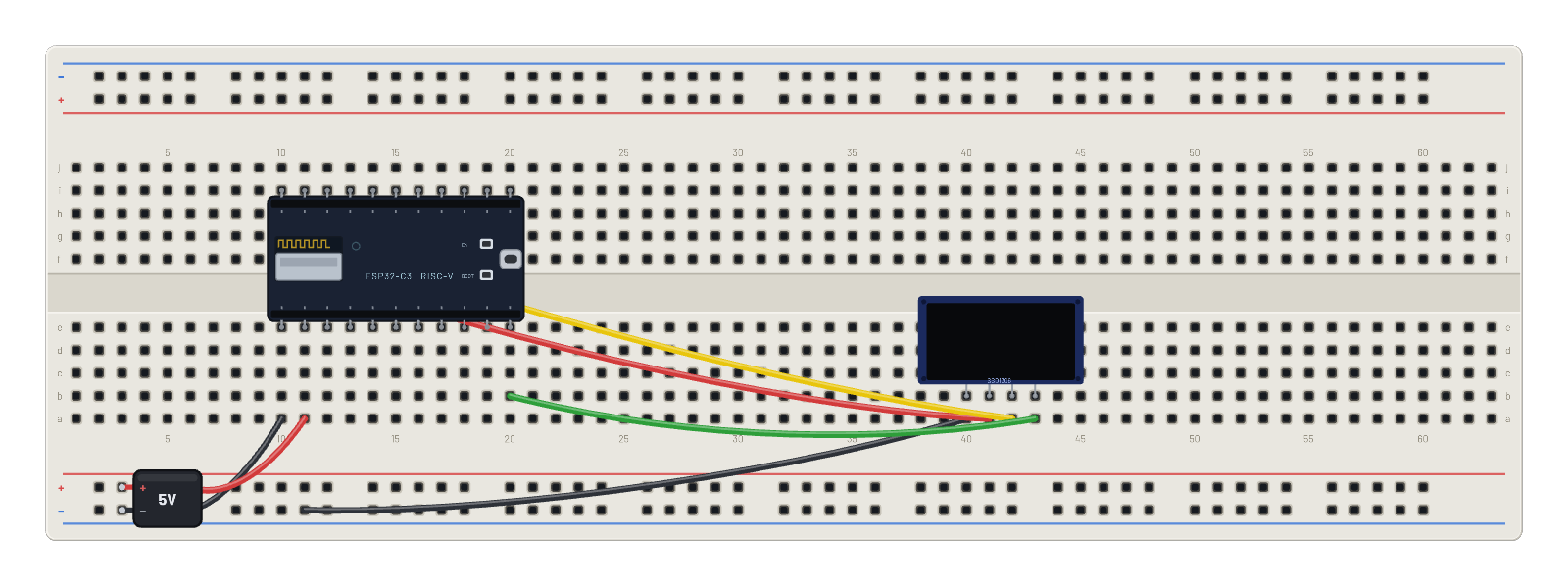
- Battery
- ESP32-C3
- OLED 1.5″ 128×128
How it's wired
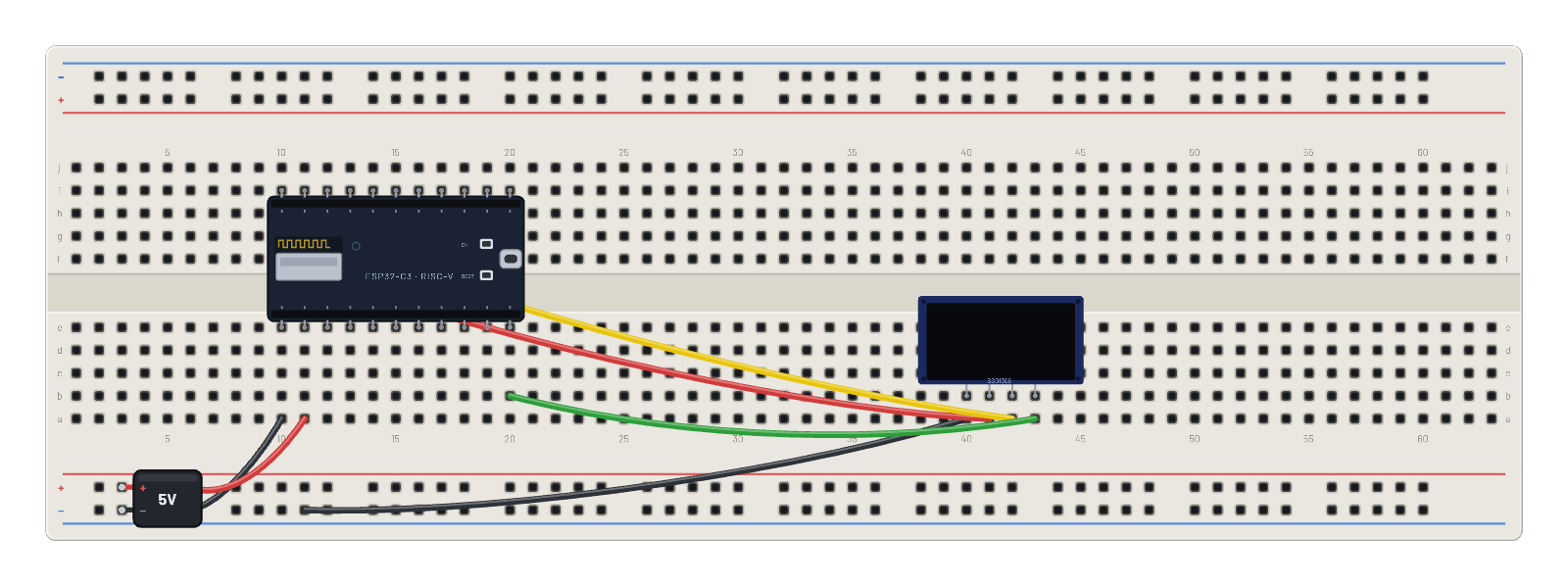
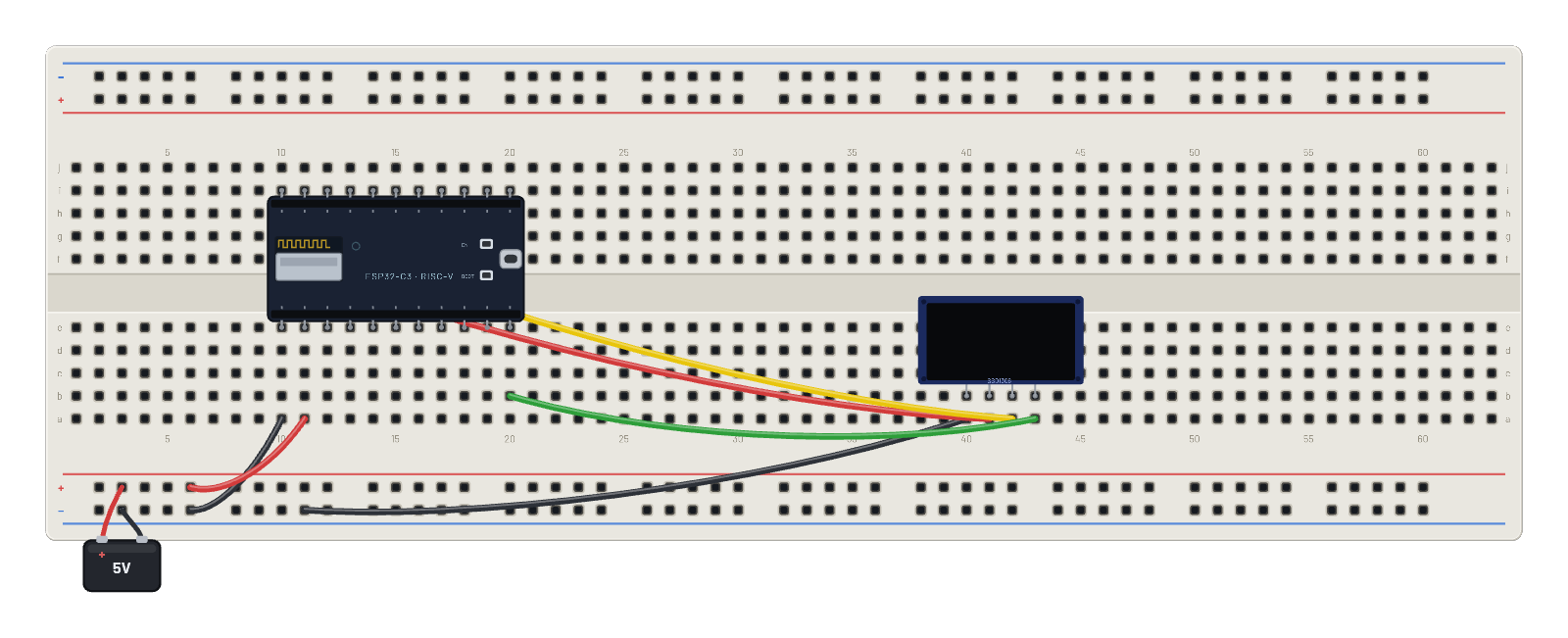
- hole a10→hole B-5
- hole a11→hole B+5
- hole a40→hole B-9
- hole a41→hole f10
- hole a42→hole g11
- hole a43→hole b20
The code
This MicroPython script runs on the emulated board every boot; edit it in the Code tab.
from machine import I2C, Pin import framebuf, time i = I2C(0, scl=Pin(9), sda=Pin(8)) buf = bytearray(2048) fb = framebuf.FrameBuffer(buf, 128, 128, framebuf.MONO_VLSB) for c in b'\xae\x20\xa8\x7f\xd3\x00\xdc\x00\x81\x4f\xad\x8a\xa4\xa6\xaf': i.writeto(0x3d, bytes([0, c])) def show(): for p in range(16): i.writeto(0x3d, bytes([0x00, 0xb0 + p, 0x00, 0x10])) i.writeto(0x3d, b'\x40' + buf[p*128:(p+1)*128]) import network, socket, json # Pick your city (Open-Meteo needs no API key): CITY = 'London' LAT, LON = 51.5, -0.12 w = network.WLAN(network.STA_IF) w.active(True) fb.fill(0); fb.text('joining WiFi...', 0, 28); show() w.connect('BreadboardNet') while not w.isconnected(): time.sleep_ms(100) HOST = 'api.open-meteo.com' PATH = '/v1/forecast?latitude=%s&longitude=%s¤t_weather=true' % (LAT, LON) def fetch(): addr = socket.getaddrinfo(HOST, 80)[0][-1] s = socket.socket() s.connect(addr) s.send(('GET ' + PATH + ' HTTP/1.0\r\nHost: ' + HOST + '\r\n\r\n').encode()) r = b'' while True: c = s.recv(256) if not c: break r += c s.close() # Report the status too: a canned sandbox reply (200) and a refused # egress request (4xx/5xx) both fail to parse, but they mean different # things and deserve different advice. status = 0 try: head, body = r.split(b'\r\n\r\n', 1) status = int(head.split(b' ')[1]) except (ValueError, IndexError): return None, status try: return json.loads(body)['current_weather'], status except (ValueError, KeyError): return None, status # not live data n = 0 while True: cw, status = fetch() n += 1 fb.fill(0) if cw: print('live', n, CITY, cw['temperature'], 'C') fb.text('REAL INTERNET', 0, 2) fb.hline(0, 13, 128, 1) fb.text(CITY[:16], 0, 26) fb.text('%s C' % cw['temperature'], 0, 48) fb.text('wind %s km/h' % cw['windspeed'], 0, 66) fb.hline(0, 88, 128, 1) fb.text('open-meteo.com', 0, 96) fb.text('live via egress', 0, 108) fb.text('fetch #%d' % n, 0, 120) elif status >= 400: # Real internet IS on, but the gateway refused this request. The # bench notice says why (not Pro, quota spent, gateway offline). print('egress refused - HTTP %d. See the bench notice for the reason.' % status) fb.text('EGRESS REFUSED', 0, 2) fb.hline(0, 13, 128, 1) fb.text('HTTP %d' % status, 0, 26) fb.text('The gateway said', 0, 44) fb.text('no. Check the', 0, 56) fb.text('bench notice.', 0, 68) fb.hline(0, 88, 128, 1) fb.text('ESP32 > Wi-Fi >', 0, 100) fb.text('Sandbox to undo', 0, 116) else: print('sandbox reply - flip the ESP32 inspector Wi-Fi toggle to Real internet (signed-in Pro) for live data') fb.text('SANDBOX MODE', 0, 2) fb.hline(0, 13, 128, 1) fb.text('Canned sandbox', 0, 26) fb.text('data, not live.', 0, 38) fb.hline(0, 60, 128, 1) fb.text('For LIVE data:', 0, 68) fb.text('sign in (Pro),', 0, 84) fb.text('ESP32 > Wi-Fi >', 0, 100) fb.text('Real internet', 0, 116) show() time.sleep_ms(60000 if cw else 5000)
Try this
- Run it signed-out first: the OLED shows SANDBOX MODE with the enable steps — that screen is the whole gating story.
- Sign in with a Pro account, click the ESP32, and flip Wi-Fi from 🧪 Sandbox to 🌐 Real internet — the next fetch shows the real temperature.
- Edit CITY/LAT/LON at the top of the Code tab and re-run to fetch your own city.
- Open the 📡 Sniffer: the 802.11 frames are identical in both modes — the sandbox/real switch happens at the gateway, not on the air.