LED ticker (32×8 matrix bar)
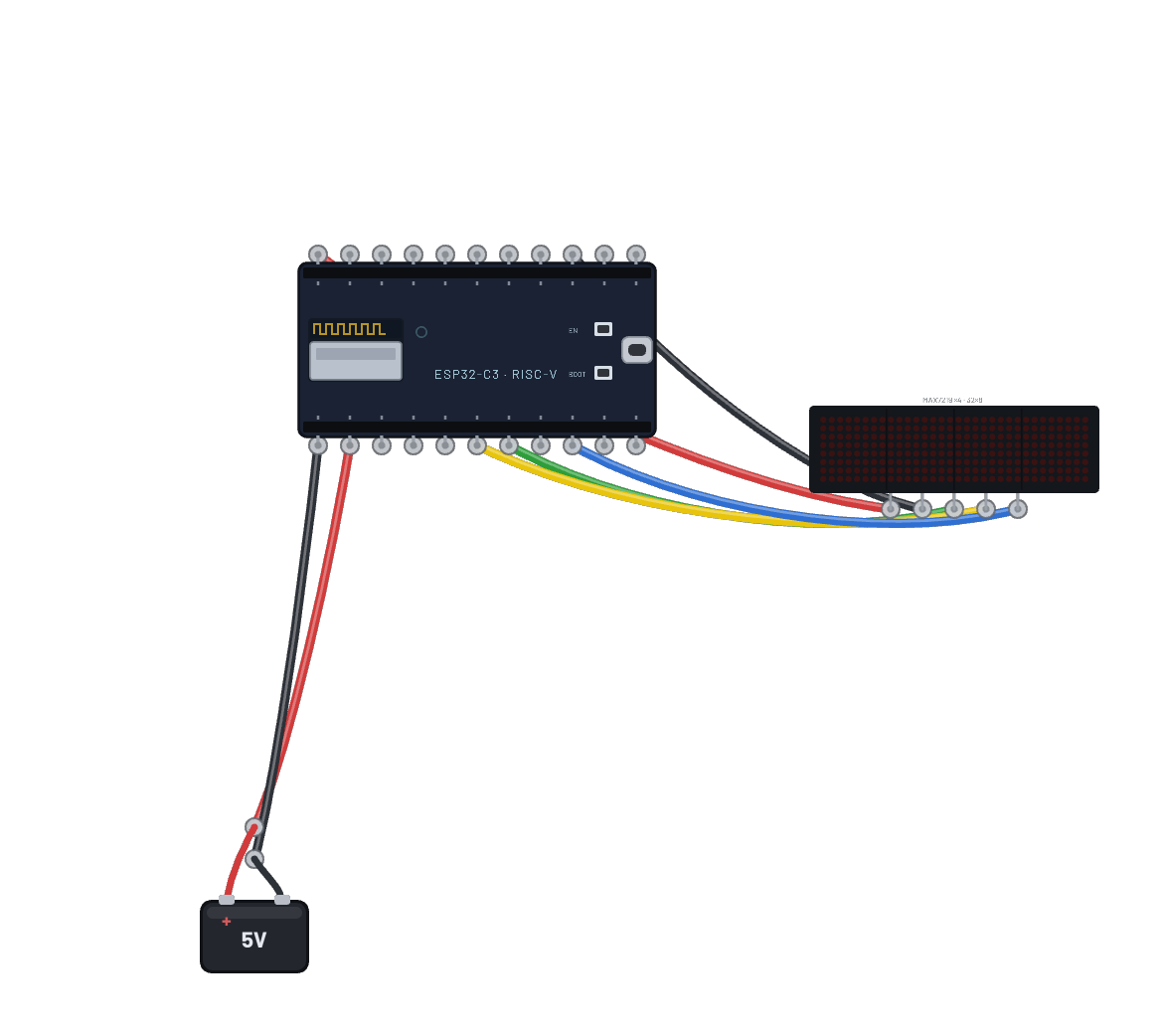
A message scrolls across the 4-in-1 cascaded MAX7219 bar, pushed over the ESP32-C6’s hardware SPI (`machine.SPI(1)` on the stock pins): a 32×8 framebuffer shifted one column per frame, exactly how the real max7219 drivers do it. Edit the message in the Code tab.
How it works
Four cascaded MAX7219 blocks make a 32×8 LED bar, driven the honest way: there is no max7219 driver module on the bench, so the script clocks the words itself over hardware `machine.SPI(1)` (register in the high byte, row data in the low byte, one 16-bit word per chip per load pulse). The init sequence is the real chip's: leave test mode, set scan limit, raw pixel mode, intensity, then wake from shutdown — a MAX7219 powers up blank until that last write. A 32×8 framebuf holds the message and the loop blits it one column further left every 60 ms.
What's on the bench
- Battery
- ESP32-C6
- LED Matrix 32×8 (4-in-1)
How it's wired
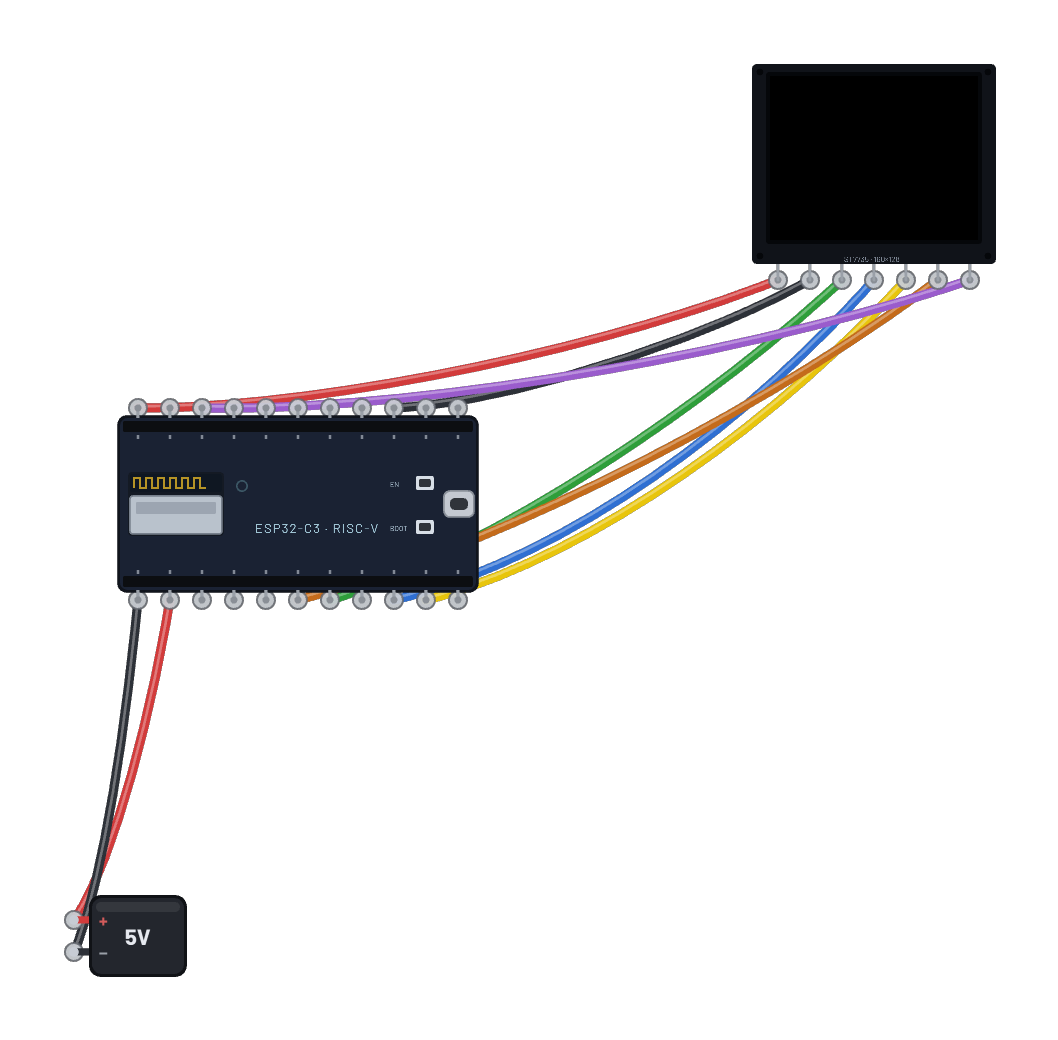
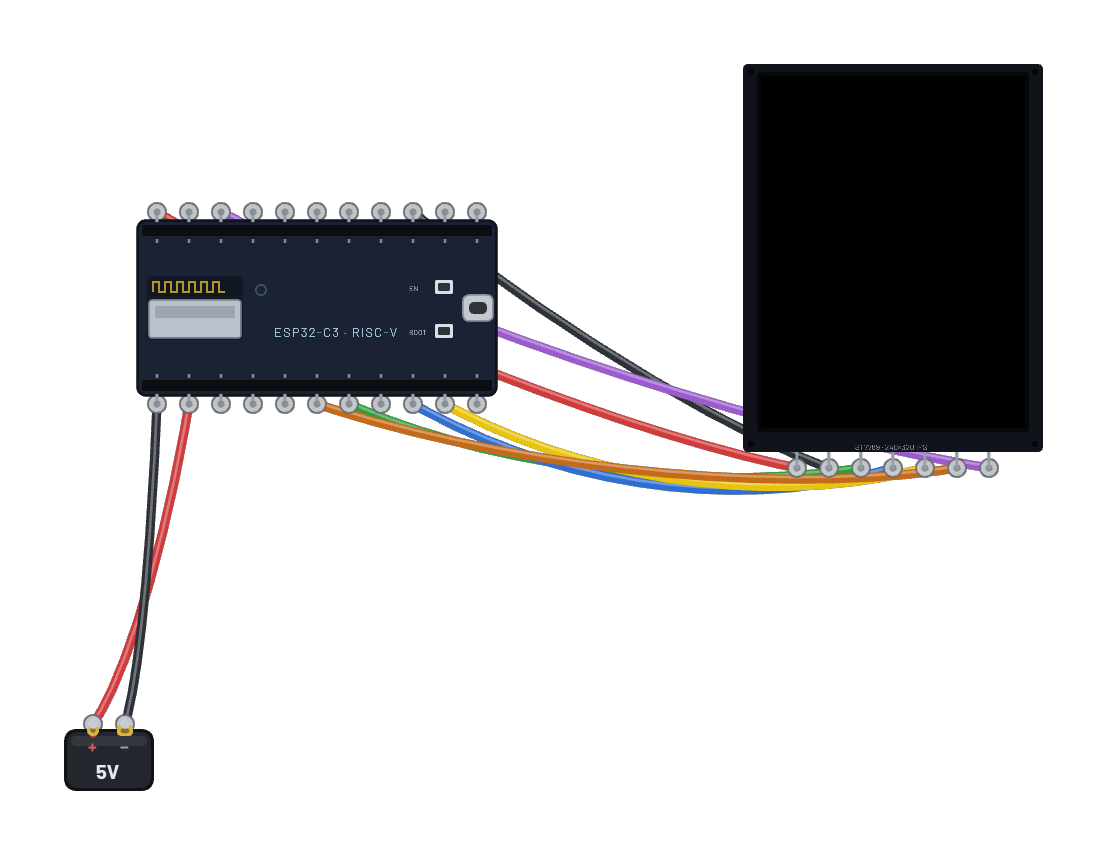
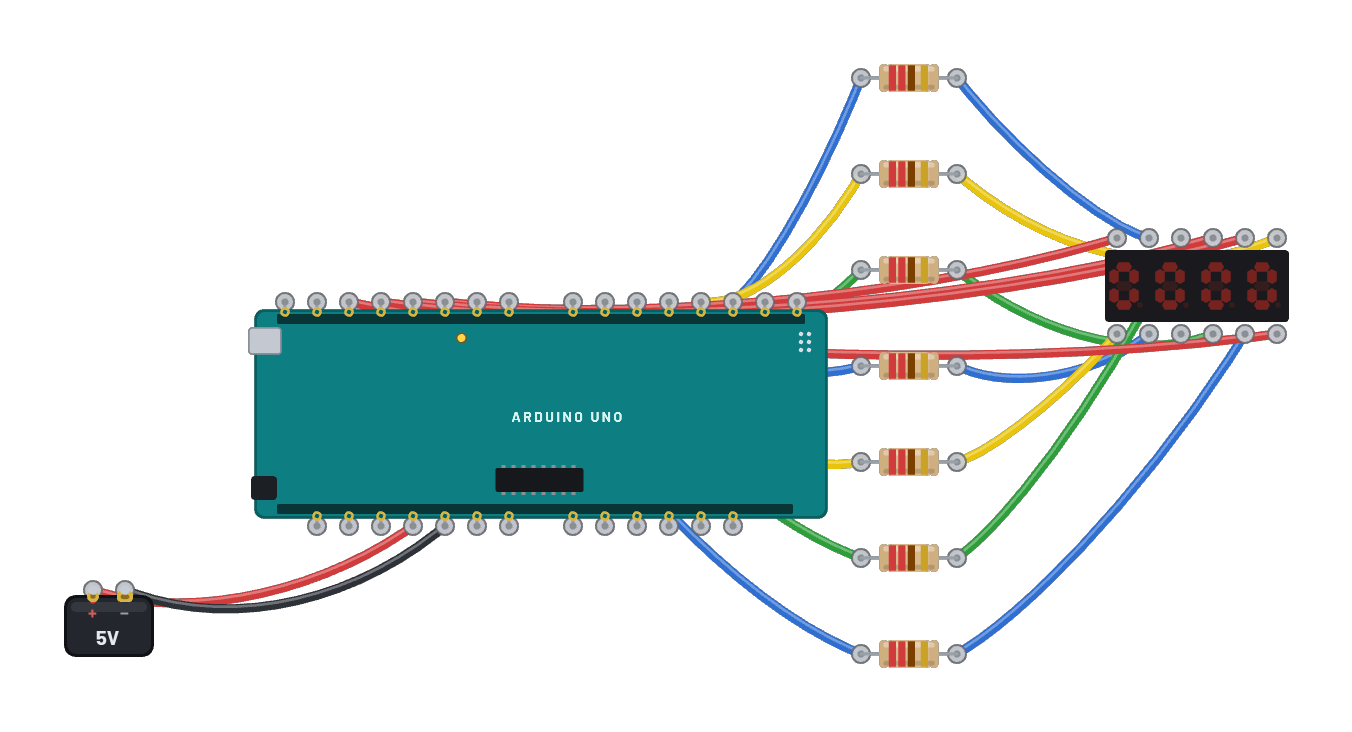
- Battery · pos→ESP32-C6 · vin
- Battery · neg→ESP32-C6 · gnd
- ESP32-C6 · 3v3→LED Matrix 32×8 (4-in-1) · vcc
- ESP32-C6 · gnd2→LED Matrix 32×8 (4-in-1) · gnd
- ESP32-C6 · g7→LED Matrix 32×8 (4-in-1) · din
- ESP32-C6 · g3→LED Matrix 32×8 (4-in-1) · cs
- ESP32-C6 · g6→LED Matrix 32×8 (4-in-1) · clk
The code
This MicroPython script runs on the emulated board every boot; edit it in the Code tab.
from machine import Pin, SPI
import framebuf, time
# Hardware SPI (GPSPI2) on the C6 fixed pins: sck=6, mosi=7.
spi = SPI(1, baudrate=10000000)
cs = Pin(3, Pin.OUT, value=1)
buf = bytearray(32)
fb = framebuf.FrameBuffer(buf, 32, 8, framebuf.MONO_HLSB)
def all4(a, d):
    cs(0); spi.write(bytes([a, d]) * 4); cs(1)
for a, d in ((0x0f, 0), (0x0b, 7), (0x09, 0), (0x0a, 3), (0x0c, 1)):
    all4(a, d)
def show():
    for y in range(8):
        cs(0)
        for m in range(4):
            spi.write(bytes([y + 1, buf[y * 4 + m]]))
        cs(1)
MSG = 'BREADBOARD LIVE  *  '
W = len(MSG) * 8
x = 32
print('TICKER')
while True:
    fb.fill(0)
    fb.text(MSG, x, 0)
    show()
    x -= 1
    if x < -W:
        x = 32
    time.sleep_ms(60)
Try this
- Edit MSG in the Code tab and run your own text across the bar.
- Raise the intensity init byte (0x0a, 3) toward 15 and watch the whole bar brighten.
- Slow sleep_ms(60) down until you can watch individual columns step.
- Probe the CLK and DIN pins with the ∿ Scope to catch the 16-bit words clocking through.