Zigbee color bulb light show
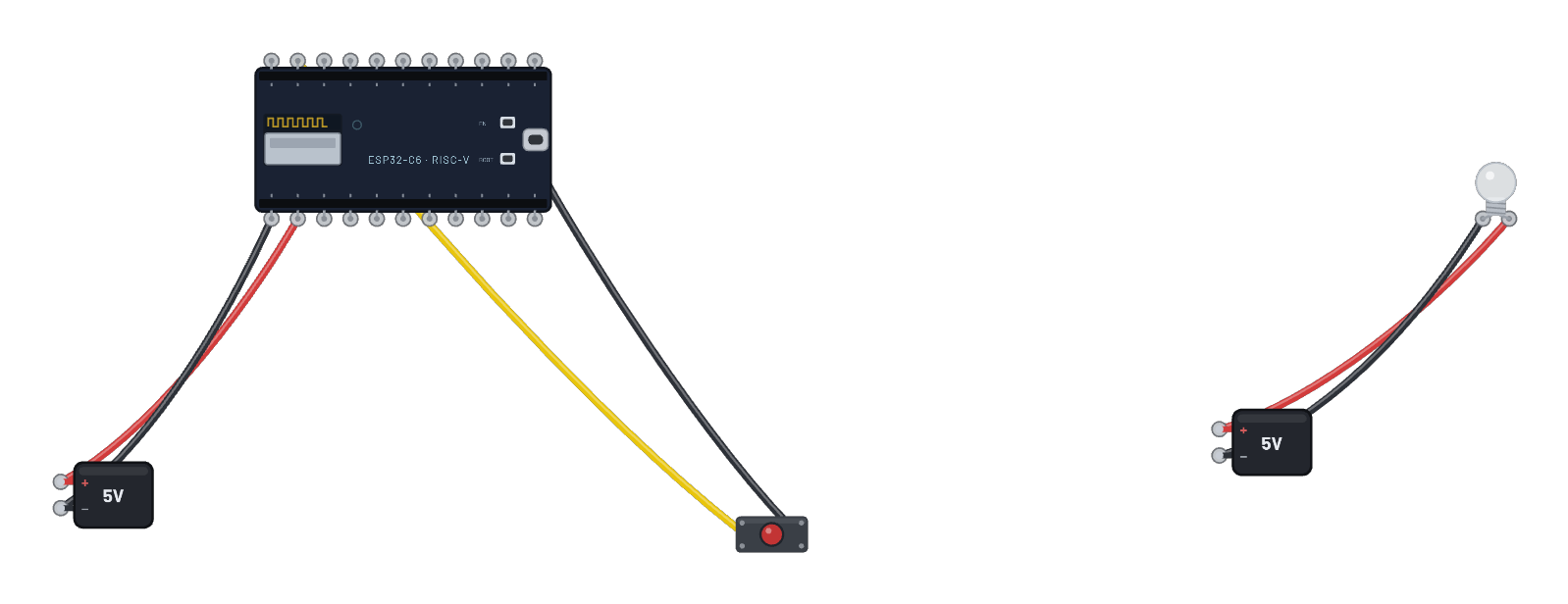
The bulb goes full color: a color-dimmable light (real ZCL Color + Level clusters) joins the color-remote coordinator, which then walks it through a color wheel, a new hue every few seconds, no typing. Press the remote’s button to toggle the bulb; click the bulb for its live color. Both sketches are in the Code tab; every color command is a real 802.15.4 frame in the 📡 Sniffer.
How it works
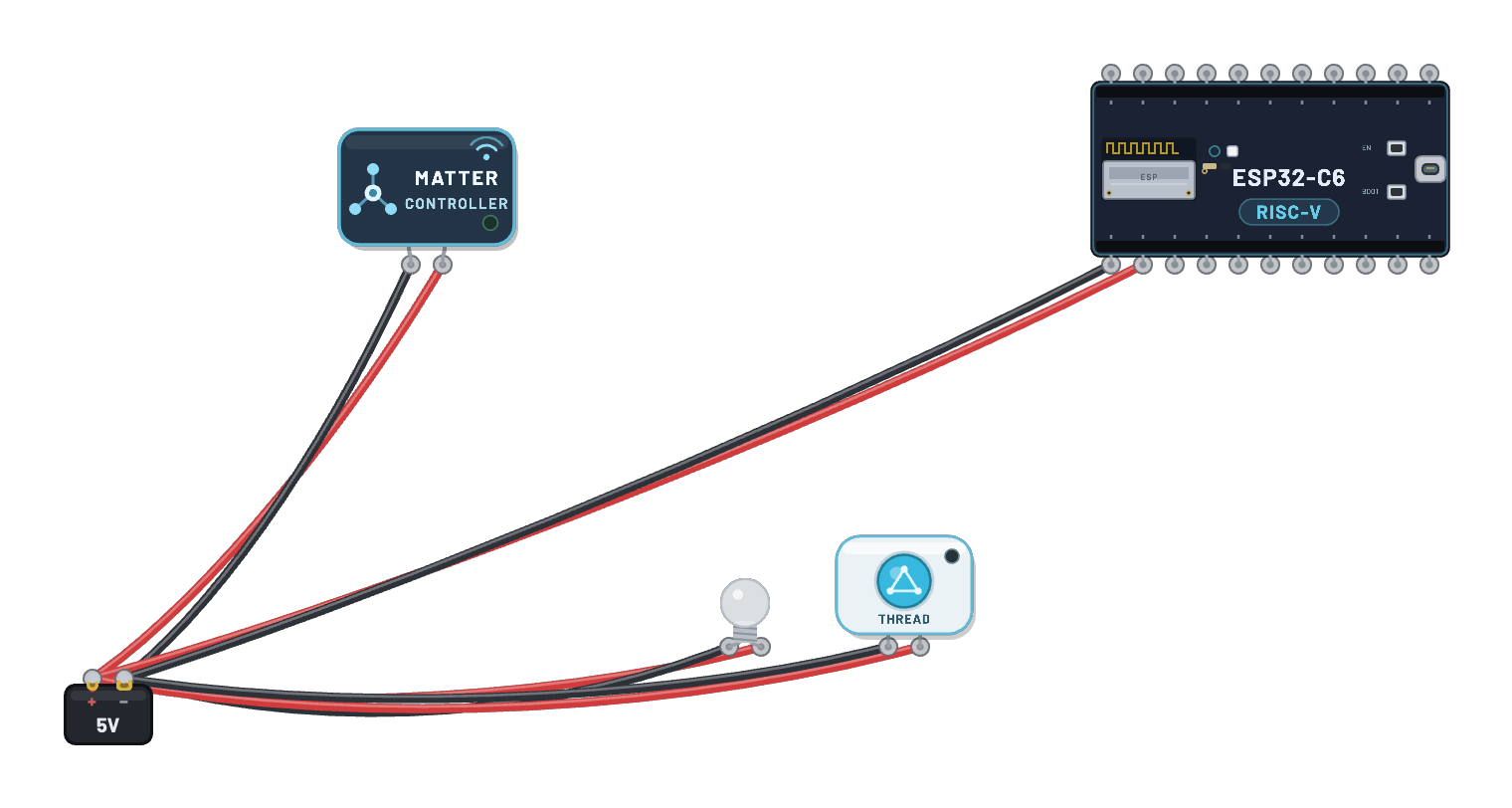
The color bulb hides a C6 running ZigbeeColorDimmableLight firmware — real On/Off, Level, and Color ZCL clusters, like a Hue bulb. The remote DevKit is the coordinator: it binds the bulb, switches it on, and then walks a color wheel, sending a genuine ZCL color command every few seconds. The firmware’s RGB callback drives the internal WS2812, whose bit-banged frames the enclosure decodes into the glass color you see. The button on the remote sends a real Toggle.
What's on the bench
- 2× Battery
- Button
- ESP32-C6
- Zigbee Color Bulb
How it's wired
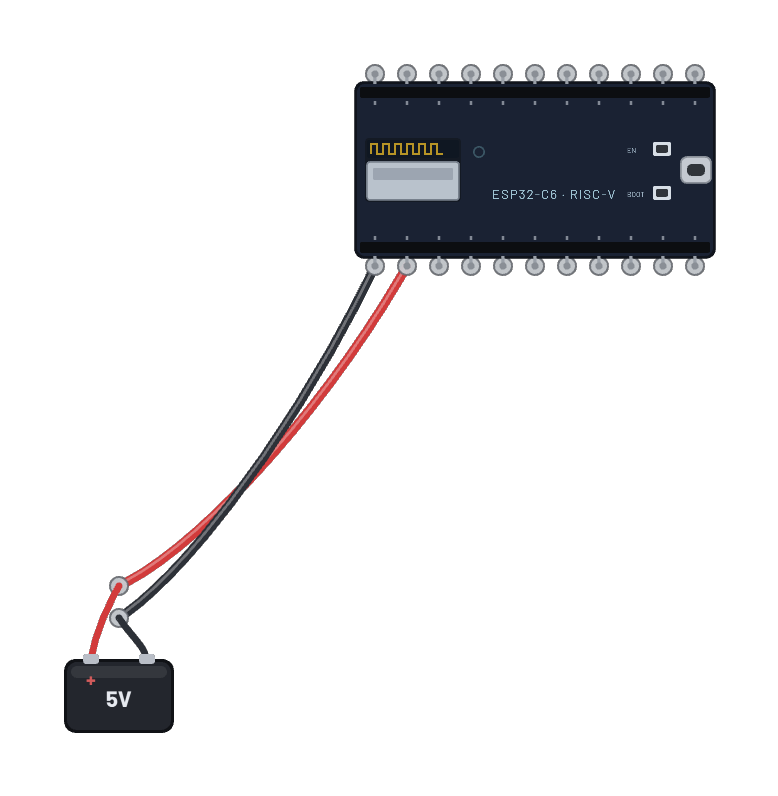
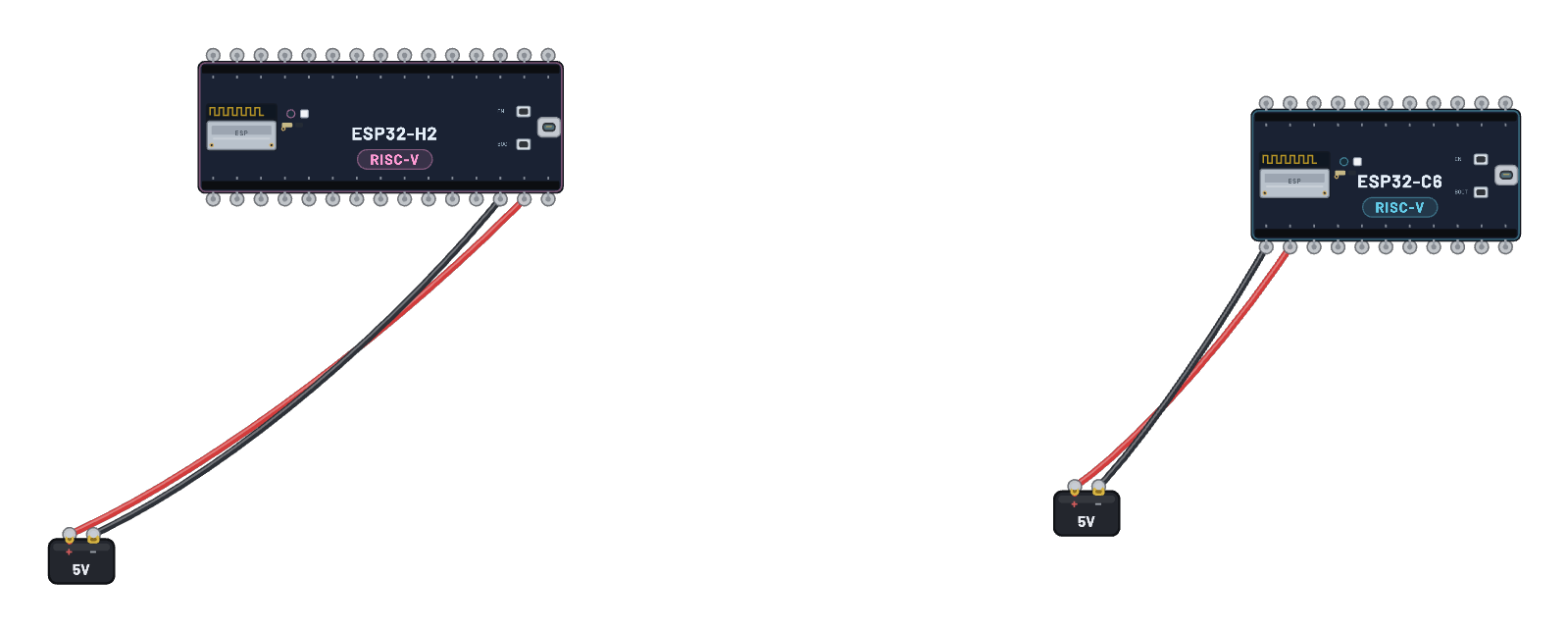
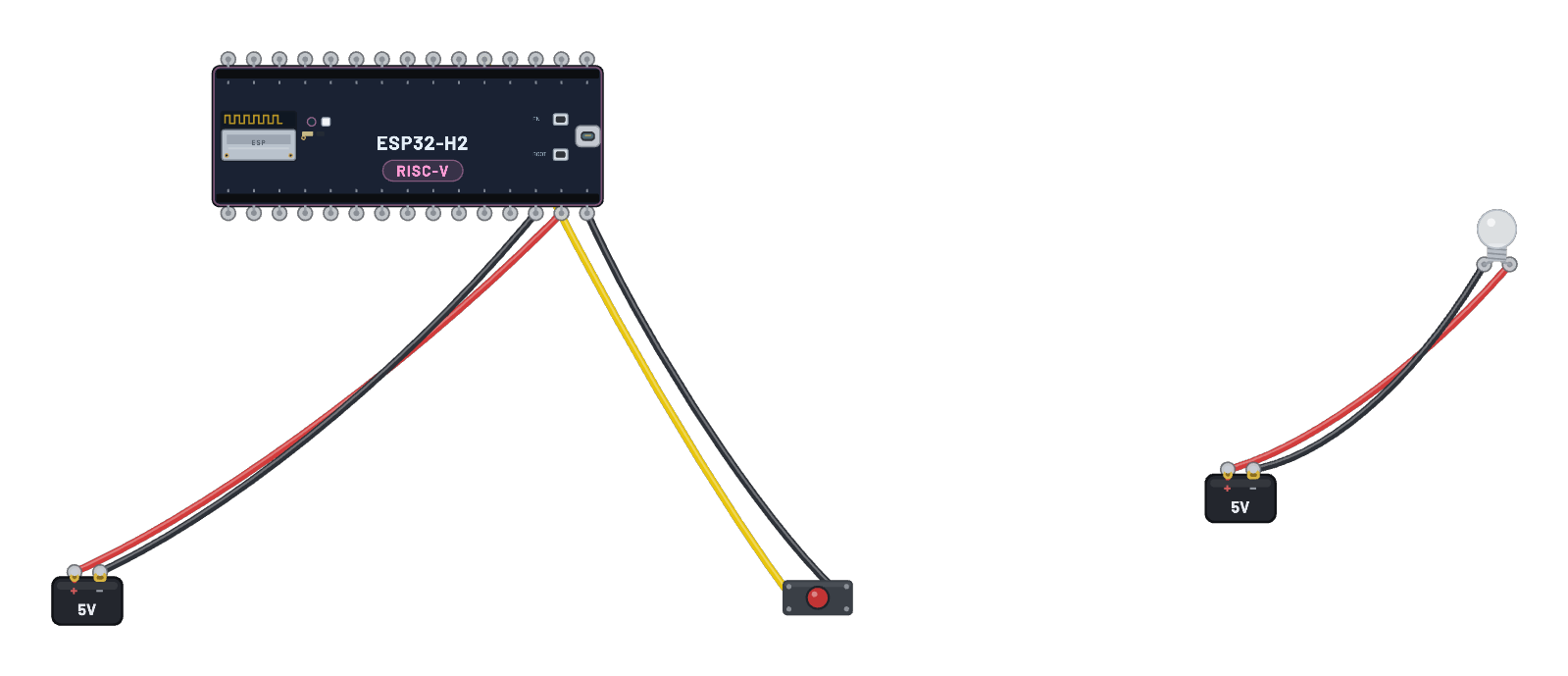
- Battery · pos→ESP32-C6 · vin
- Battery · neg→ESP32-C6 · gnd
- Button · a→ESP32-C6 · g9
- Button · b→ESP32-C6 · gnd2
- Battery · pos→Zigbee Color Bulb · vcc
- Battery · neg→Zigbee Color Bulb · gnd
The code
The exact Arduino C++ sketch(es) the bundled firmware was compiled from — shown in the simulator’s Code tab, where you can edit them and press Compile & upload to rebuild the board’s firmware.
Color remote (coordinator)
// Zigbee color remote — the coordinator for the color bulb.
//
// Forms the network, binds the color-dimmable light, then puts on a show
// with no typing: every few seconds it walks the bulb through a color
// wheel with genuine ZCL Color/Level commands. Pressing BOOT toggles the
// bulb on/off.

#include <Arduino.h>
#ifndef ZIGBEE_MODE_ZCZR
#error "Zigbee coordinator mode is not selected in Tools->Zigbee mode"
#endif

#include "Zigbee.h"

#define SWITCH_ENDPOINT 5
uint8_t button = BOOT_PIN;

ZigbeeColorDimmerSwitch zbRemote = ZigbeeColorDimmerSwitch(SWITCH_ENDPOINT);

// A small color wheel the remote walks through.
static const uint8_t WHEEL[][3] = {
  {255, 40, 20},   // warm red
  {255, 160, 0},   // amber
  {60, 255, 60},   // green
  {40, 120, 255},  // blue
  {200, 60, 255},  // violet
  {255, 255, 220}, // warm white
};

void setup() {
  Serial.begin(115200);
  pinMode(button, INPUT_PULLUP);

  zbRemote.setManufacturerAndModel("Breadboard", "ColorRemote");
  zbRemote.allowMultipleBinding(true);

  Zigbee.addEndpoint(&zbRemote);
  Zigbee.setRebootOpenNetwork(180);

  if (!Zigbee.begin(ZIGBEE_COORDINATOR)) {
    Serial.println("Zigbee failed to start!");
    Serial.println("Rebooting...");
    ESP.restart();
  }

  Serial.println("Network formed and open. Waiting for the color bulb to bind");
  while (!zbRemote.bound()) {
    Serial.print(".");
    delay(500);
  }
  Serial.println();
  Serial.println("Bulb bound - starting the color show (press BOOT to toggle).");
  delay(1000);
  zbRemote.lightOn();
  zbRemote.setLightLevel(220);
}

void loop() {
  // BOOT toggles the bulb (debounced on release).
  if (digitalRead(button) == LOW) {
    delay(100);
    while (digitalRead(button) == LOW) {
      delay(50);
    }
    zbRemote.lightToggle();
    Serial.println("TOGGLE sent");
  }

  // Walk the color wheel while bound.
  static uint32_t lastStep = 0;
  static size_t idx = 0;
  if (millis() - lastStep >= 5000) {
    lastStep = millis();
    const uint8_t *c = WHEEL[idx];
    idx = (idx + 1) % (sizeof(WHEEL) / sizeof(WHEEL[0]));
    zbRemote.setLightColor(c[0], c[1], c[2]);
    Serial.printf("color -> rgb(%u,%u,%u)\r\n", c[0], c[1], c[2]);
  }
  delay(50);
}
Color bulb (end device)
// Zigbee color bulb — a color-dimmable light end device (like a Hue bulb).
//
// The coordinator's ZCL On/Off, Level and Color commands land here; the
// combined state drives the DevKit's WS2812 (RGB_BUILTIN), which the bulb
// enclosure renders as the glass color.

#include <Arduino.h>
#ifndef ZIGBEE_MODE_ED
#error "Zigbee end device mode is not selected in Tools->Zigbee mode"
#endif

#include "Zigbee.h"

#define ZIGBEE_LIGHT_ENDPOINT 10
uint8_t led = RGB_BUILTIN;

ZigbeeColorDimmableLight zbColorLight = ZigbeeColorDimmableLight(ZIGBEE_LIGHT_ENDPOINT);

void setRGB(bool state, uint8_t red, uint8_t green, uint8_t blue, uint8_t level) {
  if (!state) {
    rgbLedWrite(led, 0, 0, 0);
    Serial.println("light OFF");
    return;
  }
  // Scale the color by the level (ZCL level control), like a real bulb.
  uint8_t r = (uint16_t)red * level / 255;
  uint8_t g = (uint16_t)green * level / 255;
  uint8_t b = (uint16_t)blue * level / 255;
  rgbLedWrite(led, r, g, b);
  Serial.printf("light ON  rgb(%u,%u,%u) level %u\r\n", red, green, blue, level);
}

void setup() {
  Serial.begin(115200);

  rgbLedWrite(led, 0, 0, 0);

  zbColorLight.setManufacturerAndModel("Breadboard", "ColorBulb");
  zbColorLight.onLightChangeRgb(setRGB);

  Serial.println("Adding ZigbeeColorDimmableLight endpoint to Zigbee Core");
  Zigbee.addEndpoint(&zbColorLight);

  if (!Zigbee.begin()) {
    Serial.println("Zigbee failed to start!");
    Serial.println("Rebooting...");
    ESP.restart();
  }
  // Keep the bulb off, but give its first ON command a visible warm red.
  if (!zbColorLight.setLightColor(255, 40, 20)) {
    Serial.println("Failed to set the initial bulb color");
    ESP.restart();
  }

  Serial.println("Connecting to network");
  while (!Zigbee.connected()) {
    Serial.print(".");
    delay(100);
  }
  Serial.println();
  Serial.println("Joined as a color bulb.");
}

void loop() {
  delay(100);
}
Firmware licence
Notice: this firmware uses the LGPL-licensed Arduino core library
arduino-zigbee-colorremote-c6.bin is statically linked with Arduino-ESP32 3.3.10. Parts of this library are licensed under the GNU Lesser General Public License, version 2.1 or (at your option) any later version. You may modify this work for your own use and reverse engineer it to debug those modifications. Download the relink package and corresponding source to rebuild it with a changed library.
It also links Espressif’s ZBOSS Zigbee stack, supplied unchanged under its own licence, which forbids reverse engineering, decompiling, modifying or disassembling the ZBOSS binary itself. Relink with the ZBOSS archives unchanged.
- Relink package: zigbee-colorremote-c6-relink.zip (1.0 MB)
- Required shared inputs: arduino-esp32-3.3.10-esp32c6-sdk.zip (10.0 MB), arduino-esp32-3.3.10-notices.zip (0.1 MB)
- Corresponding source: arduino-esp32-3.3.10-core-source.zip (1.2 MB), arduino-esp32-3.3.10-esp32c6-headers-source.zip (2.1 MB)
- Licence texts and relink instructions
Notice: this firmware uses the LGPL-licensed Arduino core library
arduino-zigbee-colorbulb-c6.bin is statically linked with Arduino-ESP32 3.3.10. Parts of this library are licensed under the GNU Lesser General Public License, version 2.1 or (at your option) any later version. You may modify this work for your own use and reverse engineer it to debug those modifications. Download the relink package and corresponding source to rebuild it with a changed library.
It also links Espressif’s ZBOSS Zigbee stack, supplied unchanged under its own licence, which forbids reverse engineering, decompiling, modifying or disassembling the ZBOSS binary itself. Relink with the ZBOSS archives unchanged.
- Relink package: zigbee-colorbulb-c6-relink.zip (1.0 MB)
- Required shared inputs: arduino-esp32-3.3.10-esp32c6-sdk.zip (10.0 MB), arduino-esp32-3.3.10-notices.zip (0.1 MB)
- Corresponding source: arduino-esp32-3.3.10-core-source.zip (1.2 MB), arduino-esp32-3.3.10-esp32c6-headers-source.zip (2.1 MB)
- Licence texts and relink instructions
Try this
- Let the bulb join and bind, then just watch: a new color every 5 seconds.
- Press the remote’s button to toggle the bulb off and on mid-show.
- Click the bulb: the Inspector shows the live color as hex.
- Open the 📡 Sniffer and match each color change to its ZCL frame.