Matter-over-Thread: commission a bulb
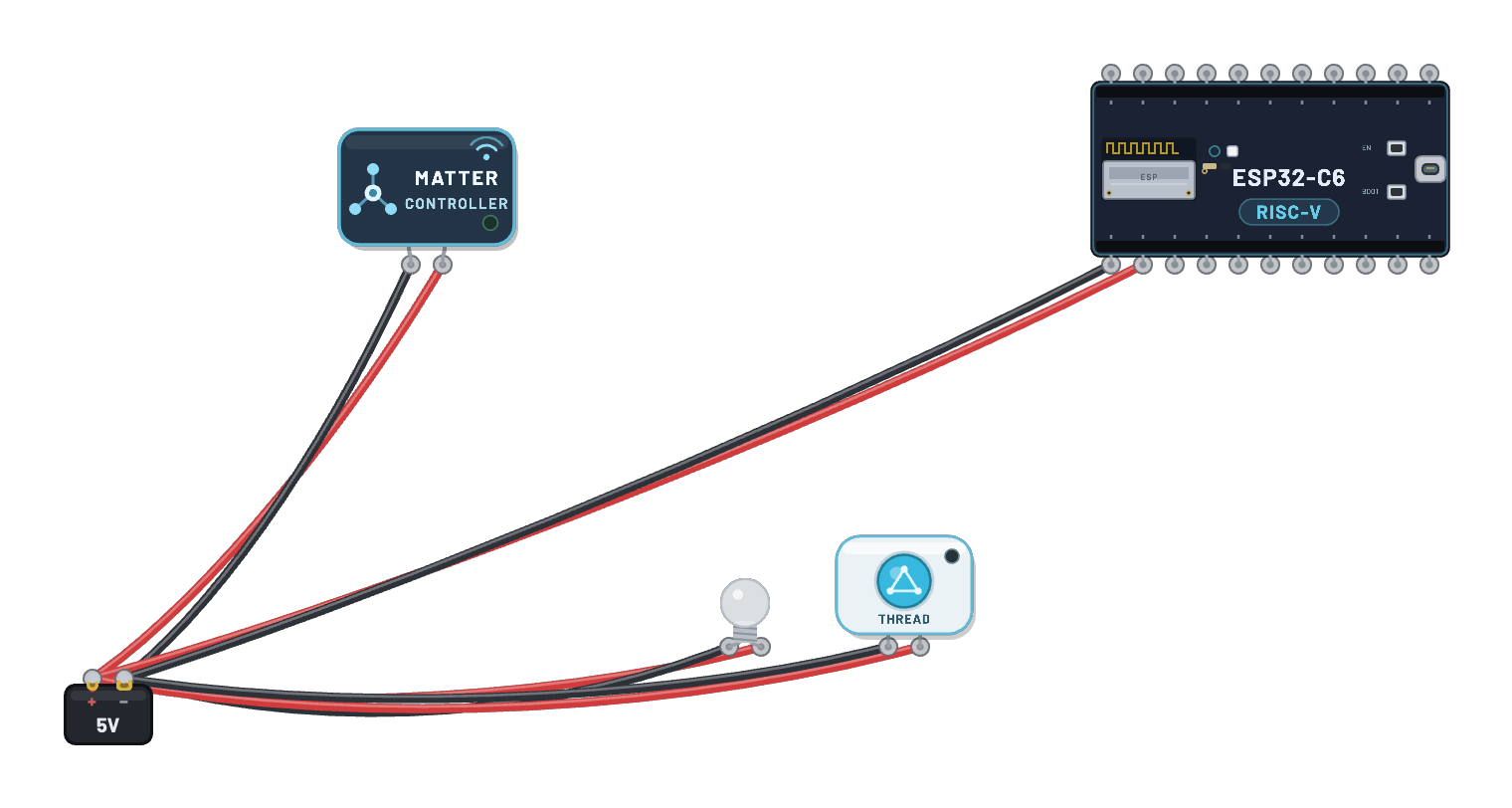
A real smart-home stack, end to end: an ESP32-S3 Matter controller, a C6 Thread Border Router, and a sealed Matter bulb — three unmodified vendor firmware images, plus a powered Thread control button for the controller. The example sets itself up: guided steps connect Wi-Fi, forms the Thread network, and commissions the bulb over Bluetooth LE with a real PASE handshake. Then press the wired-and-powered control button (or click the bulb) — every press enters the real controller firmware and sends a Matter command over Thread; the glass lights only when it reaches the bulb firmware’s GPIO8 output. The 📡 Sniffer separates BLE commissioning from Thread traffic; test credentials only, with no certification or physical-ecosystem claim.
How it works
Three real firmware images run the whole story — the app never fakes a step. The bulb starts knowing nothing, so it advertises over Bluetooth LE: that is how a new Matter device says "add me". Commissioning works exactly like real hardware: the controller connects over BLE, both sides prove they know the setup code without ever sending it (PASE), the controller checks the bulb’s test attestation certificate, then hands it two things — the Thread network keys and a fabric certificate (membership of this home). The bulb joins the Thread mesh and BLE is never used again. From then on, every On/Off command opens an encrypted CASE session and travels Wi-Fi → Border Router → Thread mesh → bulb. The rendered glass changes only when the bulb’s firmware drives its real GPIO8/WS2812 output. The Inspector reports BLE activity, Thread attachment, Matter fabric state, and the physical light separately — one is never inferred from another.
What's on the bench
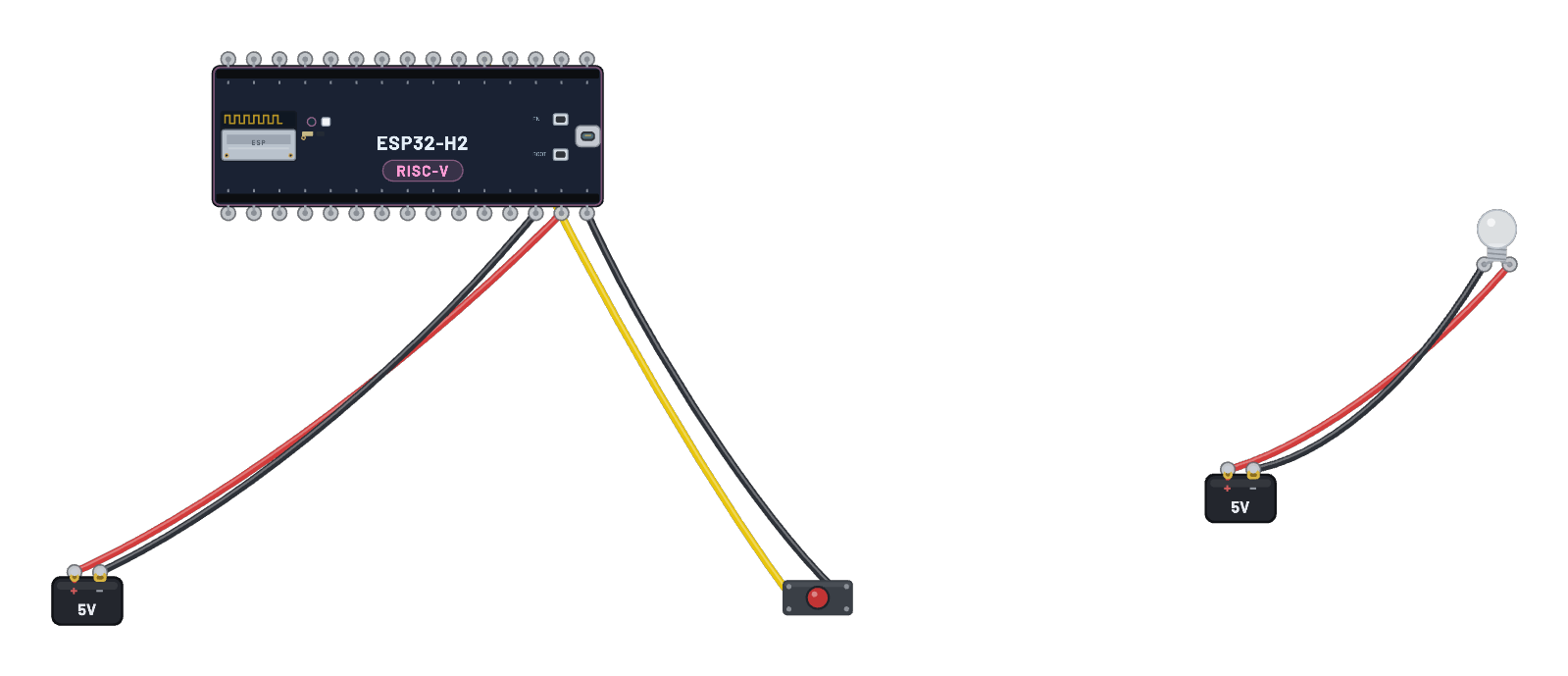
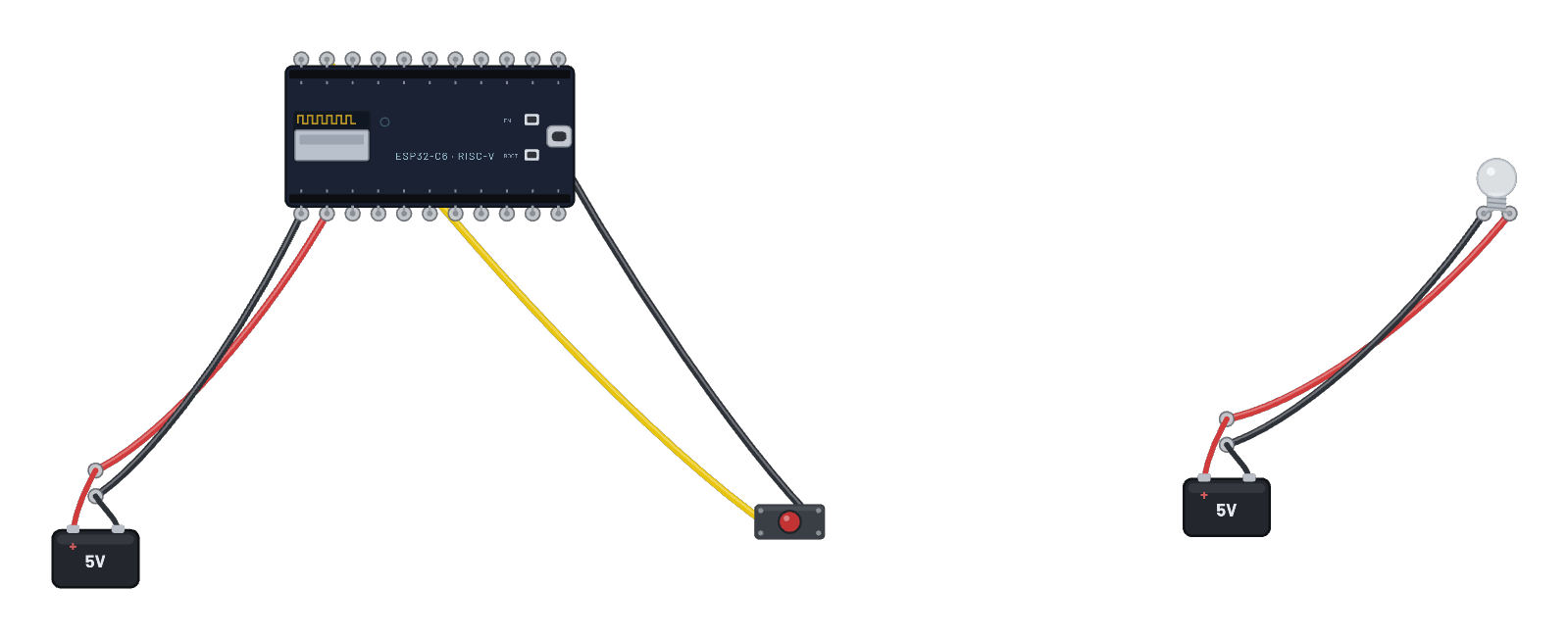
- Battery
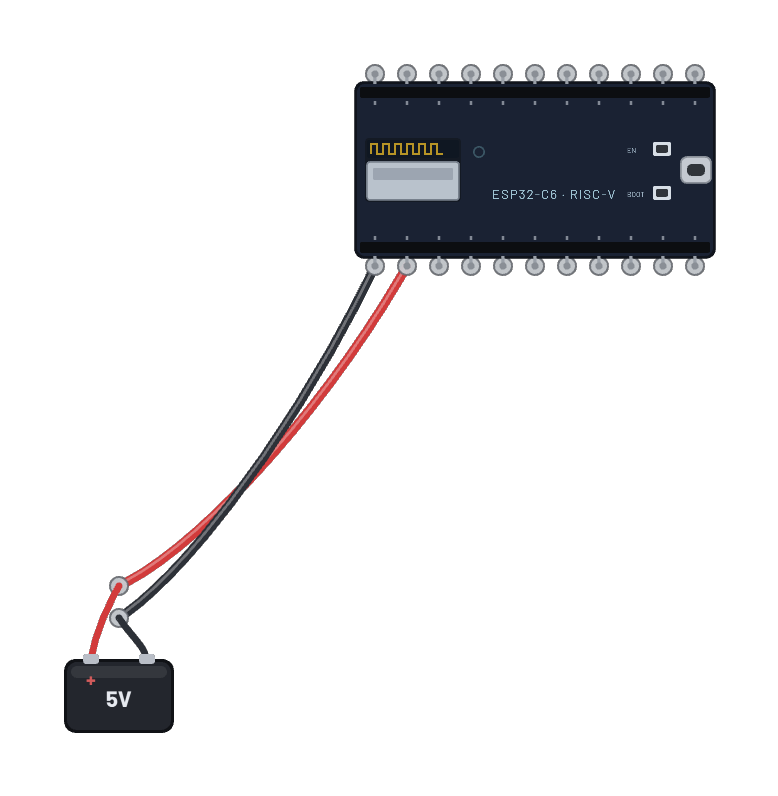
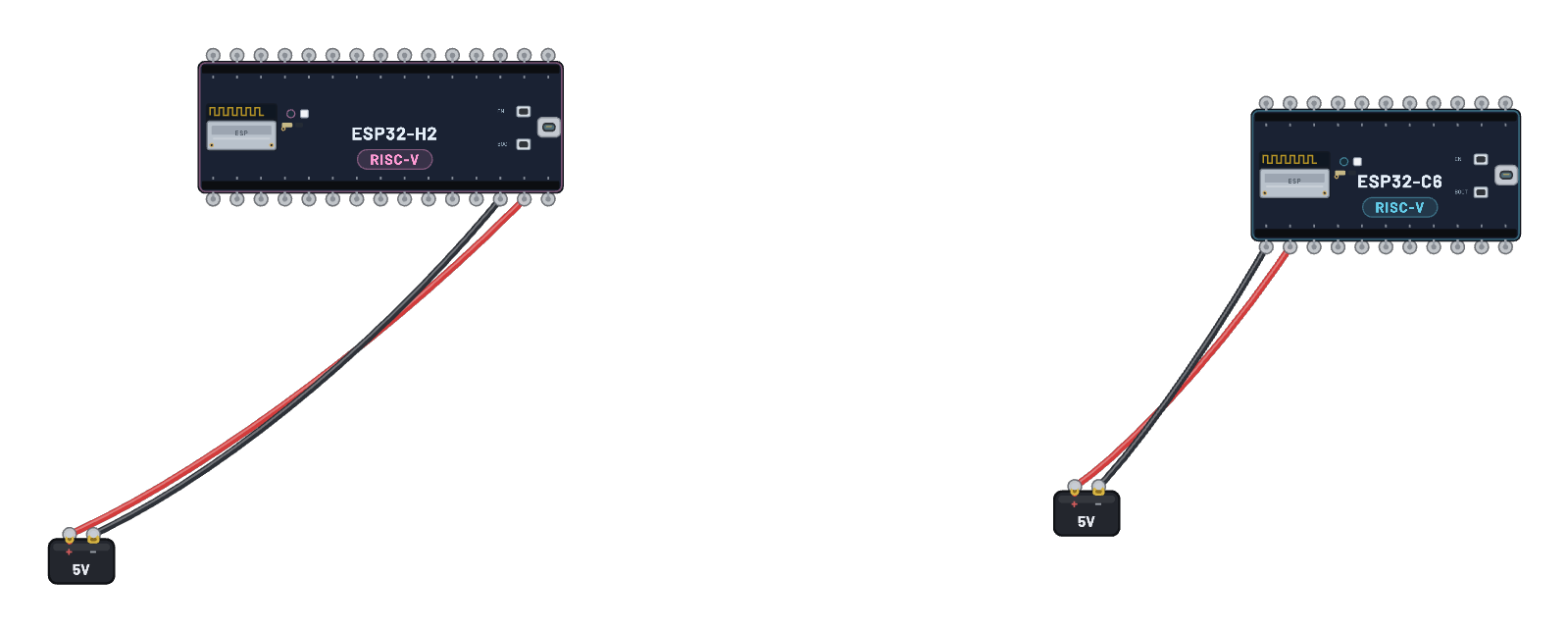
- ESP32-C6
- Matter Bulb
- Matter Controller
- Thread Control Button
How it's wired
- Battery · pos→Matter Controller · vcc
- Battery · neg→Matter Controller · gnd
- Battery · pos→ESP32-C6 · vin
- Battery · neg→ESP32-C6 · gnd
- Battery · pos→Matter Bulb · vcc
- Battery · neg→Matter Bulb · gnd
- Battery · pos→Thread Control Button · vcc
- Battery · neg→Thread Control Button · gnd
This project runs prebuilt firmware on the emulated board; open it in the simulator to watch it work and inspect every part live.
Try this
- Load the example and just watch: the guided setup in the controller’s Inspector connects Wi-Fi, forms the Thread network, waits for the Border Router, and commissions the bulb. Every ✓ waits for real radio traffic — commissioning takes a minute or two.
- When setup completes, press the powered Thread control button beside the bulb (or click the bulb itself). Its green power lamp comes from the same real 5 V rail as the other products; each press enters the real controller firmware and sends a Matter Toggle over Thread, and the glass follows the bulb firmware’s GPIO8 output.
- Select the bulb: its Inspector has On / Off / Toggle plus live Thread, fabric, and light state — reported separately, never guessed. Cancel the guided setup at any time and drive the same steps by hand from the controller.
- Open the 📡 Sniffer: commissioning runs on Bluetooth LE, operation on 802.15.4 / Thread. Thread PAN membership alone never means commissioned.
- The serial monitor keeps the firmware’s info chatter hidden so the important lines stay readable — the "verbose" chip shows every raw log line.