Dual-band Wi-Fi: 5 GHz on the ESP32-C5
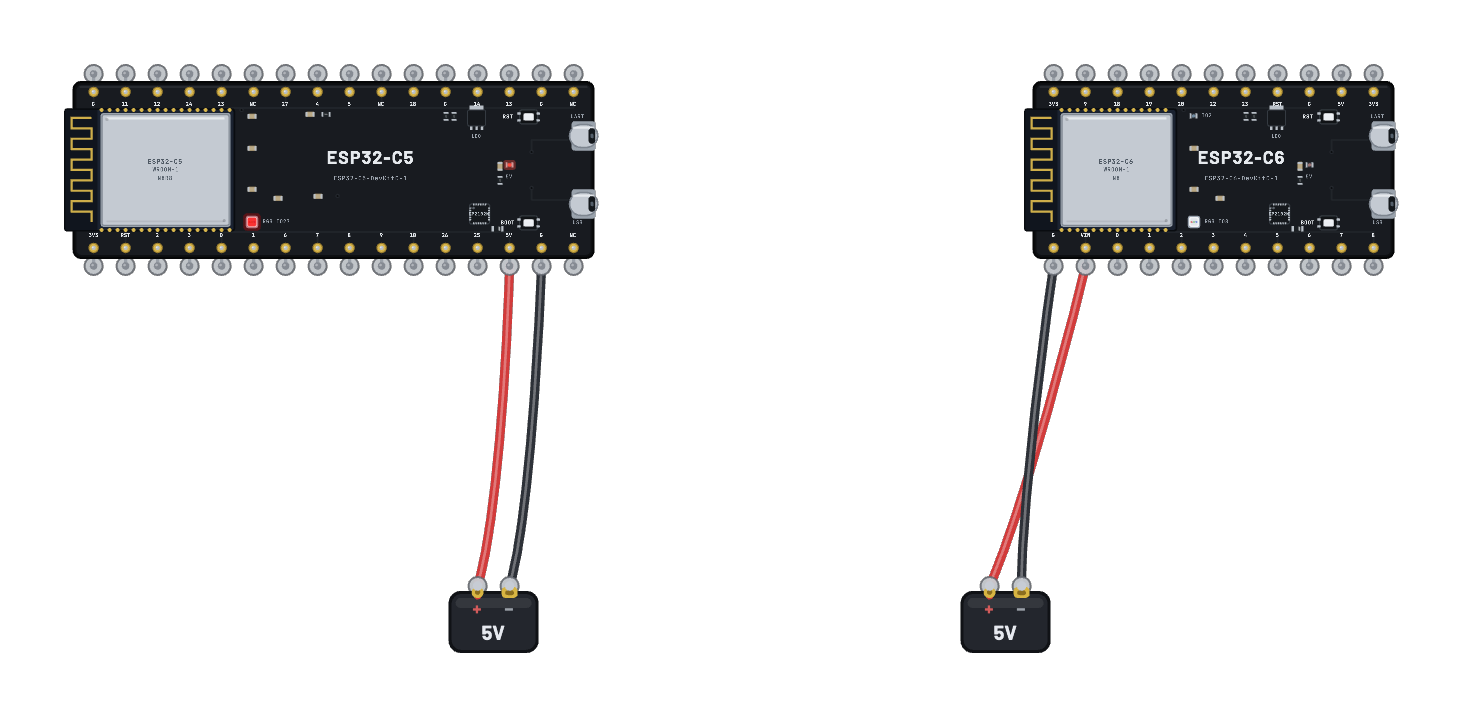
Two boards, one radio environment, one script — and two different answers. The ESP32-C5 and the ESP32-C6 are each given the same two networks (Breadboard-2G on channel 6 and Breadboard-5G on channel 36), boot their own MicroPython image, and scan. The C5 is the bench’s only dual-band station, so it reports both; the C6’s 2.4 GHz-only radio genuinely never hears the 5 GHz beacons, and its scan comes back one network short. Read the two RESULT lines in the serial monitor against each other. Both boards carry the identical network list in their Wi-Fi inspector — the channel-36 row is right there on the C6 as well, labelled 5 GHz, and its radio still cannot hear it.
How it works
Both boards get the SAME radio environment from the circuit document — Breadboard-2G on channel 6 and Breadboard-5G on channel 36 — and the SAME script, broadcast to both the way the ESP-NOW pair does it; each board names itself from its own chip id so nothing else can explain a difference. Channel 36 is the first UNII-1 20 MHz channel, and 5 GHz is not a label the simulator paints on afterwards: an access point out of band simply does not exist for a station that cannot receive it. The 2.4 GHz-only C6 never hears its beacons, never probes it and could not associate to it even if you asked by name, so w.scan() comes back one network short. The ESP32-C5's Wi-Fi 6 station is the bench's only dual-band radio, so the same call returns both, each with its real channel number. Everything above the radio is the same stock MicroPython network API — the C5 runs the official v1.29.0 ESP32_GENERIC_C5 build and the C6 its own v1.28.0 one.
What's on the bench
- 2× Battery
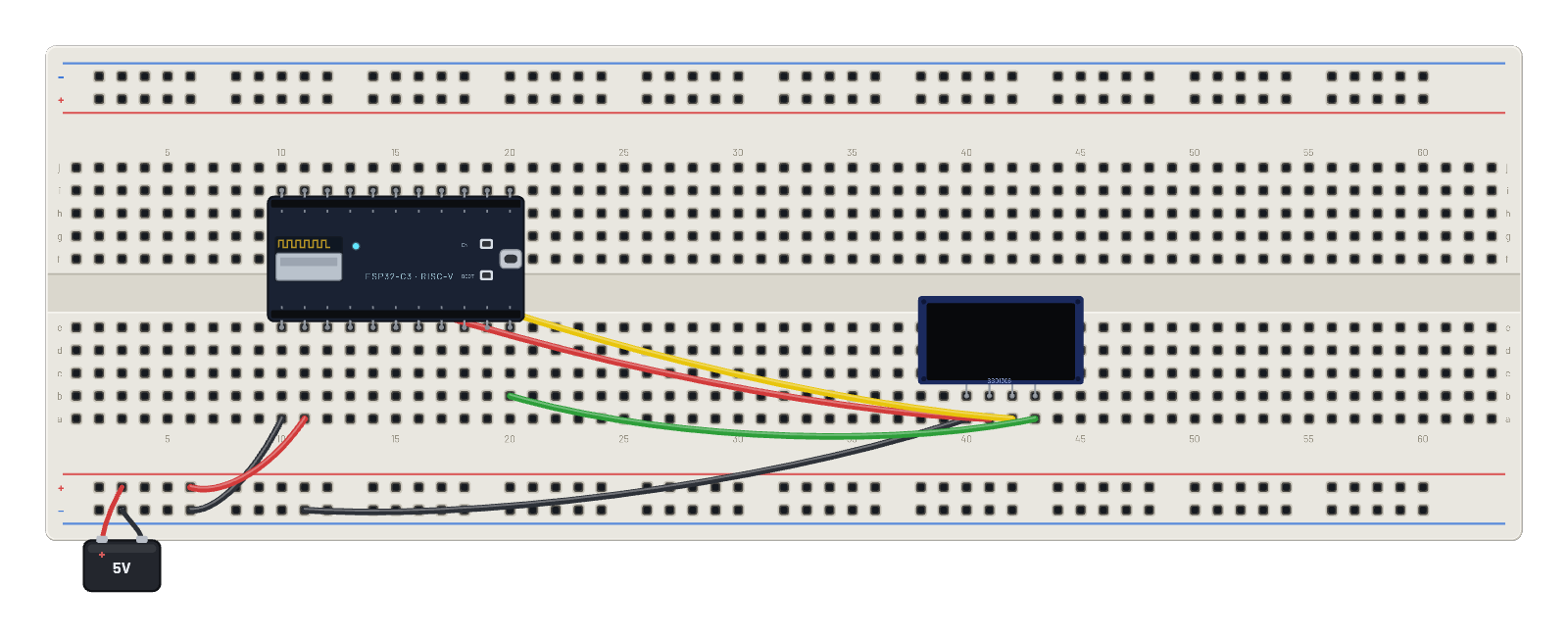
- ESP32-C5-DevKitC-1
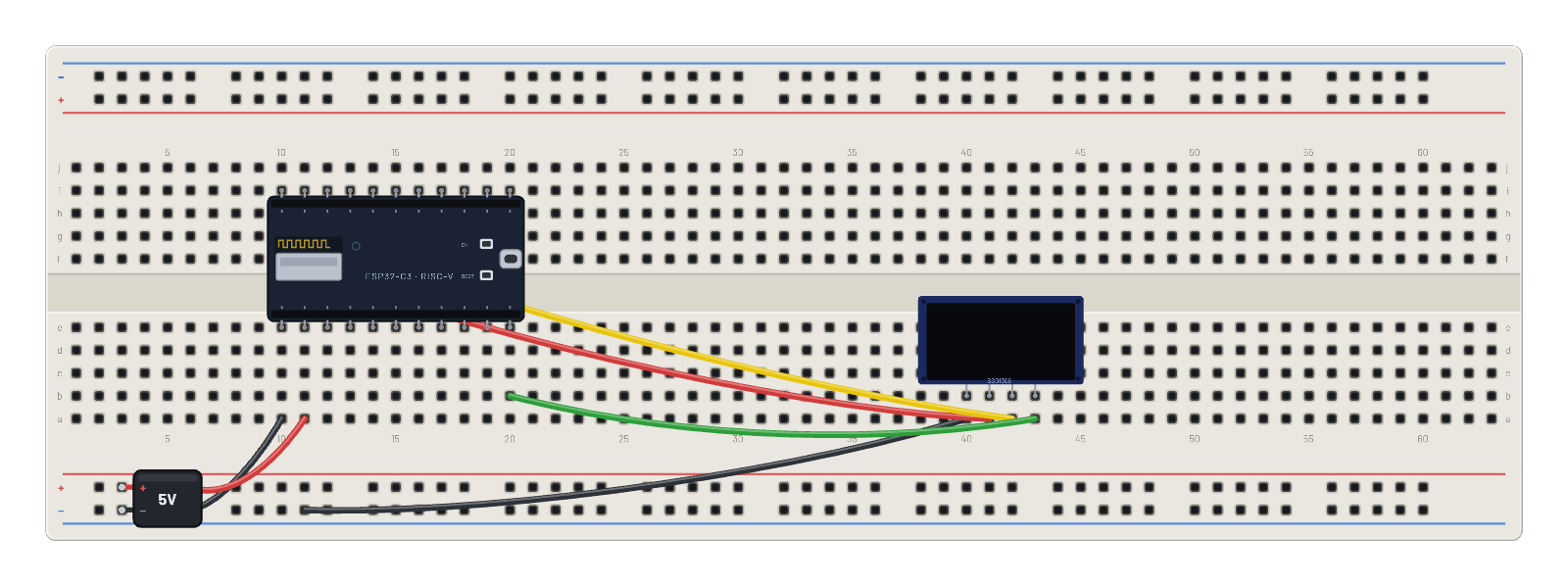
- ESP32-C6
How it's wired
- Battery · pos→ESP32-C5-DevKitC-1 · 5v
- Battery · neg→ESP32-C5-DevKitC-1 · gnd
- Battery · pos→ESP32-C6 · vin
- Battery · neg→ESP32-C6 · gnd
The code
This MicroPython script runs on the emulated board every boot; edit it in the Code tab.
import network, os, time

TAG = 'C5' if 'C5' in os.uname().machine else 'C6'
w = network.WLAN(network.STA_IF)
w.active(True)

while True:
    seen = sorted({(s.decode(), c) for s, b, c, r, sec, h in w.scan()})
    for ssid, ch in seen:
        print('%s sees ch%-3d %-6s %s' % (TAG, ch, '5GHz' if ch >= 36 else '2.4GHz', ssid))
    five = [s for s, c in seen if c >= 36]
    if five:
        print('%s RESULT dual-band radio: %d of %d networks are 5 GHz (%s)'
              % (TAG, len(five), len(seen), ', '.join(five)))
    else:
        print('%s RESULT 2.4 GHz only: the 5 GHz network is invisible to this radio' % TAG)
    time.sleep(3)
Try this
- Read the two RESULT lines in the serial monitor against each other — one script, one AP list, two answers.
- Click each board and compare the Virtual networks list in its Wi-Fi inspector: they are identical, channel-36 row and all. The document is not what differs.
- Add another 5 GHz network to the C6 (press + Add network, set the channel to 149 — the row labels itself 5 GHz) and watch the next scan: still nothing new.
- Edit the script to w.connect('Breadboard-5G') and re-run: the C5 associates and takes a DHCP lease (192.168.4.2), while the C6 never connects and w.status() settles on 201 — STAT_NO_AP_FOUND, the same answer real hardware gives for a network that is not on your band.