Example project · Builds & projects
ESP32-S3 peripheral tour (no typing)
Fully autonomous: a stock ESP-IDF app on the ESP32-S3 writes the OLED over I2C, animates the NeoPixel strip over RMT, and reads the pot on ADC1. Just press Run.
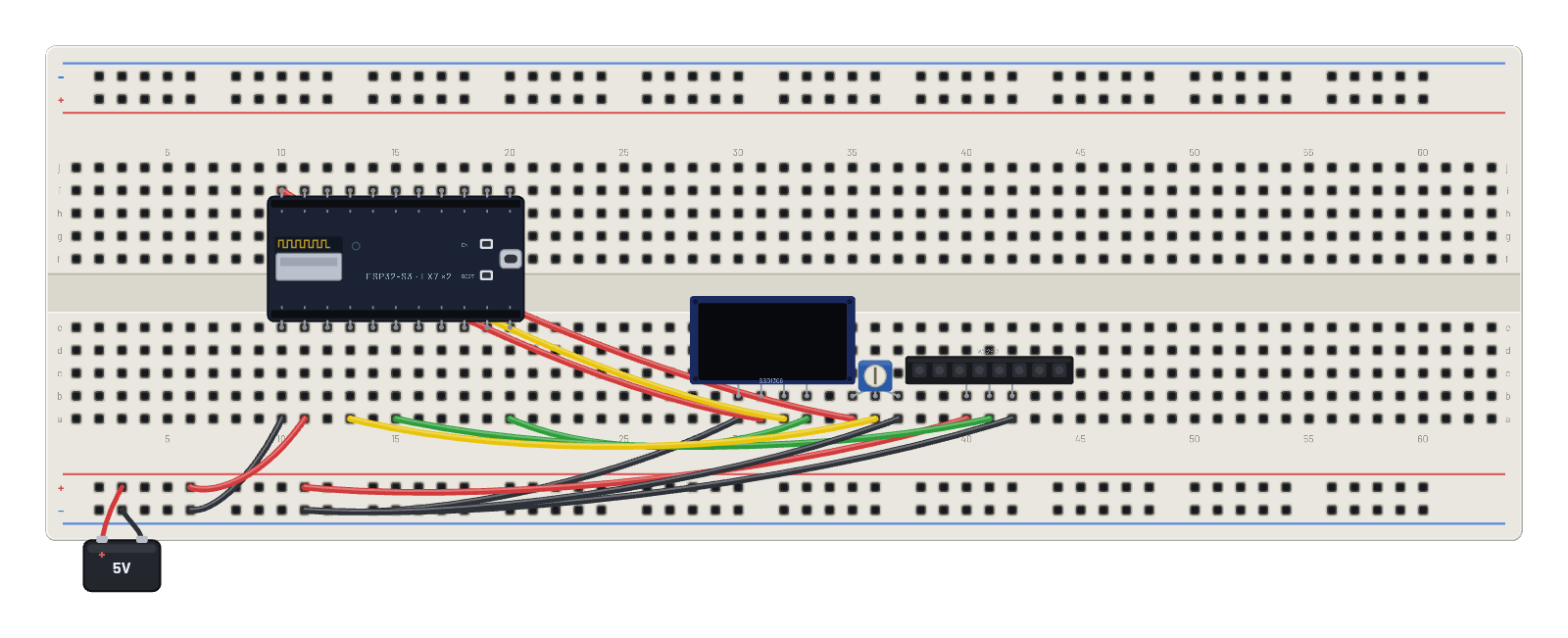
How it works
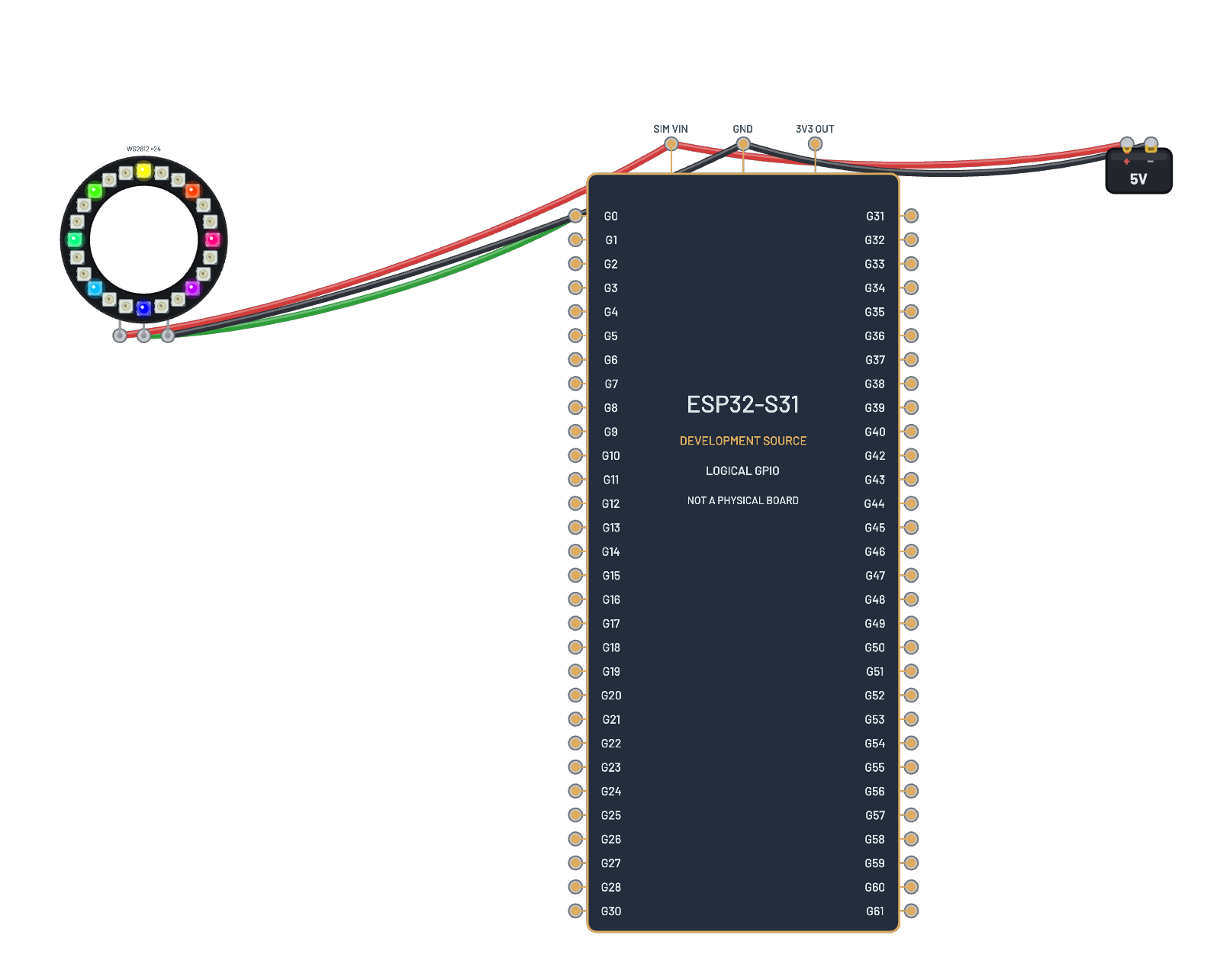
A whole ESP-IDF peripheral tour compiled for the S3 and run through the real boot ROM, no typing required. The app drives three peripherals at once: the SSD1306 over I²C (SDA=G8, SCL=G9), an 8-pixel WS2812 strip animated through the RMT peripheral on G3 (the same cycle-exact bit timing real firmware needs), and the potentiometer read on ADC1 via G1. It is the closest thing on the bench to flashing a random devkit demo and watching it go.
What's on the bench
- Battery
- ESP32-S3
- NeoPixel ×8
- OLED 128×64
- Trim Pot
How it's wired
- hole a10→hole B-5
- hole a11→hole B+5
- hole a30→hole B-9
- hole a31→hole h10
- hole a32→hole h11
- hole a33→hole a20
- hole a40→hole B+9
- hole a41→hole a15
- hole a42→hole B-9
- hole a35→hole i10
- hole a36→hole a13
- hole a37→hole B-9
This project runs prebuilt firmware on the emulated board; open it in the simulator to watch it work and inspect every part live.
Try this
- Watch the NeoPixel animation run: that is the RMT peripheral making WS2812 timing.
- Turn the pot's Inspector slider and feed the ADC a new reading.
- Open the Serial panel for the app’s own logging.
- Press ⟲ Restart to watch the IDF boot sequence from the top.