Example project · Builds & projects
ESP-IDF project · ESP32-S3
Your own ESP-IDF v5.3.5 project on a real emulated ESP32-S3 N16R8: the Code tab holds the C sources under main/ (add, rename and delete files), and Compile & run rebuilds them on a fixed, pre-built project in the cloud in about half a minute. The bundled firmware is the unedited starter: it prints a greeting and blinks the LED on G2 every half second. Components you may include are listed in main/CMakeLists.txt; CMake and sdkconfig stay fixed.
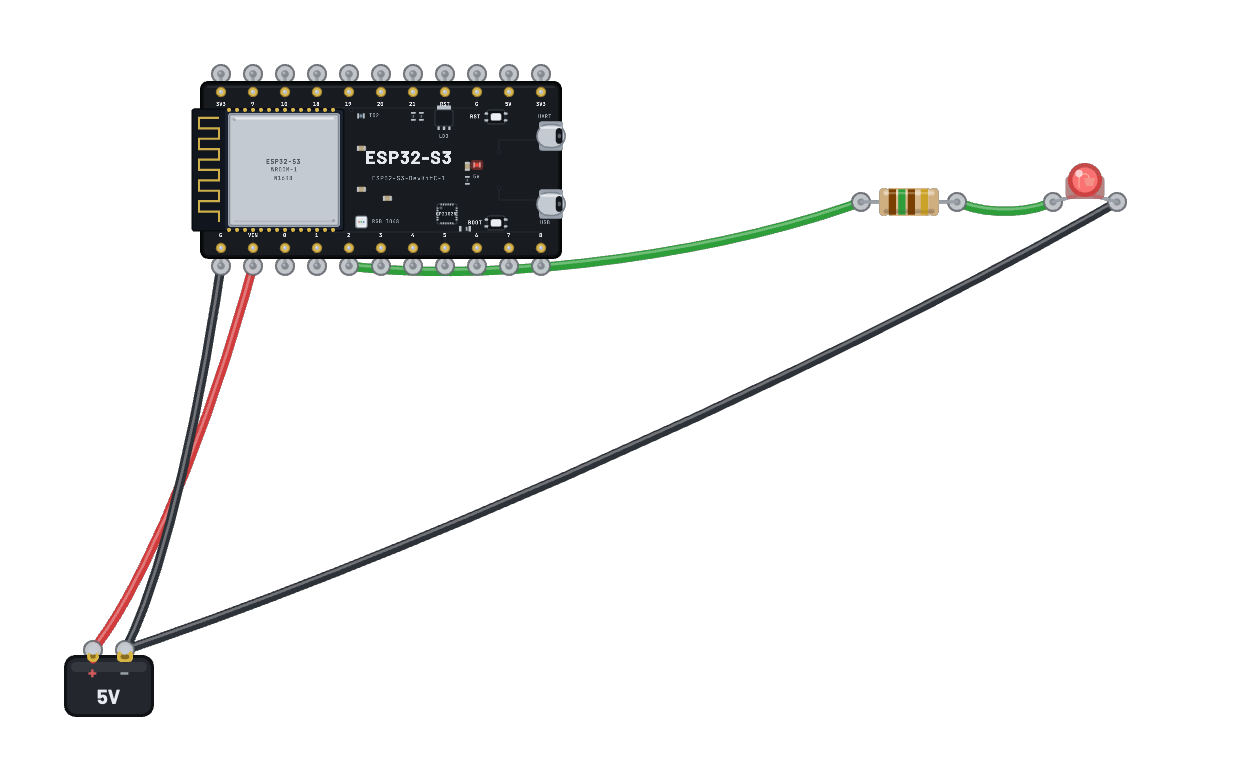
What's on the bench
- Battery
- ESP32-S3
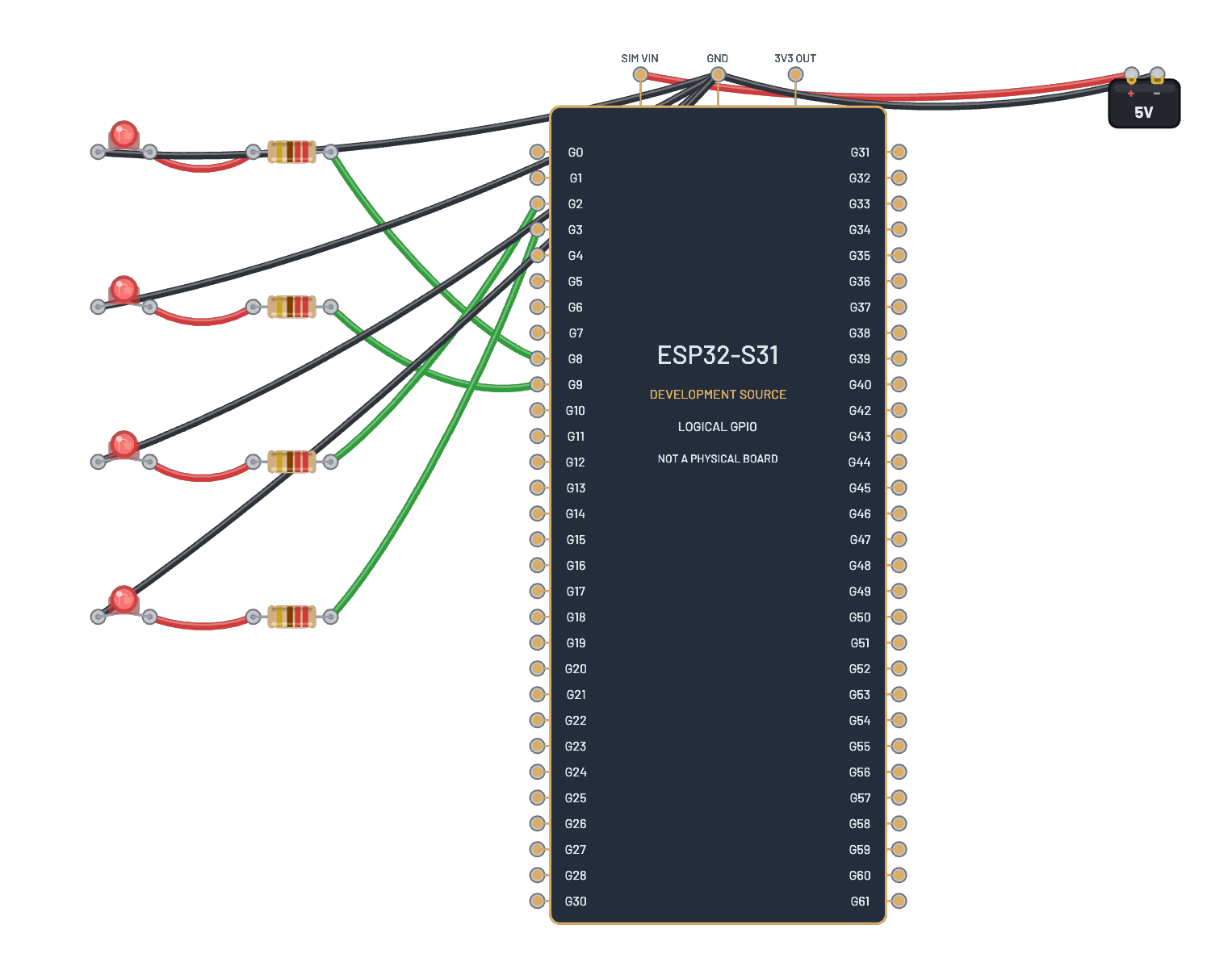
- LED
- Resistor
How it's wired
- Battery · pos→ESP32-S3 · vin
- Battery · neg→ESP32-S3 · gnd
- ESP32-S3 · g2→Resistor · a
- Resistor · b→LED · a
- LED · k→Battery · neg
The code
The exact ESP-IDF v5.3.5 project the bundled firmware was compiled from — shown in the simulator’s Code tab, where you can edit the sources and press Compile & run to rebuild the board’s firmware in the cloud sandbox.
main/main.c
// SPDX-License-Identifier: MIT
// Breadboard ESP32-S3 template: the starter program. Replace or add files
// under main/ (.c, .cpp, .h, .hpp). app_main() is the entry point; the
// components you may include are listed in main/CMakeLists.txt.
#include <stdio.h>
#include "driver/gpio.h"
#include "freertos/FreeRTOS.h"
#include "freertos/task.h"

#define LED_GPIO GPIO_NUM_2

void app_main(void)
{
    gpio_reset_pin(LED_GPIO);
    gpio_set_direction(LED_GPIO, GPIO_MODE_OUTPUT);
    printf("Breadboard ESP32-S3 template: hello from ESP-IDF\n");
    int level = 0;
    for (;;) {
        gpio_set_level(LED_GPIO, level);
        printf("LED %s\n", level ? "on" : "off");
        level = !level;
        vTaskDelay(pdMS_TO_TICKS(500));
    }
}