Bubble level (MPU-6050 + OLED)
A spirit level built from an IMU: the S3 reads the accelerometer gravity vector and floats a bubble across the OLED. Run the prefilled script, then tilt the sensor from its Inspector (accel X/Y) and watch the bubble chase the slope.
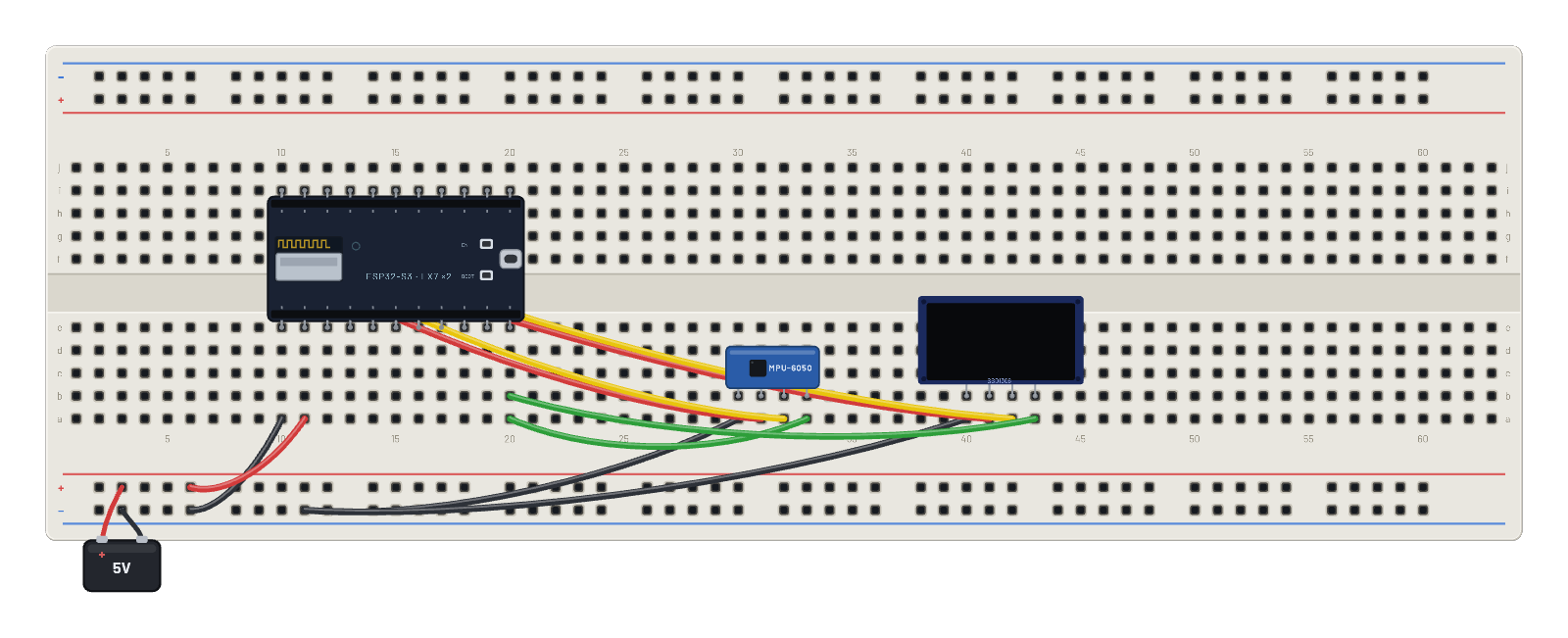
How it works
A spirit level with no liquid: the ESP32-S3 wakes the MPU-6050 by clearing its sleep bit (register 0x6B), then burst-reads the accelerometer registers from 0x3B and unpacks big-endian int16s at 16384 LSB per g. The script maps X and Y tilt onto the OLED: the bubble is a filled circle whose position chases the acceleration vector, inside an outline ring, five times a second. No driver library involved: just registers, the same ones the datasheet lists.
What's on the bench
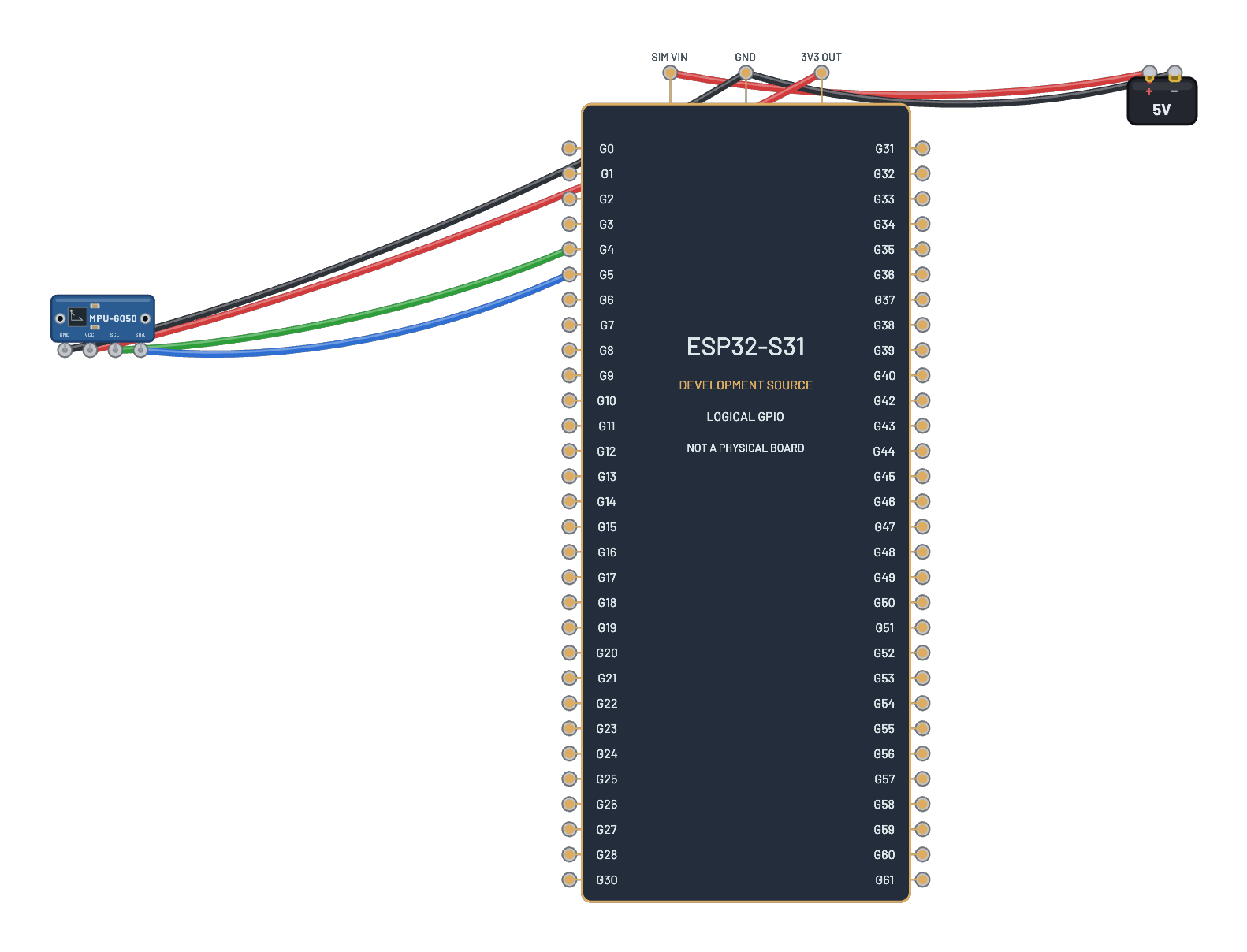
- Battery
- ESP32-S3
- MPU-6050
- OLED 128×64
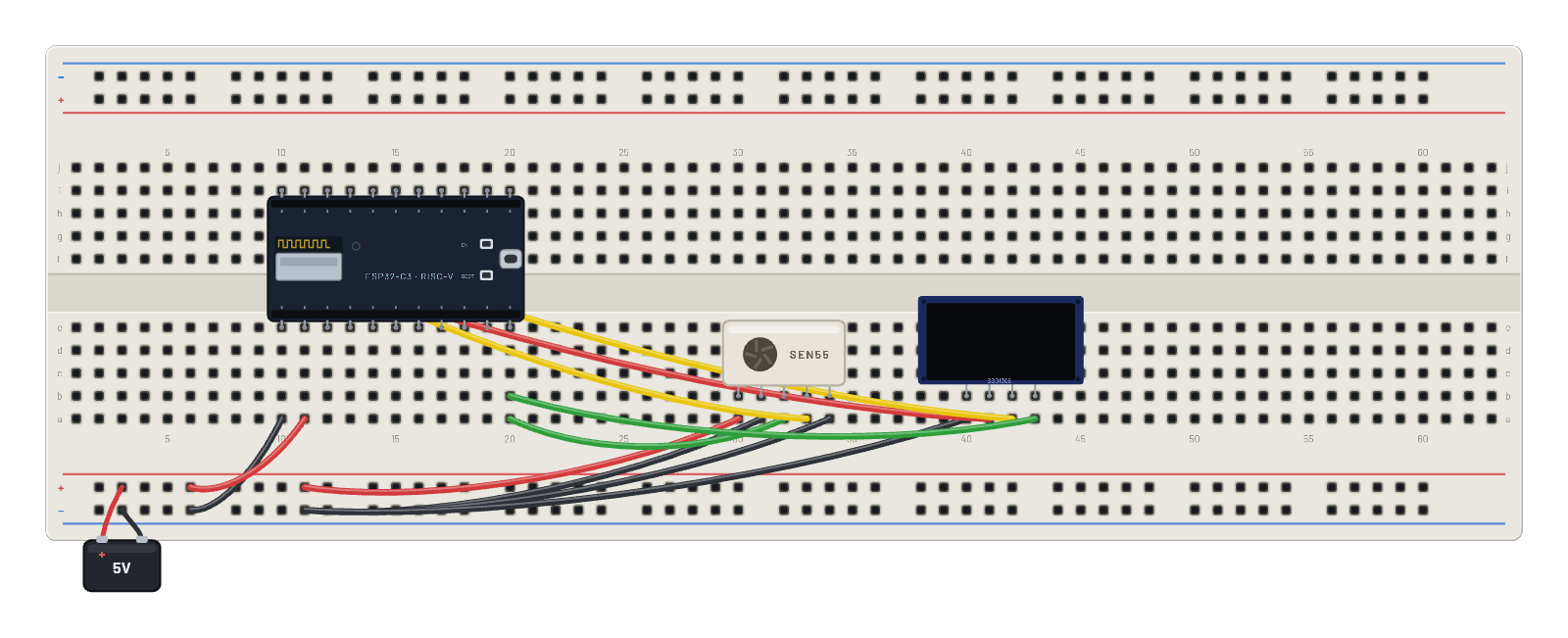
How it's wired
- hole a10→hole B-5
- hole a11→hole B+5
- hole a30→hole B-9
- hole a31→hole f10
- hole a32→hole f11
- hole a33→hole a20
- hole a40→hole B-9
- hole a41→hole g10
- hole a42→hole g11
- hole a43→hole b20
The code
This MicroPython script runs on the emulated board every boot; edit it in the Code tab.
from machine import I2C, Pin
import framebuf, time
i = I2C(0, scl=Pin(9), sda=Pin(8))
buf = bytearray(1024)
fb = framebuf.FrameBuffer(buf, 128, 64, framebuf.MONO_VLSB)
for c in b'\xae\xd5\x80\xa8\x3f\xd3\x00\x40\x8d\x14\x20\x00\xa1\xc8\xda\x12\x81\xcf\xd9\xf1\xdb\x40\xa4\xa6\xaf':
    i.writeto(0x3c, bytes([0, c]))
def show():
    i.writeto(0x3c, b'\x00\x21\x00\x7f\x22\x00\x07')
    i.writeto(0x3c, b'\x40' + buf)

# MPU-6050: wake, then track the gravity vector as a bubble
i.writeto_mem(0x68, 0x6B, b'\x00')
import struct
for n in range(120):
    ax, ay = struct.unpack(">hh", i.readfrom_mem(0x68, 0x3B, 4))
    x = int(64 + 56 * (ax / 16384))
    y = int(32 + 28 * (ay / 16384))
    fb.fill(0)
    fb.ellipse(64, 32, 30, 30, 1)
    fb.ellipse(64, 32, 4, 4, 1)
    fb.ellipse(x, y, 6, 6, 1, True)
    fb.text('LEVEL', 45, 56)
    show()
    time.sleep(0.2)
Try this
- Select the MPU-6050 and drag Accel X and Y: the bubble chases the tilt.
- Level it (X=0, Y=0) and watch the bubble settle dead center.
- Raise the 56 and 28 multipliers in the script to make the level twitchier.
- Read the chip's ID at the REPL: i.readfrom_mem(0x68, 0x75, 1) answers b'\x68'.