DHT11 climate monitor
Bare-metal single-wire protocol: the Arduino Nano reads temperature and humidity from a DHT11 and prints them over serial.
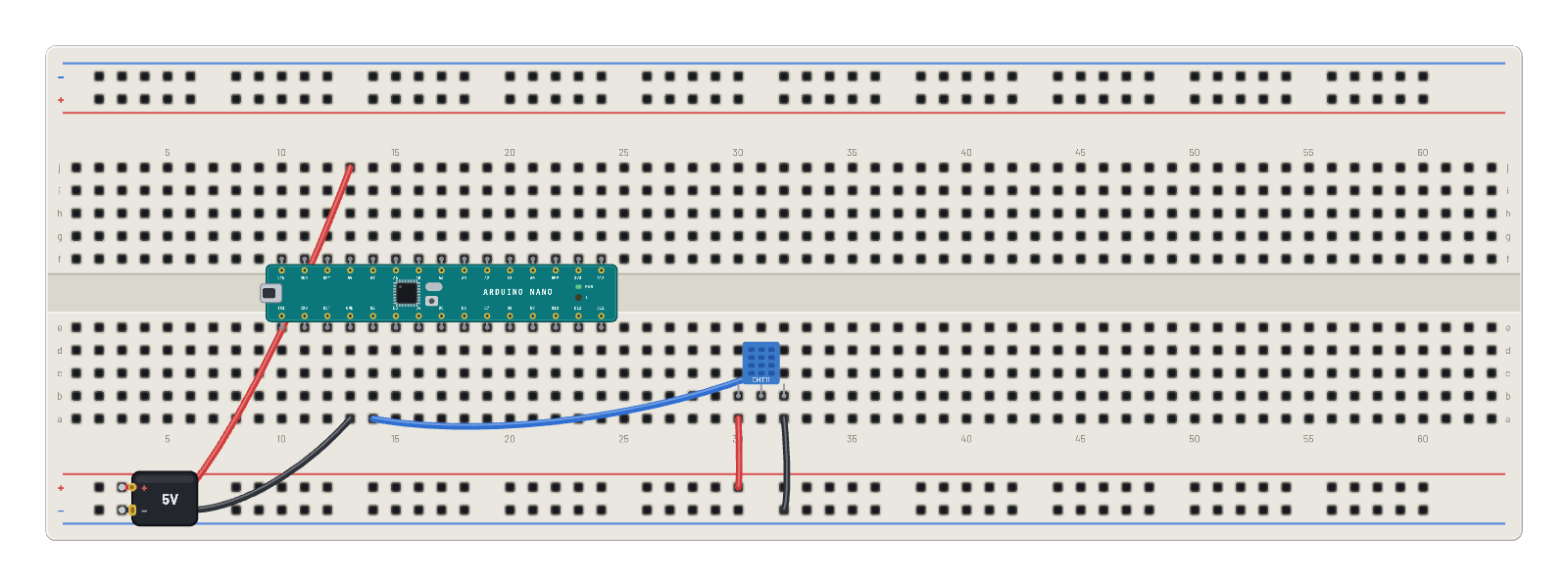
How it works
The DHT11's quirky single-wire protocol, implemented bare-metal: the AVR firmware pulls the data line (D2) low to request, then times the sensor's 40-bit reply pulse by pulse: humidity, temperature, checksum. The prints land on serial as T 023 H 045, tracking the sensor's Inspector sliders. One honest warning from the bench: this part is Arduino-only here. MicroPython's dht module imports fine but times out against the emulated part, so a MicroPython climate project should use the TMP36 on an ADC pin instead.
What's on the bench
- Arduino Nano
- Battery
- DHT11
How it's wired
- hole a13→hole B-5
- hole j13→hole B+5
- hole a30→hole B+25
- hole a32→hole B-26
- hole a14→hole c31
This project runs prebuilt firmware on the emulated board; open it in the simulator to watch it work and inspect every part live.
Try this
- Drag the temperature and humidity sliders: the serial readout follows within a beat.
- Probe D2 with the ∿ Scope and catch the 40-bit reply burst.
- Set 0 % humidity or negative-adjacent temperatures and watch the format hold.
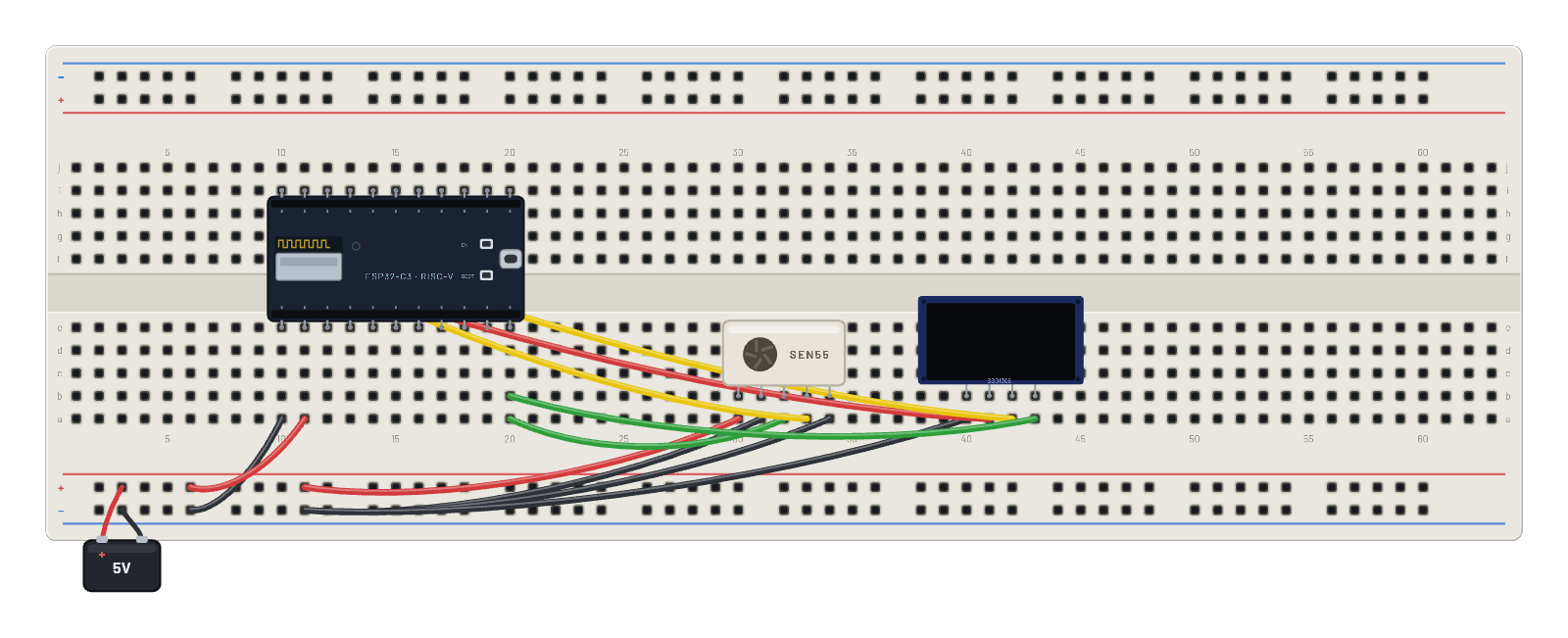
- Compare with the SEN55 examples: same job, I²C instead of one bit-banged wire.