HTTP fetch on the ESP32-S3 (OLED)
The dual-core ESP32-S3 boots the real Wi-Fi stack on both LX7 cores, joins BreadboardNet, and fetches a page from the in-core virtual server over a genuine TCP socket, rendering the status, response body, and a live request counter to a big 1.5″ 128×128 OLED, re-fetching every couple of seconds. Open the 📡 Sniffer to follow the whole conversation: SYN/ACK, the GET, the streamed response, and the FIN teardown.
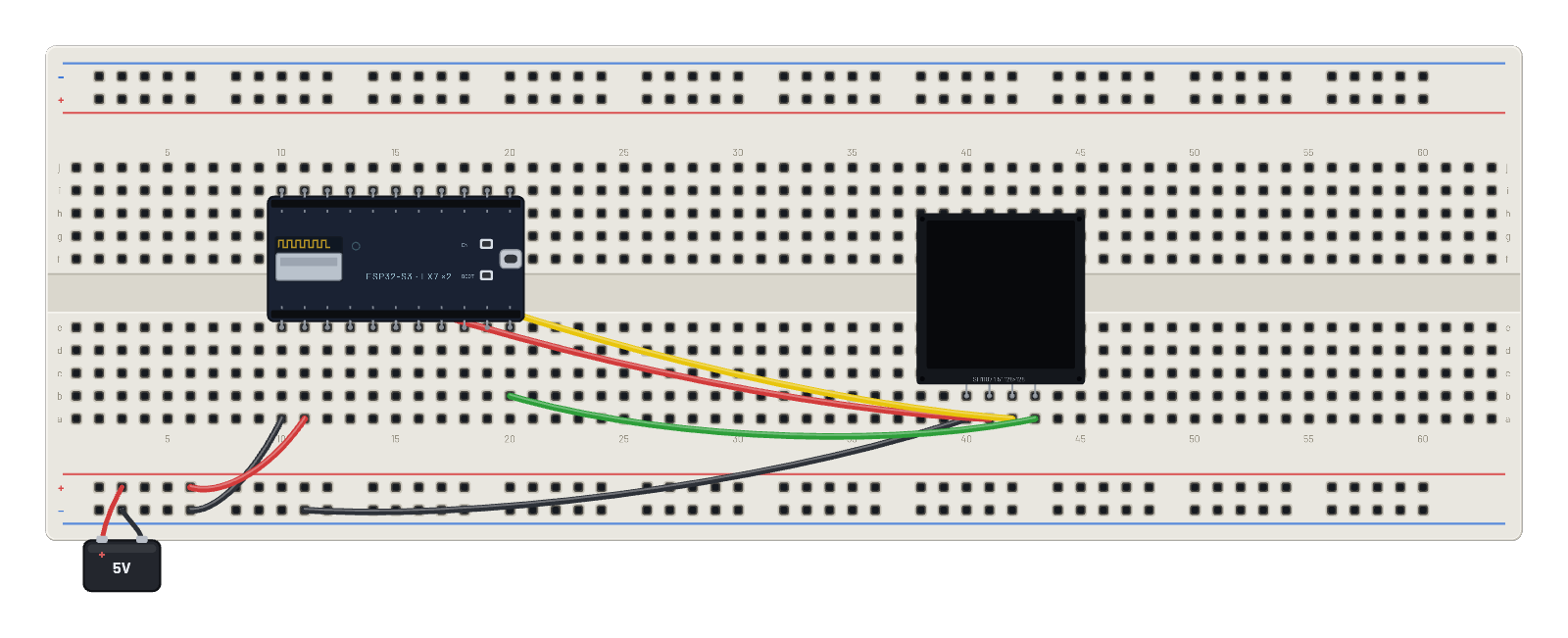
How it works
HTTP with no libraries: after joining BreadboardNet, the dual-core S3 opens a raw socket to the gateway at 192.168.4.1:80 every two seconds, sends a hand-written GET / HTTP/1.0 request, and reads the reply straight off the TCP stream. Status line and body land on the big 1.5″ SH1107 (128×128, twice the rows of the small OLED) along with a running request counter. Every SYN, ACK, and FIN is a real frame from a real lwIP stack.
What's on the bench
- Battery
- ESP32-S3
- OLED 1.5″ 128×128
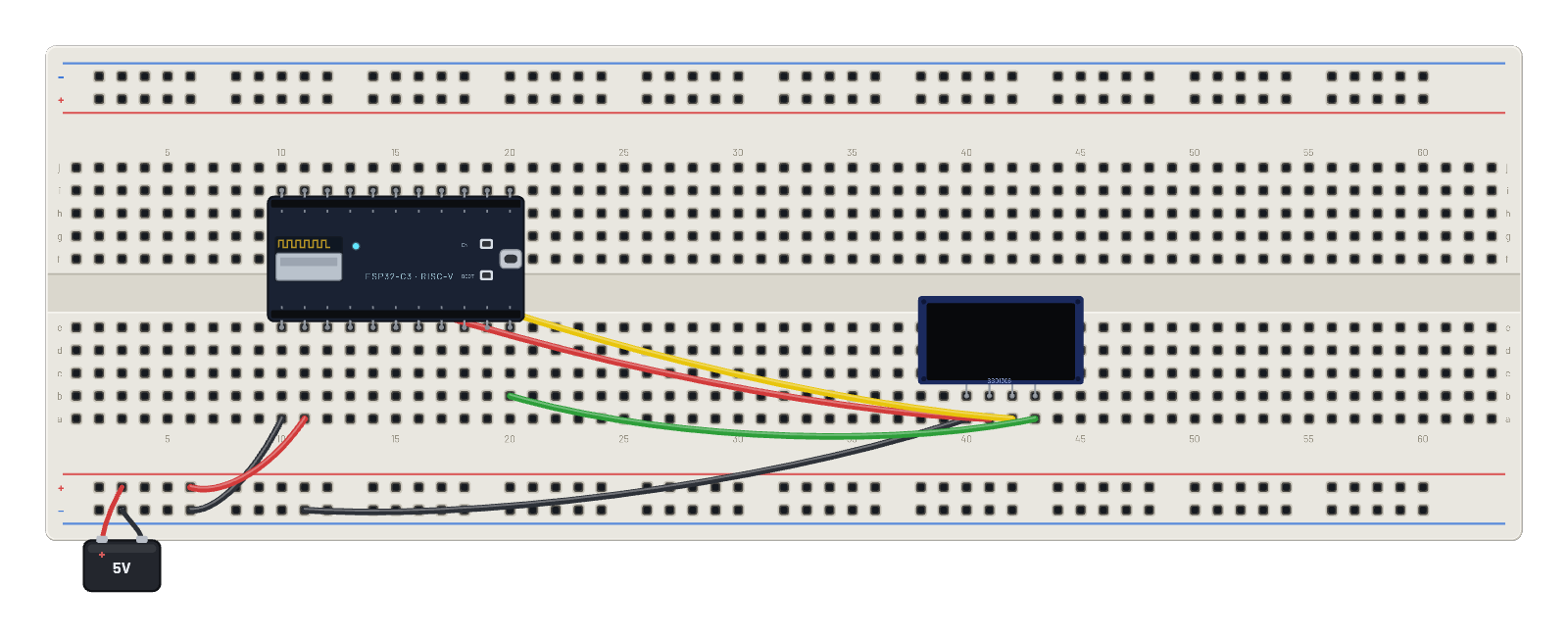
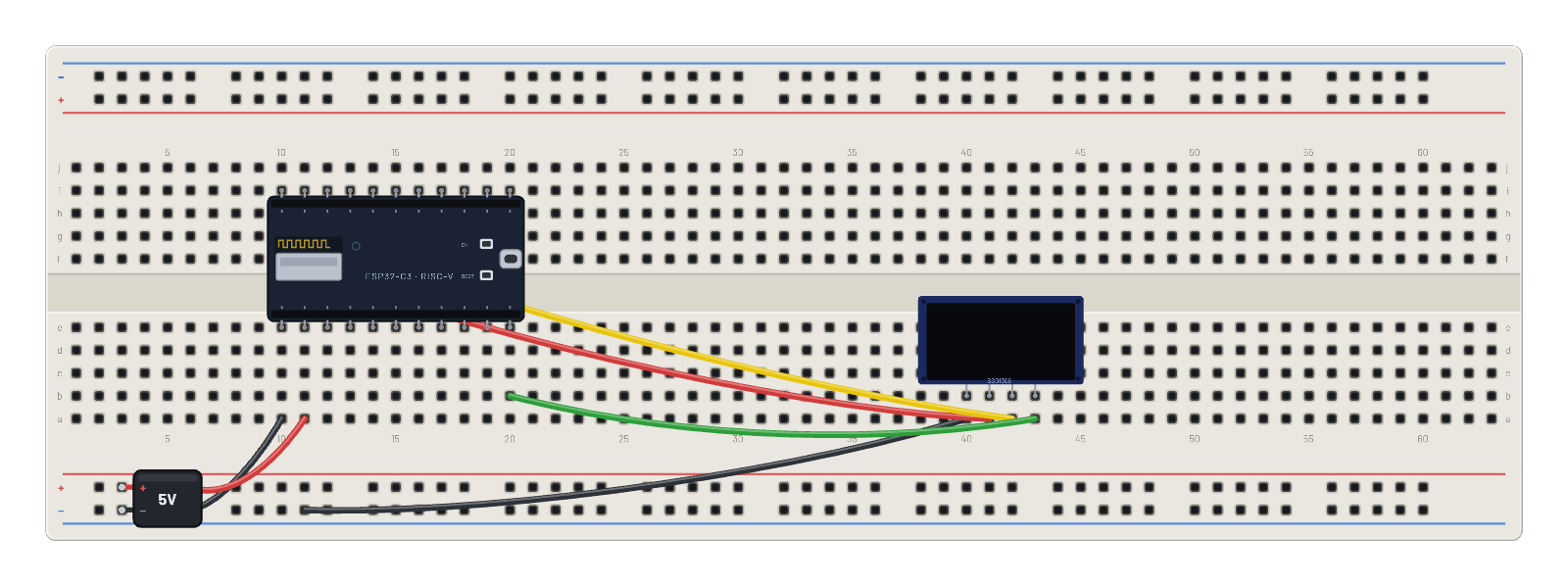
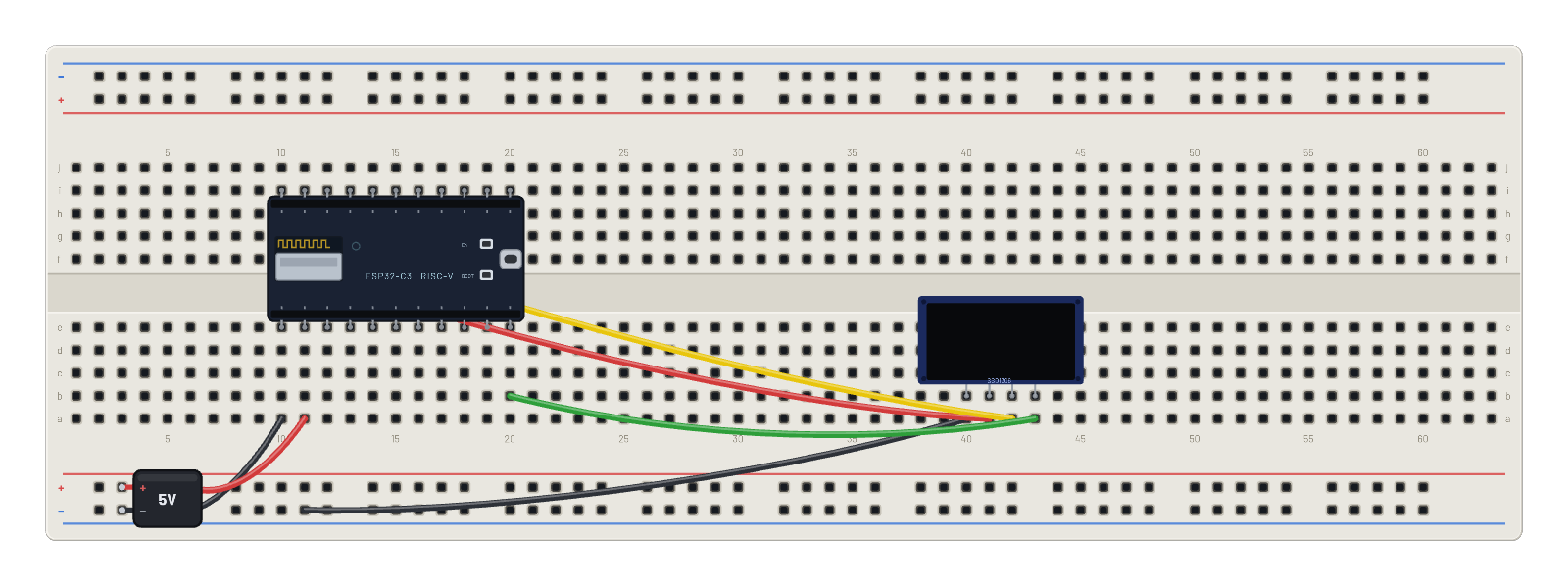
How it's wired
- hole a10→hole B-5
- hole a11→hole B+5
- hole a40→hole B-9
- hole a41→hole f10
- hole a42→hole g11
- hole a43→hole b20
The code
This MicroPython script runs on the emulated board every boot; edit it in the Code tab.
from machine import I2C, Pin
import framebuf, time
i = I2C(0, scl=Pin(9), sda=Pin(8))
buf = bytearray(2048)
fb = framebuf.FrameBuffer(buf, 128, 128, framebuf.MONO_VLSB)
for c in b'\xae\x20\xa8\x7f\xd3\x00\xdc\x00\x81\x4f\xad\x8a\xa4\xa6\xaf':
    i.writeto(0x3d, bytes([0, c]))
def show():
    for p in range(16):
        i.writeto(0x3d, bytes([0x00, 0xb0 + p, 0x00, 0x10]))
        i.writeto(0x3d, b'\x40' + buf[p*128:(p+1)*128])

import network, socket
w = network.WLAN(network.STA_IF)
w.active(True)
fb.fill(0); fb.text('S3 connecting...', 0, 60); show()
w.connect('BreadboardNet')
while not w.isconnected():
    time.sleep_ms(100)
ip = w.ifconfig()[0]
n = 0
while True:
    s = socket.socket()
    s.connect(('192.168.4.1', 80))
    s.send(b'GET / HTTP/1.0\r\nHost: breadboard\r\n\r\n')
    resp = s.recv(512).decode()
    s.close()
    n += 1
    status = resp.split('\r\n')[0]
    body = resp.split('\r\n\r\n')[-1].strip()
    if n == 1:
        print(status)
        print(body)
    fb.fill(0)
    fb.text('ESP32-S3 HTTP', 0, 0)
    fb.hline(0, 10, 128, 1)
    fb.text('IP ' + ip, 0, 16)
    fb.text('GET 192.168.4.1', 0, 28)
    fb.text(status[:16], 0, 40)
    fb.hline(0, 52, 128, 1)
    for k in range(4):
        fb.text(body[k*16:(k+1)*16], 0, 58 + k*12)
    fb.text('requests: %d' % n, 0, 112)
    show()
    time.sleep_ms(2000)
Try this
- Open the 📡 Sniffer and follow one fetch: SYN, SYN-ACK, the GET, the streamed reply, FIN.
- Change the request path to /time or /1000 in the Code tab and watch the body change.
- Watch the requests counter climb on the panel: one TCP conversation per tick.
- Click the S3: two LX7 cores are doing this, scheduled by real FreeRTOS.