Binary dice roller
CLICK AND HOLD THE BUTTON to spin the die, release to roll: three LEDs show the face 1 to 6 in binary and every roll is announced on the serial monitor. The result is human-timed (whichever face the 50 ms spin lands on when you let go), which is how fairground reaction games actually work. The Code tab holds the same game as an editable Arduino sketch.
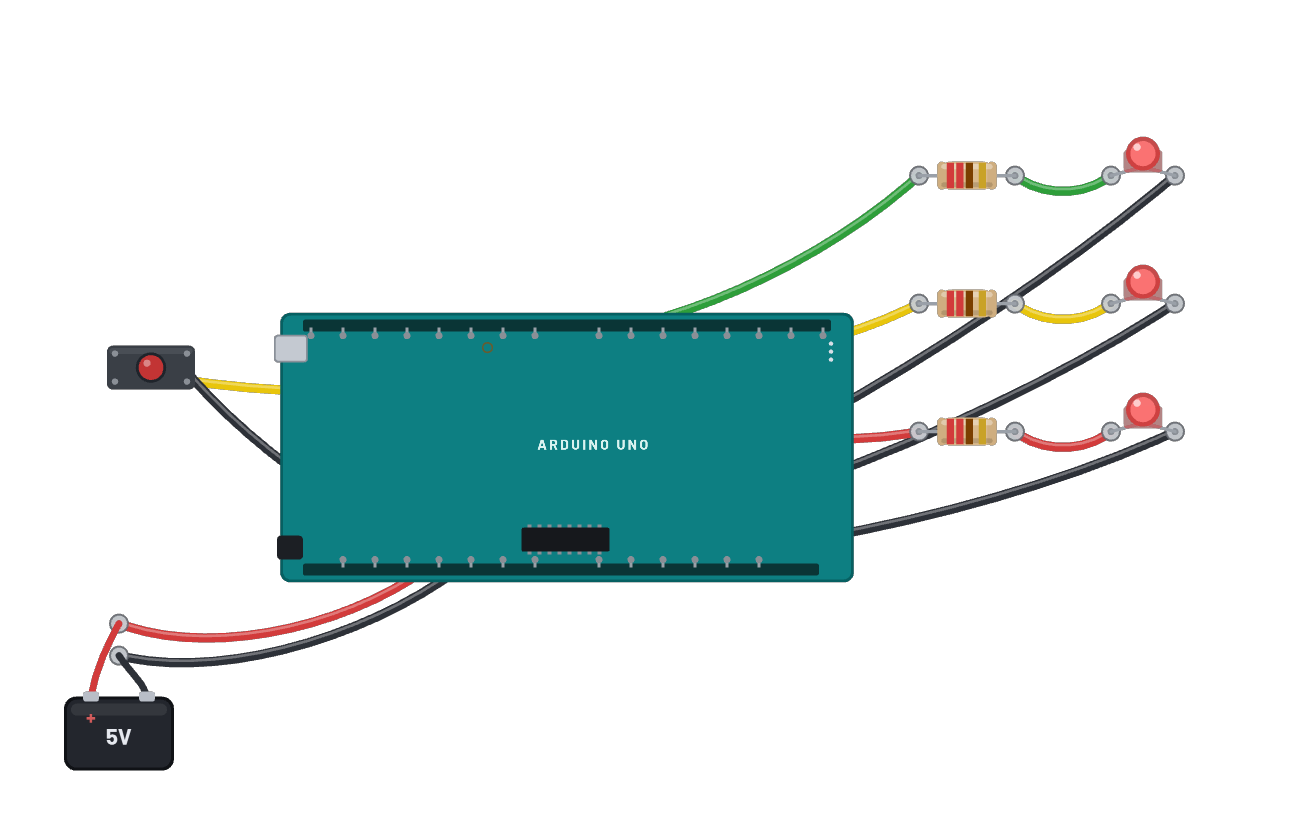
How it works
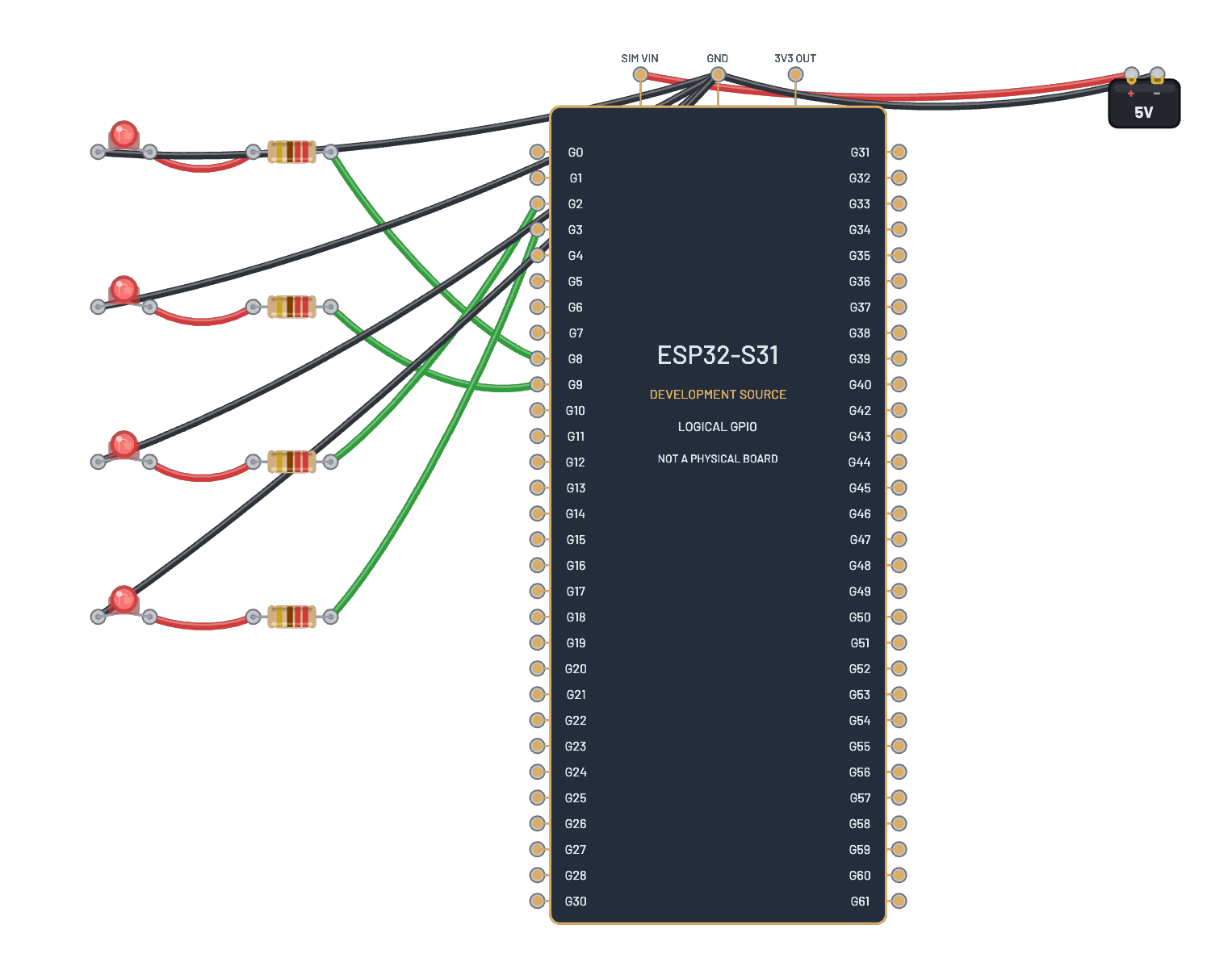
A reaction-timed die: hold the D2 button (INPUT_PULLUP, active-low) and the firmware cycles the face 1 through 6 every 50 ms, showing each value in binary on three LEDs (D8 = 1s, D9 = 2s, D10 = 4s). Release and whichever face you landed on is your roll, announced over serial. The randomness is you: 50 ms per face is too fast to time deliberately, which is exactly how the classic hardware version works.
What's on the bench
- 3× LED
- 3× Resistor
- Arduino Uno R3
- Battery
- Button
How it's wired
- Battery · pos→Arduino Uno R3 · 5v
- Battery · neg→Arduino Uno R3 · gnd
- Arduino Uno R3 · d8→Resistor · a
- Resistor · b→LED · a
- LED · k→Arduino Uno R3 · gnd2
- Arduino Uno R3 · d9→Resistor · a
- Resistor · b→LED · a
- LED · k→Arduino Uno R3 · gnd2
- Arduino Uno R3 · d10→Resistor · a
- Resistor · b→LED · a
- LED · k→Arduino Uno R3 · gnd2
- Button · a→Arduino Uno R3 · d2
- Button · b→Arduino Uno R3 · gnd2
The code
This Arduino C++ sketch lives in the Code tab; sign in and press Compile & upload to build real firmware for the emulated board.
// The same dice game as an Arduino sketch. Edit it, then Compile &
// upload (sign-in needed): the server builds real AVR firmware.
const int BUTTON_PIN = 2;
const int BIT_PINS[3] = {8, 9, 10};  // 1s, 2s, 4s

int face = 0;  // 0..5

void show(int value) {  // value 1..6 in binary on the LEDs
  for (int b = 0; b < 3; b++) digitalWrite(BIT_PINS[b], (value >> b) & 1);
}

void setup() {
  for (int b = 0; b < 3; b++) pinMode(BIT_PINS[b], OUTPUT);
  pinMode(BUTTON_PIN, INPUT_PULLUP);  // the button closes to ground
  Serial.begin(9600);
  Serial.println("Hold the button to spin  release to roll");
}

void loop() {
  if (digitalRead(BUTTON_PIN) == LOW) {
    while (digitalRead(BUTTON_PIN) == LOW) {  // spinning while held
      face = (face + 1) % 6;
      show(face + 1);
      delay(50);
    }
    Serial.print("Rolled ");
    Serial.println(face + 1);
  }
  delay(10);
}
Try this
- Hold to spin, release to roll, then read the three LEDs as a binary number.
- Check yourself against the serial line: 'Rolled 5' means 101: on, off, on.
- Try to land a six on purpose. (You will not, and that is the point.)
- Slow the spin to delay(300) in the sketch, Compile & upload, and now skill is real.